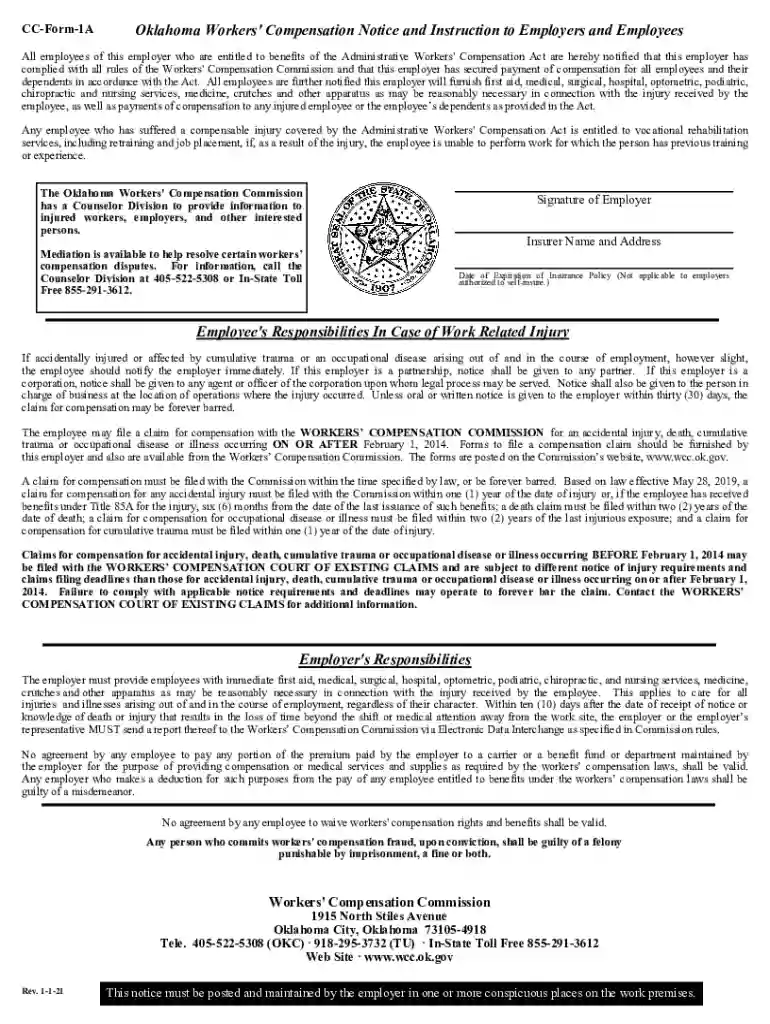
Definition and Meaning of Online Forms
Online forms are digital versions of paper forms that are used to collect information over the internet. These forms can include a variety of fields for input, such as text boxes, checkboxes, and dropdown menus, and are widely employed in numerous sectors for efficient data collection. Whether for business, education, or personal purposes, online forms streamline processes by enabling users to submit information quickly and easily from any location. The convenience of online forms eliminates the need for physical paperwork, thereby reducing both time and resources used in traditional data collection methods.
Steps to Complete a Form Online
Completing an online form typically involves several straightforward steps:
- Access the Form: Open the website or platform hosting the form, often via a direct link or through a search function.
- Read Instructions: Carefully review any guidelines or details provided before starting to fill out the form.
- Enter Information: Populate the respective fields with accurate information, ensuring each required field is completed.
- Review: Double-check your entries for accuracy, correcting any errors or omissions.
- Submit: Once satisfied with the completed form, submit it through the provided button or link; you may receive a confirmation message or email.
How to Obtain an Online Form
Online forms can be obtained in several ways, depending on their intended use or origin:
- Official Websites: Many organizations host downloadable forms on their official websites. For instance, government forms are often found on specific departmental sites.
- Email or Direct Links: Some forms are distributed via email attachments or specific URL links, typically sent by an organization to a wide audience or specific recipients.
- Search Engines: Typing the form name or function into a search engine often directs users to appropriate sources for obtaining the form.
- Document Management Software: Platforms like DocHub provide access to a range of online forms, where users can fill in, sign, and submit forms directly.
Why You Should Use Online Forms
There are various advantages to choosing online forms over traditional paper forms:
- Efficiency: Online forms streamline processes with quick data entry and submission from anywhere with internet access.
- Cost-Effectiveness: By eliminating the need for physical materials and storage, online forms can lead to significant cost savings.
- Accessibility: These forms are accessible on various devices, including smartphones, tablets, and desktops, enabling users to fill them out at their convenience.
- Accuracy: Online forms often feature validation checks to reduce errors during data entry, ensuring collected information is precise.
- Environmentally Friendly: With no paper involved, using online forms is a more sustainable choice, reducing the carbon footprint associated with paper production.
Legal Use of Online Forms
Online forms are increasingly adopted in legal contexts due to their convenience and speed. However, when legal compliance is involved, the following points are critical:
- Legally Binding Signatures: Electronic signatures on online forms are valid under laws such as the ESIGN Act, provided they meet specific criteria.
- Privacy and Data Protection: Online forms must comply with privacy regulations, including data protection laws, to ensure collected information is safely handled.
- Record Maintenance: Proper storage and management of submitted data are necessary to ensure accessibility and integrity for legal purposes.
- Consent and Acknowledgment: Users must be informed of the legal implications of submitted data and any terms they are agreeing to via the form.
Key Elements of an Online Form
Online forms generally feature several crucial components:
- Fields for Input: Including text boxes, dropdown menus, checkboxes, and more for comprehensive data collection.
- Instructions and Guidelines: Clear directions that help users accurately complete the form.
- Submission Button: Allows easy form submission once all data has been entered and reviewed.
- Validation Checks: Automated processes that ensure data accuracy and completeness before submission.
- Security Features: Encryption and authorization protocols to protect data during collection and storage.
Required Documents for Online Form Completion
Often, to complete certain online forms, additional documentation may be necessary:
- Identification: Scans or images of IDs may be required for verification purposes.
- Proof of Income or Status: Employment letters, tax returns, or other financial documents could be needed to support information entered in the form.
- Supporting Documents: Additional references or certificates may be required depending on the form's purpose.
State-Specific Rules for Online Forms
Particularly with government or legal forms, state-specific rules can influence how forms should be completed and submitted:
- Varying Requirements: Since regulations may differ by state, precise requirements must be adhered to when completing such forms.
- Local Guidelines: Certain states may have unique submission processes or required information specific to their legal framework.
- Resources and Assistance: Some states provide dedicated support or resources to assist users in completing and submitting these forms correctly.
Software Compatibility for Online Forms
When dealing with online forms, ensuring compatibility with software applications is vital:
- Document Editing: Forms may need to be edited in software like Adobe Acrobat or Google Docs.
- Storage Solutions: Forms can be saved in cloud services such as Google Drive or Dropbox for easy access and sharing.
- Integration with Tools: Some forms can directly integrate with accounting or tax software, streamlining data entry processes for applications like TurboTax or QuickBooks.