
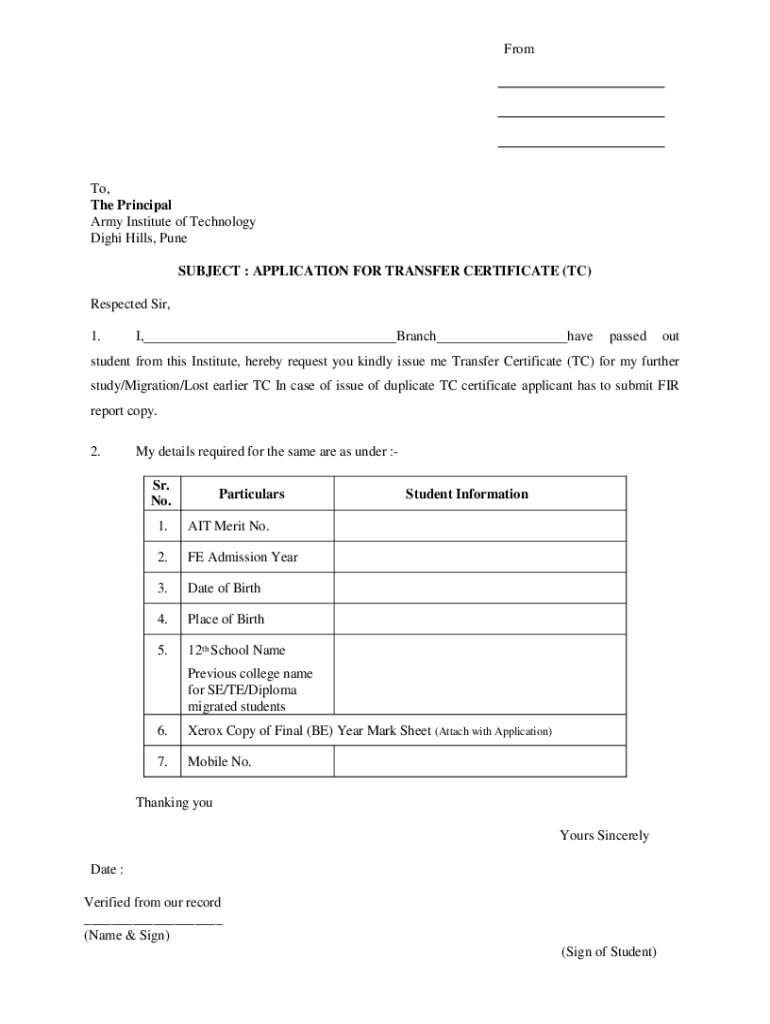







Definition and Meaning
"Form online" refers to the digital versions of forms that can be completed and submitted electronically, often via a website or application. This method replaces traditional paper forms, streamlining data collection and submission processes by leveraging digital technology. Forms online can vary in function, ranging from government tax forms to business applications and personal information questionnaires. They offer a more efficient and environmentally friendly alternative to paper forms, reducing the need for printing and physical storage.
How to Use the Form Online
Using online forms involves several steps to ensure the process is smooth and efficient. Typically, you begin by accessing the form through a dedicated website or platform that hosts the form online. From there:
- Access the Form: Navigate to the relevant website where the form is hosted. This could be a government site for tax forms or a business portal for applications.
- Fill Out the Form: Enter the required information in the provided fields, which may include text boxes, dropdown menus, and checkboxes.
- Review Your Entries: Before submitting, carefully review each section to ensure all information is accurate and complete.
- Submit the Form: Follow the submission process as directed, which usually involves clicking a submit button. Some platforms may provide a confirmation page or email to indicate successful submission.
- Track the Submission: Some online platforms offer tracking tools to monitor the status of your form submission.
Steps to Complete the Form Online
Completing a form online typically requires adherence to a structured process:
- Gather Required Information: Identify all necessary details or documents you’ll need beforehand, such as identification numbers or financial records.
- Enter Data Carefully: Input your information precisely in each designated area of the form. Take advantage of interactive fields that guide you through the data entry process.
- Verify Information: Check for any errors or omissions. Online platforms often have validation checks to prompt users if any fields are missed or incorrectly filled.
- Digitally Sign: Use digital signature tools if required. Most modern online forms support electronic signatures as a part of their workflow.
- Save or Print a Copy: Once submitted, save a digital copy of the completed form for your records. Some systems also allow you to print a confirmation page.
Legal Use of the Form Online
The legality of using forms online depends on compliance with relevant laws and regulations. In the United States, electronic forms must comply with laws such as the ESIGN Act, which ensures that electronic signatures and digital transactions are legally recognized. Forms must:
- Adhere to Industry Standards: Comply with legal requirements for data security, such as using SSL encryption for data protection.
- Include Legal Disclaimers: Clearly state terms and conditions to users, especially in cases involving consent or sensitive information.
Key Elements of the Form Online
An effective online form includes several key elements to enhance usability and compliance:
- Clear Instructions: Provides users with guidance on how to fill out each section.
- Interactive Fields: Use of text boxes, dropdowns, and checkboxes to facilitate data input.
- Validation Tools: Instant feedback on any errors during form filling to ensure completeness.
- Responsive Design: Compatibility with various screen sizes for mobile and desktop access.
- Privacy and Security Features: Assurance that personal data is protected through encryption and secure access protocols.
Examples of Using the Form Online
Practical applications for forms online are diverse and include:
- Government Applications: Filling federal or state tax forms, such as the IRS Form W-9, through official portals.
- Business Operations: Submitting expense reports or human resources forms within a corporate intranet.
- Educational Enrollment: Applying for college admissions or scholarships through an institution's website.
- Consumer Transactions: Completing purchase agreements or warranty registrations on retailer websites.
Required Documents
When completing a form online, you may need to upload or reference specific documents. These might include:
- Identification Proof: Such as a driver's license or Social Security card, especially for forms related to government services.
- Financial Records: Bank statements or pay stubs may be necessary for forms dealing with financial transactions or support verifications.
- Certification or Licenses: For professional forms, proof of certification or relevant licenses could be required.
Form Submission Methods (Online / Mail / In-Person)
While forms online are primarily submitted electronically, alternative submission methods include:
- Online: The most common method, allowing instant submission via the internet.
- Mail: Print the completed form and send it to the designated address. A preferred option for those without reliable internet access.
- In-Person: Submit a printed version directly to a physical office, providing an option for personal verification or consultation.
Software Compatibility
Online forms may be compatible with various software platforms to enhance functionality:
- Tax Software: Programs like TurboTax or QuickBooks can import and export completed forms for tax filing.
- Document Management Systems: Services such as Google Workspace or Dropbox enable users to collaborate on forms and store completed versions securely.
- PDF Editors: Applications that support PDF editing can help in filling and modifying forms before submission, ensuring better data management and presentation.




