



Here's how it works
How to use or fill out Suffolk County Pistol Permit with our platform

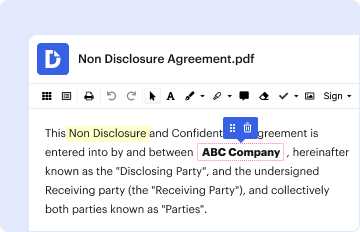
- Click ‘Get Form’ to open the Suffolk County Pistol Permit in the editor.
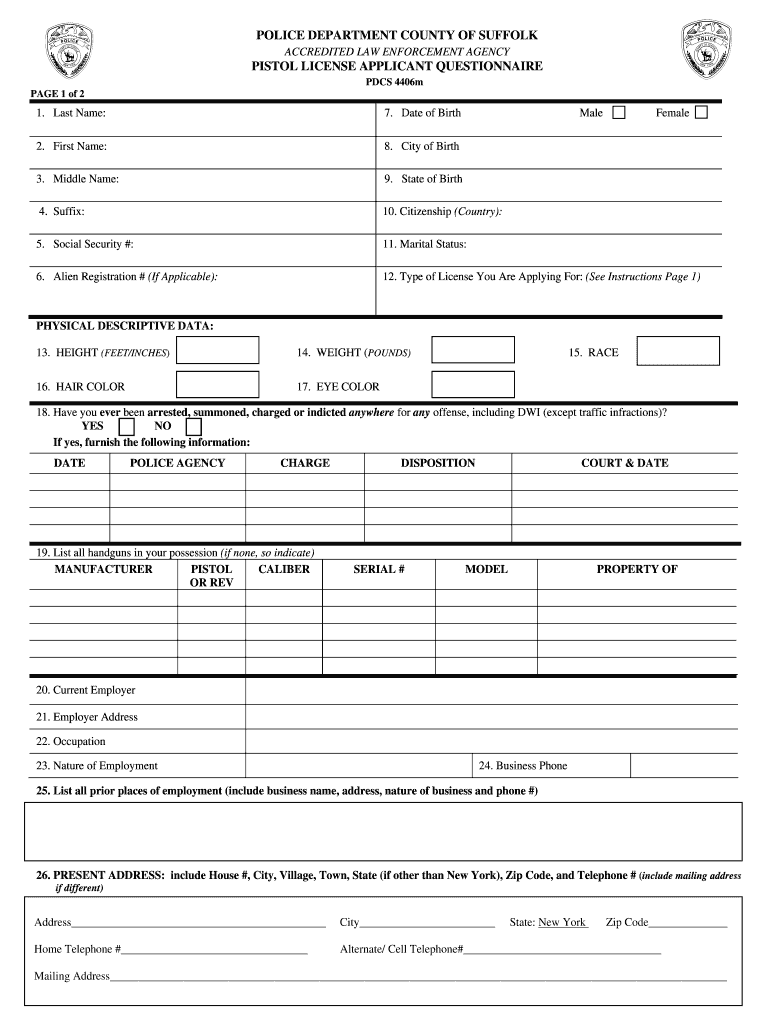
- Begin by filling in your personal information. Enter your last name, first name, middle name, and suffix as required in fields 1-4.
- Provide your date of birth and city/state of birth in fields 7-9. Ensure accuracy for identification purposes.
- Complete the citizenship and marital status sections (fields 10-11). This information is crucial for processing your application.
- In the Physical Descriptive Data section (fields 13-17), accurately input your height, weight, hair color, eye color, and race.
- Answer questions regarding any arrests or charges (field 18) and list all handguns you possess (fields 19).
- Fill out employment details including current employer and address (fields 20-24) to provide a complete background check.
- Complete the residence history and character references sections (fields 27-36) ensuring all information is clear and legible.
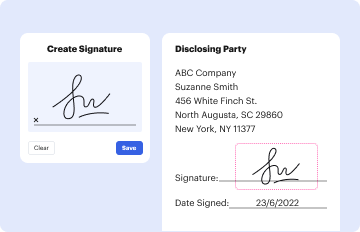
- Finally, review all entries for accuracy before signing at the bottom of the form. Use our platform’s tools to ensure everything is correct.
Start using our platform today to fill out your Suffolk County Pistol Permit easily and for free!
It's free
Got questions?
What do I need to sign my suffolk county pistol permit application online electronically?
Electronic document approval demands a software solution that works in compliance with data protection and eSignature standards. DocHub is an excellent tool for that, because it fulfills all the previously mentioned requirements. Whatever method you prefer to sign your suffolk county pistol permit application online in DocHub, your electronic signature will be legally binding and court-admissible.
Can I print my suffolk county pistol license and complete it on my own?
When you go for analog ways of completing your suffolk county pistol license, it is simple to download your file for printing. Search DocHub’s Forms & Templates catalog to get the exact file template you require and open it for editing or download it on your device in the format of your choice. It is possible to complete your form electronically and put your handwritten signature on it after printing or eSign your file with DocHub.
Security and compliance
At DocHub, your data security is our priority. We follow HIPAA, SOC2, GDPR, and other standards, so you can work on your documents with confidence.
Learn more