Type text, add images, blackout confidential details, add comments, highlights and more.
02. Sign it in a few clicks
Draw your signature, type it, upload its image, or use your mobile device as a signature pad.
03. Share your form with others
Send i 566 form via email, link, or fax. You can also download it, export it or print it out.
How to use or fill out i566 form with our platform
Ease of Setup
DocHub User Ratings on G2
Ease of Use
DocHub User Ratings on G2
Click ‘Get Form’ to open the i566 form in the editor.
Begin with Part 1, providing your personal information. Fill in your family name, home address, and contact details clearly. Use capital letters and ensure accuracy.
Move to Part 2 if you are a dependent. Here, provide information about the principal alien, including their status and identification numbers.
In Part 3, check the appropriate boxes that apply to your request for employment authorization or change of status.
Complete Part 4 by signing and dating the form. Remember that both copies must have original signatures.
Finally, review all sections for completeness before submitting your form along with any required supporting documents.
Start using our platform today to fill out your i566 form easily and for free!
You must obtain and complete a Form I-566 which will be signed off on by a representative of the Department of State. Each embassy and/or internationalRead more
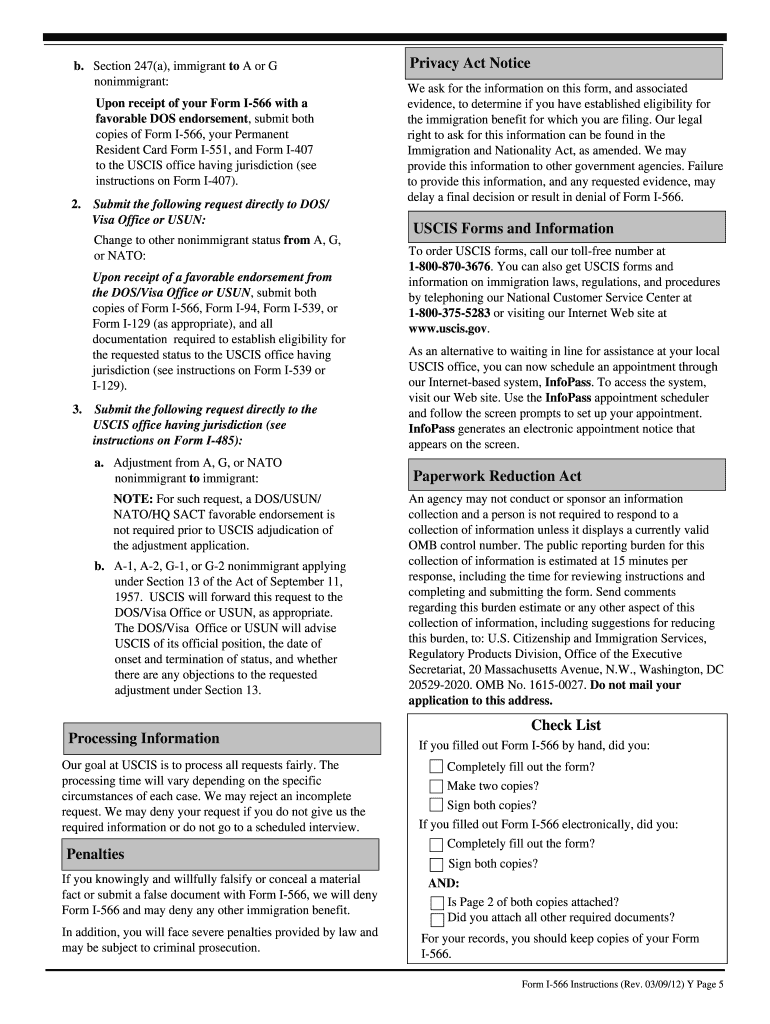
Form I-566, Interagency Record of Request - A, G, or NATO
Jan 20, 2025 NOTE: Form I-566 is not required if you have changed from. A, G, or NATO nonimmigrant status to asylum (protected) status. Part 3. Type ofRead more
The activated transcription factor must form a stable complex with the promoter DNA to drive downstream gene transcription. 2024 Jun 28;40(Suppl 1):i558-i566.Read more
Cookie consent notice
This site uses cookies to enhance site navigation and personalize your experience.
By using this site you agree to our use of cookies as described in our Privacy Notice.
You can modify your selections by visiting our Cookie and Advertising Notice.