




01. Edit your onetouch logbook free online
Type text, add images, blackout confidential details, add comments, highlights and more.

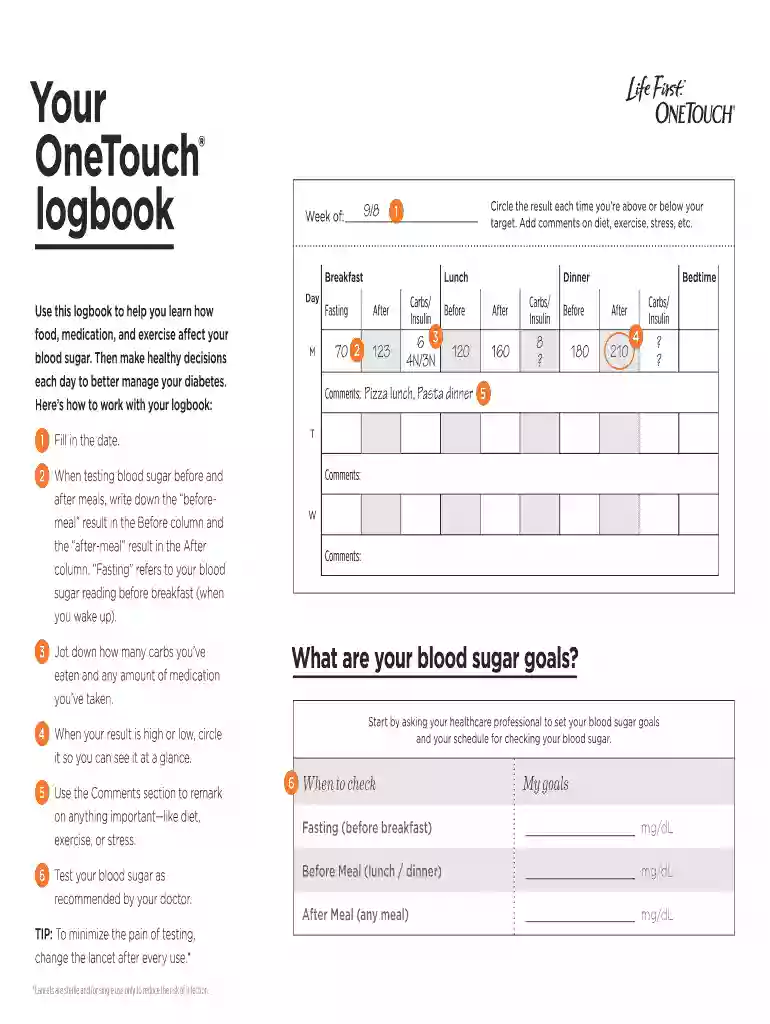
Type text, add images, blackout confidential details, add comments, highlights and more.

Draw your signature, type it, upload its image, or use your mobile device as a signature pad.

Send diabetes log book via email, link, or fax. You can also download it, export it or print it out.

Start using our platform today to effortlessly manage your one touch logbook online for free!
At DocHub, your data security is our priority. We follow HIPAA, SOC2, GDPR, and other standards, so you can work on your documents with confidence.
Carrying case has OneTouch Profile embossed on the front. Logbook has a gray and white cover with blue print and white pages with blue print on the inside.Read more
by A Rao 2010 Cited by 117 Over the years, data management options have evolved from a simple logbook to a feature-rich Blackberry or iPhone (Table 1). Supports One Touch Ultra andRead more
Touch log dose to save to your Logbook and take your dose . Your dose is only saved to the Logbook if you touch log dose . Note: The total dose is roundedRead more


