




Here's how it works

01. Edit your putative father registry missouri online
Type text, add images, blackout confidential details, add comments, highlights and more.

02. Sign it in a few clicks
Draw your signature, type it, upload its image, or use your mobile device as a signature pad.

03. Share your form with others
Send missouri putative father registry via email, link, or fax. You can also download it, export it or print it out.
How to use or fill out Missouri Putative Father Registry with DocHub

- Click ‘Get Form’ to open the Missouri Putative Father Registry in our editor.
- Begin with Section One, where you will provide the child's information. Fill in the child's name, date of birth, place of birth, and hospital of birth accurately.
- Next, enter the mother's information by providing her full name and maiden name.
- Complete the father's information section by entering his full name.
- Indicate the requesting agency's details, including the agency cause number and the name of the requesting agent along with their title.
- Sign and date the form as the requesting agent. If applicable, specify your relationship to the child or check if you are an intermediary.
- Review all entered information for accuracy before submitting your request to ensure a smooth process.
Start using our platform today to fill out your Missouri Putative Father Registry form online for free!
Fill out missouri putative father registry online
It's free
It's free
Security and compliance
At DocHub, your data security is our priority. We follow HIPAA, SOC2, GDPR, and other standards, so you can work on your documents with confidence.
Learn more


Related forms

Taxpayer Information Update Form
The document is a Taxpayer Information Update Form for businesses operating in Los Angeles. It requires businesses to re ...
SRPMIC Monthly Tax Return
The document is a tax return form for the Salt River Pima-Maricopa Indian Community, detailing various tax categories in ...
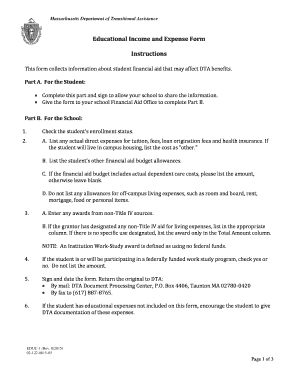
Massachusetts Educational Income and Expense Form
The document is an Educational Income and Expense Form from the Massachusetts Department of Transitional Assistance, des ...
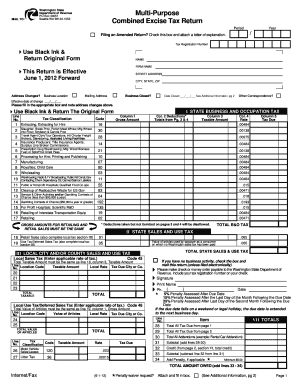
Washington State Combined Excise Tax Return
The document is a Multi-Purpose Combined Excise Tax Return form for the Washington State Department of Revenue. It provi ...

DUNS Number Application Form
The document is a DUNS® Number Application Form for obtaining a D&B D-U-N-S Number, a unique nine-digit identifier for b ...

Louisiana School Entrance and General Health Exam Form
The document is a comprehensive health examination form required by the State of Louisiana for school entrance and parti ...
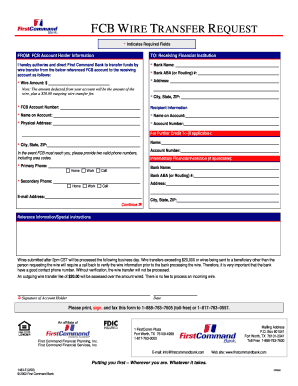
FCB Wire Transfer Request Form
The document is a wire transfer request form for First Command Bank, requiring account holder information, recipient det ...

Chile Customs Vehicle Import Benefit Application
The document is a request form for the benefit of a specific customs tariff item related to the importation of a vehicle ...