
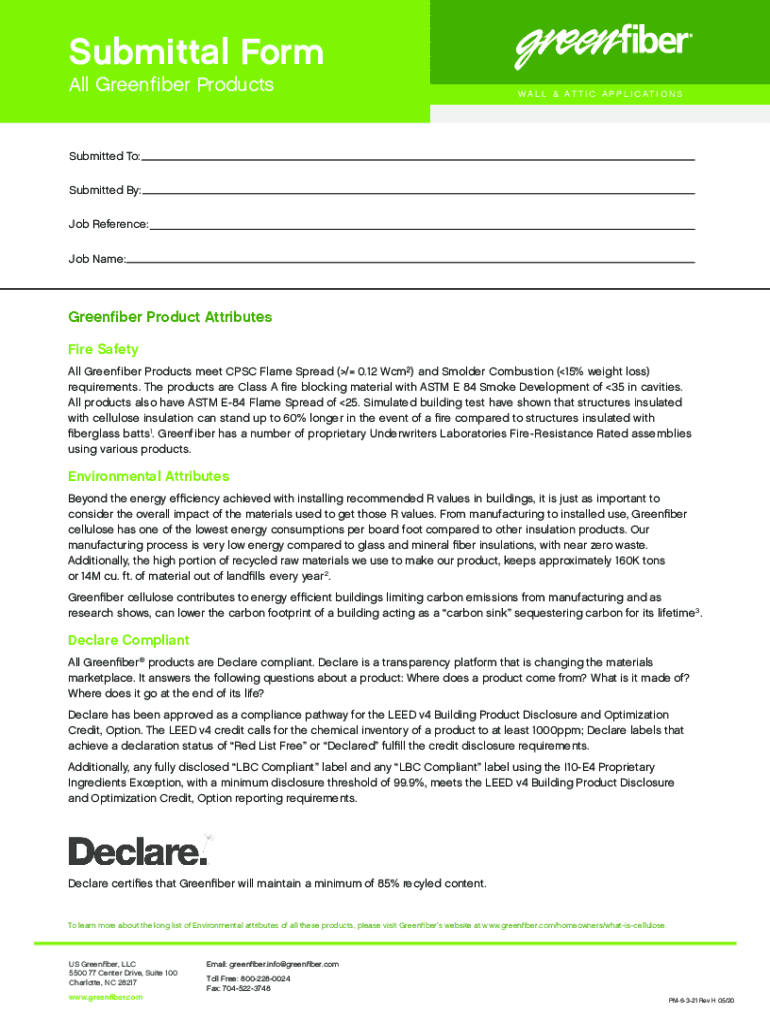







Definition and Importance of Online Forms
Online forms are digital documents designed to collect and process information efficiently over the internet. They replace traditional paper forms, offering a streamlined solution for data collection. These forms encompass a wide range of formats, from registration pages to complex legal agreements, and are commonly used in a variety of sectors like finance, healthcare, and education.
- Convenience: Users can complete forms from anywhere, eliminating geographic barriers.
- Efficiency: Speeds up data collection and reduces manual entry errors.
- Accessibility: Designed for use on multiple devices, ensuring broader accessibility for users.
How to Use a Form Online
Using an online form involves a set of straightforward steps designed to ensure the process is intuitive, regardless of the user's technical expertise. Follow these steps to fill out an online form accurately:
- Access the Form: Navigate to the appropriate website or platform hosting the form.
- Review Instructions: Carefully read any guidelines or help text provided.
- Complete Required Fields: Enter information in all mandatory fields, marked with asterisks (*).
- Submit the Form: Once completed, click the submit button to send your responses.
Common Issues
- Incomplete Submissions: Double-check all fields to ensure information is accurately entered.
- Technical Glitches: Ensure your internet connection is stable and that you're using a compatible browser.
Steps to Complete a Form Online
Completing an online form typically involves the following procedural breakdown, ensuring accuracy and completeness:
-
Preparation:
- Gather all necessary documents and information in advance.
- Verify the compatibility of your device or software for filling the form.
-
Input Process:
- Enter details in the specified order, as some forms might have logic that verifies entries.
- Use dropdowns, checkboxes, and radio buttons as required for specific answers.
-
Verification:
- Review all entries for correctness.
- Use any available form review tools to cross-check details.
-
Submission:
- Submit the form before the deadline, if applicable.
- Keep a copy of your submission confirmation for future reference.
Possible Hurdles
- Incorrect Data: Recheck any numerical entries to prevent errors.
- Form Validation Errors: Address any errors flagged by the system before submission.
Why Opt for Online Forms
Online forms represent a significant advancement in digital interactions, offering substantial benefits over traditional methods:
- Cost Savings: Reduces expenses associated with paper forms, like printing and postage.
- Environmentally Friendly: Minimizes the need for paper, supporting sustainability initiatives.
- Data Integrity: Automated systems improve data accuracy and reduce the likelihood of human error.
Who Typically Uses Online Forms
A diverse set of users find online forms beneficial, spanning personal, business, and institutional needs:
- Small Businesses: Streamline operations with easy access to customer data and survey responses.
- Educational Institutions: Manage enrolments and feedback efficiently.
- Healthcare Providers: Collect patient information securely and accurately.
Key Elements of Online Forms
Online forms are composed of several essential components that ensure they function effectively:
- User-Friendly Interface: Simple and intuitive layout for easy navigation.
- Validation Features: Checks for data accuracy and completeness before submission.
- Responsive Design: Adapts seamlessly to various screen sizes, enhancing accessibility.
Security Measures
- Data Encryption: Protects user data during transmission.
- Prioritization of Privacy: Ensures compliance with data protection regulations.
Legal Use of Online Forms
Understanding the legal aspects of online forms is crucial to ensure compliance and legitimacy:
- Electronic Signatures: Legally binding under acts like the ESIGN Act in the United States.
- Data Protection: Forms must comply with privacy laws such as GDPR or CCPA, depending on the location.
Software Compatibility and Integration
Compatibility with software and platforms ensures that online forms can be seamlessly integrated into existing digital workflows:
- Integration with Google Workspace: Facilitate direct imports and exports with Google Drive and Gmail.
- Support for Various File Formats: Forms can handle files like PDF, DOC, and XLS, enhancing flexibility.
Common Software Connections
- Accounting Software: Integration with platforms like QuickBooks for financial forms.
- CRM Systems: Sync customer data for improved business relationships.
By understanding these aspects of online forms, users can leverage their full potential for improved efficiency and effectiveness in data management.


