Home.nps.gov feha planyourvisitApplication for Special Park Uses (Form 10-930) - home.nps.gov 2025

Get Form
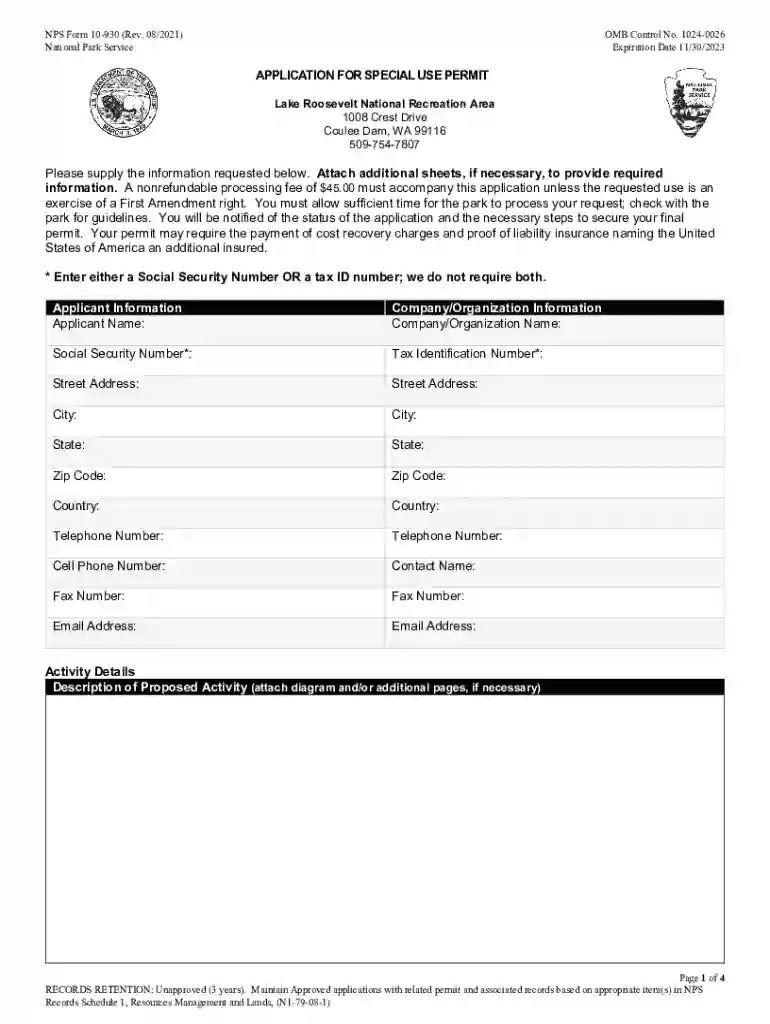
home.nps.gov feha planyourvisitApplication for Special Park Uses (Form 10-930) - home.nps.gov Preview on Page 1

Here's how it works

01. Edit your form online
Type text, add images, blackout confidential details, add comments, highlights and more.

02. Sign it in a few clicks
Draw your signature, type it, upload its image, or use your mobile device as a signature pad.

03. Share your form with others
Send it via email, link, or fax. You can also download it, export it or print it out.

How to use or fill out home.nps.gov feha planyourvisitApplication for Special Park Uses (Form 10-930) - home.nps.gov with our platform

Form edit decoration
9.5
Ease of Setup
DocHub User Ratings on G2
9.0
Ease of Use
DocHub User Ratings on G2
  1. Click ‘Get Form’ to open it in the editor.
  2. Begin by filling out the Applicant Information section. Enter your name, company or organization name, and contact details including your Social Security Number or Tax Identification Number.
  3. In the Activity Details section, provide a clear description of your proposed activity. If necessary, attach diagrams or additional pages for clarity.
  4. Complete the Location Details by specifying the requested location for your activity.
  5. Fill in the Equipment Details section by listing all support equipment you plan to use. Attach additional pages if needed.
  6. Specify timing details including set-up, activity start and end times, and removal completion times.
  7. If applicable, provide information about vehicles and participants, including a parking plan if using any vehicles.
  8. Answer all Activity Questions truthfully to ensure proper evaluation of your permit request.
  9. Finally, review all entered information for accuracy before signing and submitting the application along with the required fee.

Start using our platform today to streamline your application process for free!

See more home.nps.gov feha planyourvisitApplication for Special Park Uses (Form 10-930) - home.nps.gov versions

We've got more versions of the home.nps.gov feha planyourvisitApplication for Special Park Uses (Form 10-930) - home.nps.gov form. Select the right home.nps.gov feha planyourvisitApplication for Special Park Uses (Form 10-930) - home.nps.gov version from the list and start editing it straight away!
Versions Form popularity Fillable & printable
2021 4.4 Satisfied (39 Votes)
2017 4.4 Satisfied (50 Votes)
2013 4.8 Satisfied (142 Votes)
2000 4 Satisfied (38 Votes)
be ready to get more

Complete this form in 5 minutes or less

Get form

Got questions?

We have answers to the most popular questions from our customers. If you can't find an answer to your question, please contact us.
Contact us

Approving paperwork on a mobile device is fast, simple, and doesn’t require software installation if you have an account with DocHub. Log in from any browser, fill in your empty fields with your information, and click on Sign → Create your signature. You can draw your electronic signature just as you usually do on paper, add its image to your home.nps.gov feha planyourvisitApplication for Special Park Uses (Form 10-930) - home.nps.gov, or type in your name and stylize its look. Whatever option you select, your documentation will be valid.

You may find and edit your home.nps.gov feha planyourvisitApplication for Special Park Uses (Form 10-930) - home.nps.gov online by using DocHub. Its straightforward but feature-rich design allows you to begin effective work right after you sign up your account. Create your account and add your document, then our user interface will guide you through our stress-free form completion experience.

be ready to get more

Complete this form in 5 minutes or less

Get form