
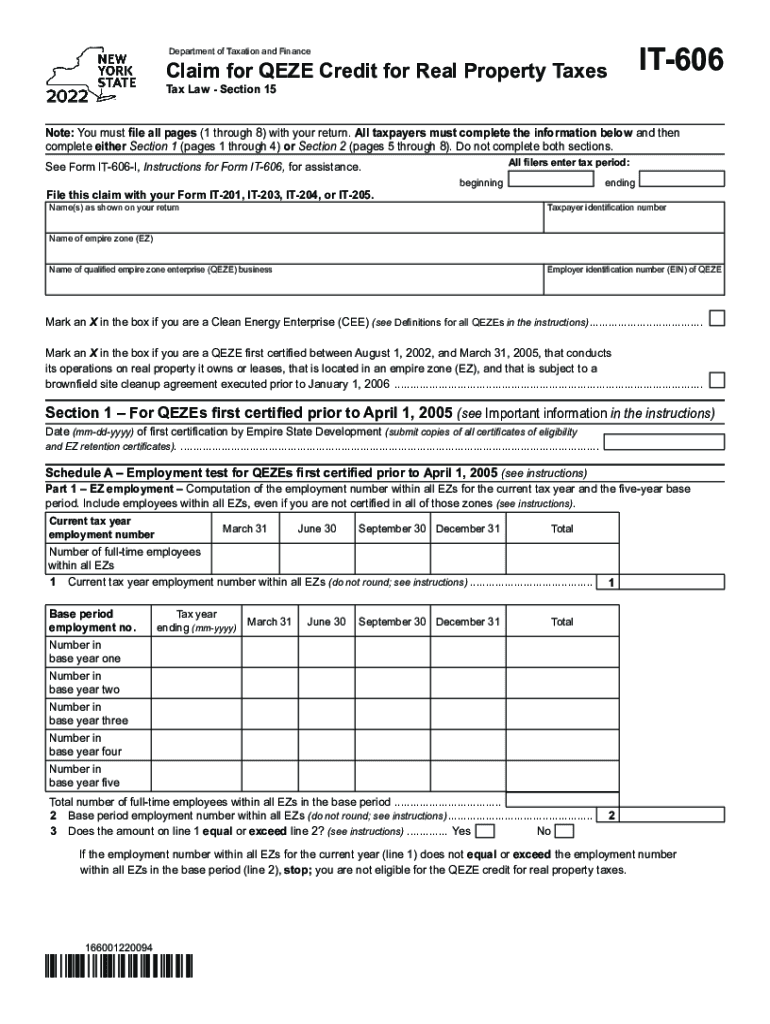




Here's how it works



How to use or fill out Form IT-239 Claim for Credit for Taxicabs and Livery Service Vehicles Accessible to Persons with Disabilities Tax Year 2022

- Click ‘Get Form’ to open it in the editor.
- Begin by entering your name(s) as shown on your tax return and your taxpayer identification number at the top of the form.
- In Section A, provide details about the taxicab or livery service vehicle, including its make, model, and year. Ensure all information is accurate to avoid processing delays.
- Complete Section B by indicating whether the vehicle is accessible to persons with disabilities. This section may require additional documentation, so be prepared to upload any necessary files.
- In Section C, calculate the credit amount based on the number of eligible vehicles you operate. Follow the instructions carefully to ensure correct calculations.
- Finally, review all entries for accuracy before submitting. Use our platform’s features to sign and save your completed form securely.
Start using our editor today for free and streamline your form completion process!
It's free
See more Form IT-239 Claim for Credit for Taxicabs and Livery Service Vehicles Accessible to Persons with Disabilities Tax Year 2022 versions
Got questions?
Can I sign my Form IT-239 Claim for Credit for Taxicabs and Livery Service Vehicles Accessible to Persons with Disabilities Tax Year 2022 electronically?
As outlined by eSignature laws, documents approved digitally have the same validity as those approved with pen and paper. You can eSign almost any business and private documentation. Four types of paperwork still call for handwritten signatures only - wills and testamentary trusts, court orders and other court forms, state statutes regulating divorce, adoption, or other family law, and notice of cancellation of utility services. If you adhere to the guidelines and use a safe and compliant software solution, like DocHub, you can eSign your Form IT-239 Claim for Credit for Taxicabs and Livery Service Vehicles Accessible to Persons with Disabilities Tax Year 2022 without printing it.
How do you create an e-signature for the Form IT-239 Claim for Credit for Taxicabs and Livery Service Vehicles Accessible to Persons with Disabilities Tax Year 2022 on iOS?
Apart from a comprehensive toolset for editing PDFs on mobile devices, DocHub allows you to sign your Form IT-239 Claim for Credit for Taxicabs and Livery Service Vehicles Accessible to Persons with Disabilities Tax Year 2022 along the way. Open our editor in your browser, make modifications using DocHub’s toolset, and finish your editing by eSigning the finished form.
Security and compliance
At DocHub, your data security is our priority. We follow HIPAA, SOC2, GDPR, and other standards, so you can work on your documents with confidence.
Learn more


