




01. Edit your form online
Type text, add images, blackout confidential details, add comments, highlights and more.

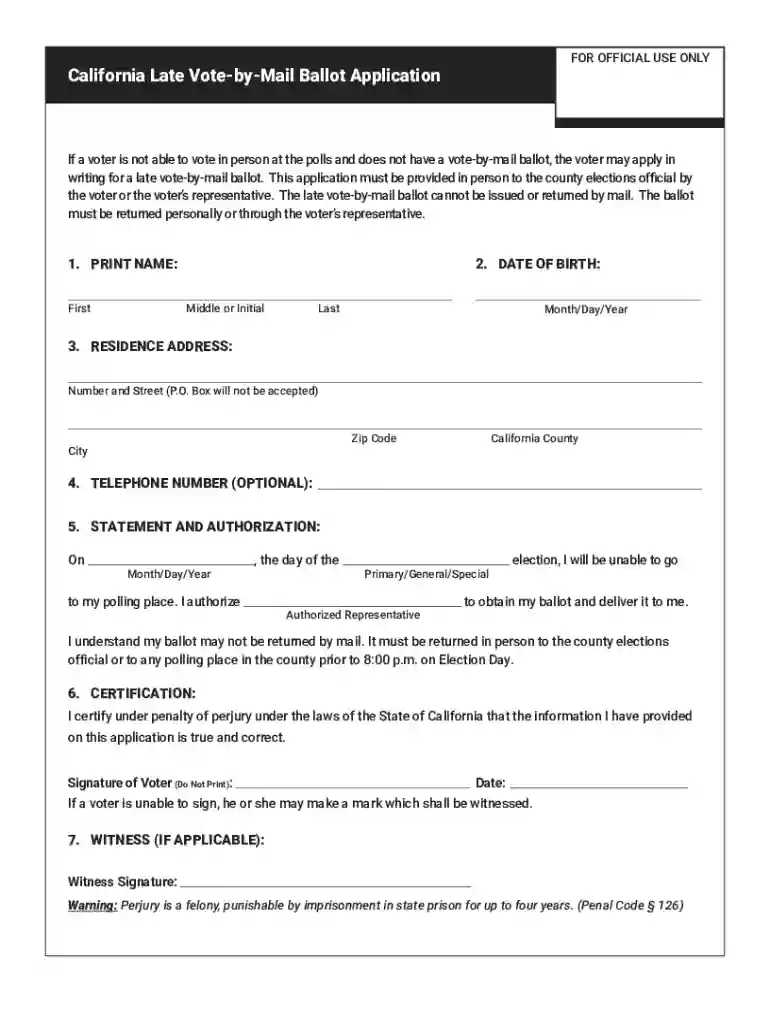
Type text, add images, blackout confidential details, add comments, highlights and more.

Draw your signature, type it, upload its image, or use your mobile device as a signature pad.

Send it via email, link, or fax. You can also download it, export it or print it out.

Start filling out your Late Vote by Mail Application today for free using our platform!
We've got more versions of the Late Vote by Mail Application. Late Vote by Mail Application form. Select the right Late Vote by Mail Application. Late Vote by Mail Application version from the list and start editing it straight away!
| Versions | Form popularity | Fillable & printable |
|---|---|---|
| 2022 | 4.8 Satisfied (59 Votes) |
With DocHub, it’s pretty simple. The platform offers users an add-on called DocHub for Gmail, which you can locate in the Google Workspace Marketplace free of charge. Install it and give it access to your Google account. Open your email with your Late Vote by Mail Application. Late Vote by Mail Application attached and click on the add-on button in the right-side panel. Sign in to your DocHub account, and import the file to our editor, where you can complete it and sign.
If you edit your Late Vote by Mail Application. Late Vote by Mail Application with DocHub, you will not need to look for other applications or solutions to sign it. An electronic signature is a component of DocHub’s substantial editing toolset, which enables you to implement changes in your form without jumping between platforms. Simply complete your form, double-check the correctness of your information and put your electronic signature at the end to make it submission-ready in minutes.
At DocHub, your data security is our priority. We follow HIPAA, SOC2, GDPR, and other standards, so you can work on your documents with confidence.
For the General Election. October 25 November 2, 2025 Early voting sites and times in Onondaga County; October 25, 2025 Voter registration deadline inRead more
Return your ballot to a ballot drop box. Your ballot must be returned to a ballot drop box by 8 p.m. on Election Day. Plan ahead to avoid lines.


