




01. Edit your form online
Type text, add images, blackout confidential details, add comments, highlights and more.

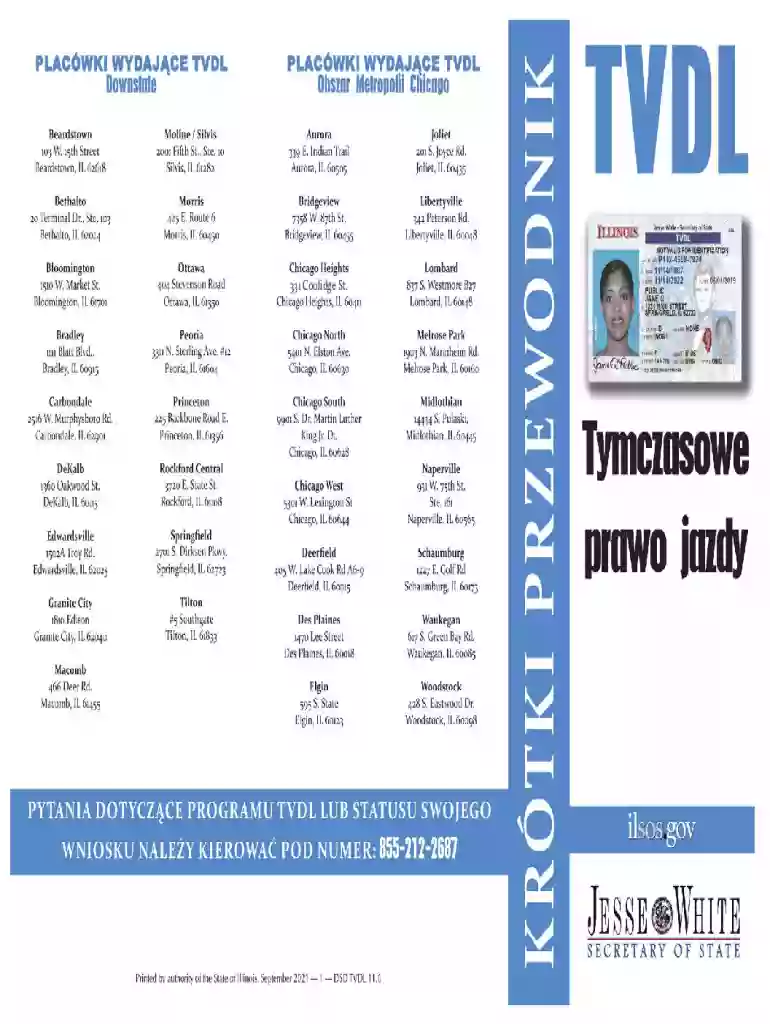
Type text, add images, blackout confidential details, add comments, highlights and more.

Draw your signature, type it, upload its image, or use your mobile device as a signature pad.

Send it via email, link, or fax. You can also download it, export it or print it out.

Start using our platform today for free and streamline your document editing experience!
We've got more versions of the CENTRAL SERVICES DIVISION Office of the Secretary of State ... form. Select the right CENTRAL SERVICES DIVISION Office of the Secretary of State ... version from the list and start editing it straight away!
At DocHub, your data security is our priority. We follow HIPAA, SOC2, GDPR, and other standards, so you can work on your documents with confidence.
Department of State. Official FOIA page FOIA Portal for requests. FOIA address for requests: U. S. Department of State Office of Information Programs andRead more
Central Services Division (Chapter 111) Land Survey Division (Chapter 40) State Procurement Office. State regulations are updated quarterly; weRead more
Central Services Division Address: 729 Kakoi Street, Honolulu, HI 96819 Phone: (808) 831-6733 Fax: (808) 831-6750 Hours of Operation: Monday - Friday from 7:45


