




Here's how it works

01. Edit your dochub com fillable form online
Type text, add images, blackout confidential details, add comments, highlights and more.

02. Sign it in a few clicks
Draw your signature, type it, upload its image, or use your mobile device as a signature pad.

03. Share your form with others
Send i 912 form pdf via email, link, or fax. You can also download it, export it or print it out.
How to use or fill out form I-912 instructions with our platform

- Click ‘Get Form’ to open it in the editor.
- Begin by filling out Part 1, selecting the basis for your fee waiver request. You can choose one or more options that apply to your situation.
- In Part 2, provide your personal information including your full name, Alien Registration Number (if applicable), and date of birth. Ensure all details are accurate.
- Complete Part 3 by listing the applications and petitions for which you are requesting a fee waiver. Include the form numbers and total number of requests.
- For Parts 4 through 6, provide information regarding means-tested benefits, household income, and any financial hardships you may be experiencing. Attach supporting documentation as needed.
- In Part 7, ensure you sign and date the request. If applicable, have a parent or legal guardian sign on behalf of minors.
- Review all sections for completeness before submitting your form along with any required applications or petitions.
Start using our platform today to simplify your form completion process for free!
Fill out form 1 912 instructions online
It's free
It's free
See more form 1 912 instructions versions
We've got more versions of the form 1 912 instructions form. Select the right form 1 912 instructions version from the list and start editing it straight away!
Security and compliance
At DocHub, your data security is our priority. We follow HIPAA, SOC2, GDPR, and other standards, so you can work on your documents with confidence.
Learn more


Related forms
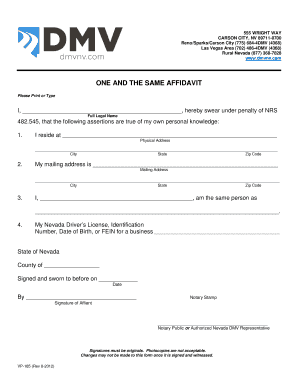
Nevada One and the Same Affidavit
The document is an affidavit form used in Nevada, titled 'One and the Same Affidavit.' It requires individuals to declar ...
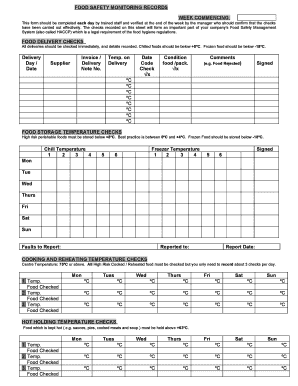
Food Safety Monitoring Records Form
The document outlines the procedures and records required for food safety monitoring within a food establishment. It inc ...
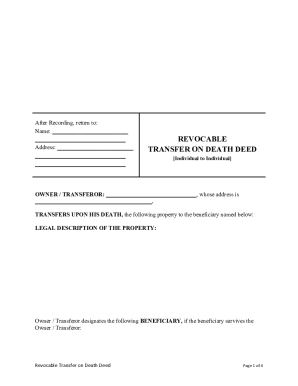
Transfer on death deed nebraska form
The document is a Revocable Transfer on Death Deed for the state of Nebraska, allowing an individual to transfer propert ...

Adventist Health Referral Request
The document is an Adventist Health Referral Request form designed for healthcare providers to refer patients for specia ...

Income Withholding for Support Form
The document provides detailed instructions for completing the Income Withholding for Support (IWO) form, which is used ...

Arizona POLST Form
The document outlines the Provider Orders for Life-Sustaining Treatment (POLST), which allows patients, particularly tho ...
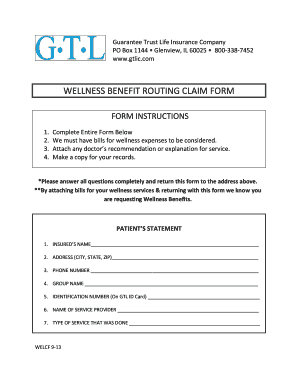
Wellness Benefit Routing Claim Form
The document is a Wellness Benefit Routing Claim Form from Guarantee Trust Life Insurance Company, providing instruction ...

Rock Paper Scissors Probability Form
The document provides a structured activity for analyzing the game of Rock Paper Scissors, including recording player th ...