



Here's how it works



How to use or fill out jv wardship spanish download with our platform

- Click ‘Get Form’ to open the jv wardship Spanish download in the editor.
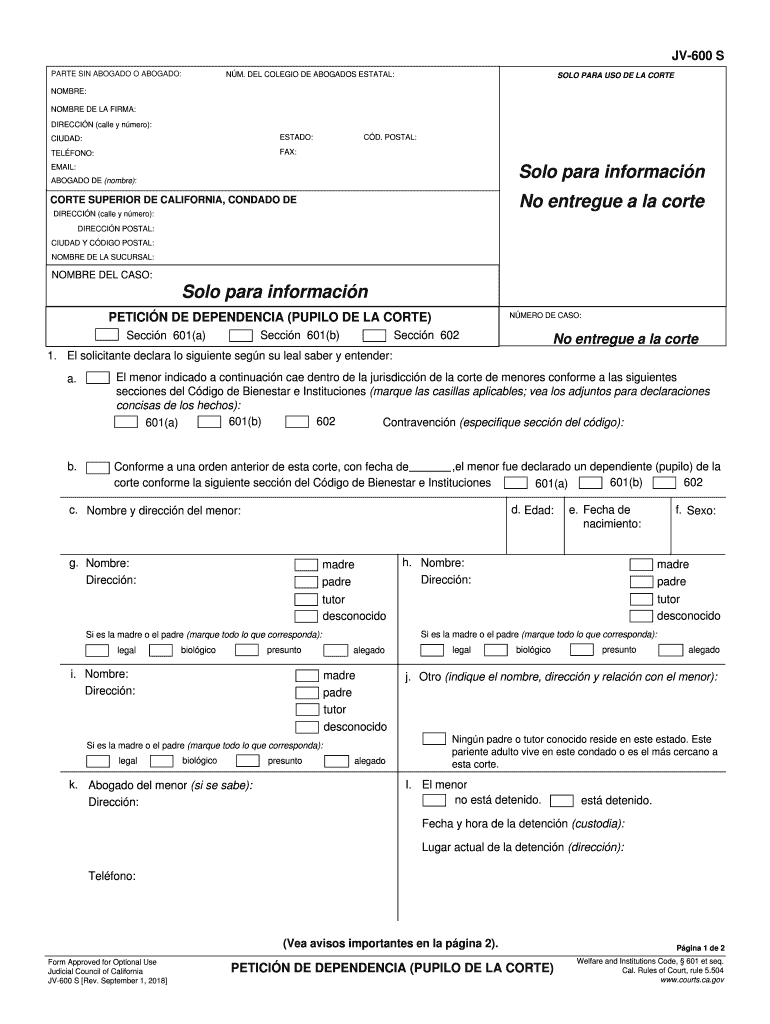
- Begin by filling in your personal information at the top of the form, including your name, address, and contact details. Ensure accuracy as this information is crucial for court communication.
- Proceed to the section labeled 'PETICIÓN DE DEPENDENCIA'. Here, you will need to indicate whether the minor falls under specific sections of the Welfare and Institutions Code by checking the appropriate boxes.
- In the subsequent fields, provide detailed information about the minor, including their name, age, and current custody status. Be sure to include any relevant details regarding their parents or guardians.
- Finally, review all entries for completeness and accuracy before signing. Once satisfied, you can save or print your completed form directly from our platform.
Start using our platform today for free to streamline your document editing and form completion!
It's free
See more jv wardship spanish download versions
Got questions?
Can I complete and sign my jv wardship spanish download online?
Sure, and it’s really easy! DocHub is an online PDF editor with advanced document management functions that allow you promptly edit your forms, fill out blank fields and drop new ones for others to fill out, and create eSignatures in several ways. Upload your jv wardship spanish download, give information as requested, and select how you want to eSign your template - by typing your name, drawing your signature, uploading its image, or utilizing a QR code.
How do you edit jv wardship spanish download on iOS?
You can easily edit and complete your jv wardship spanish download on any iOS gadget. Open an internet browser of your liking, go to the DocHub site, authorize or create a new account, upload your file for editing, and make your required changes. Our service is mobile-friendly, so using its features on your phone will be a no-brainer, even on the first try.
Security and compliance
At DocHub, your data security is our priority. We follow HIPAA, SOC2, GDPR, and other standards, so you can work on your documents with confidence.
Learn more


Related forms