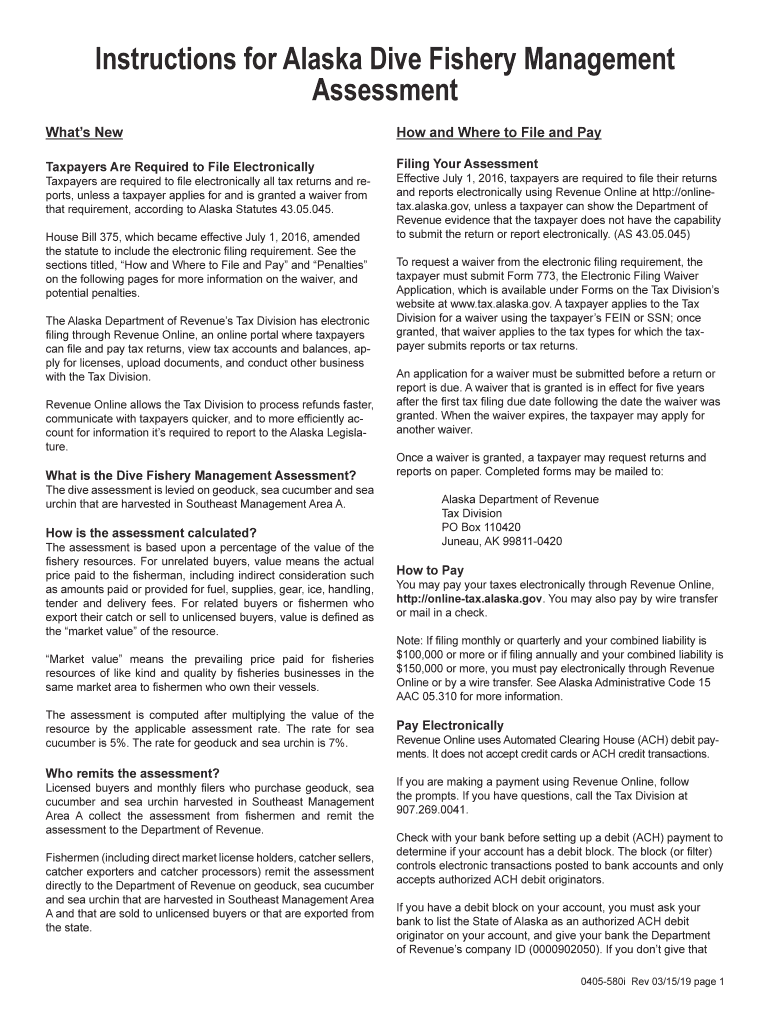
2019 AK 580i-2026

Get Form
2019 AK 580i Preview on Page 1

Here's how it works

01. Edit your form online
Type text, add images, blackout confidential details, add comments, highlights and more.
02. Sign it in a few clicks
Draw your signature, type it, upload its image, or use your mobile device as a signature pad.
03. Share your form with others
Send it via email, link, or fax. You can also download it, export it or print it out.

How to use or fill out 2019 AK 580i with our platform

Form edit decoration
9.5
Ease of Setup
DocHub User Ratings on G2
9.0
Ease of Use
DocHub User Ratings on G2
  1. Click ‘Get Form’ to open the 2019 AK 580i in the editor.
  2. Begin by identifying your status as a Licensed Buyer, Monthly Filer, or Fisherman. Check the appropriate box at the top of the form.
  3. Fill in the quarter and year for which you are reporting. Ensure that you select the correct period to avoid penalties.
  4. For Licensed Buyers, report the total pounds purchased and their corresponding value. Use the assessment rates (5% for sea cucumber, 7% for geoduck and sea urchin) to calculate your assessment.
  5. If applicable, check the box for Bonus Return and provide details on any bonus payments made to fishermen. Calculate any additional assessments based on revised values.
  6. Review all entries for accuracy before submitting. Once satisfied, click ‘Submit’ to file electronically through our platform.

Start using our platform today to streamline your form completion process for free!

See more 2019 AK 580i versions

We've got more versions of the 2019 AK 580i form. Select the right 2019 AK 580i version from the list and start editing it straight away!
Versions Form popularity Fillable & printable
2020 4.8 Satisfied (59 Votes)
2019 4.3 Satisfied (83 Votes)
2017 4.3 Satisfied (109 Votes)
2016 4.4 Satisfied (281 Votes)
be ready to get more

Complete this form in 5 minutes or less

Get form

Got questions?

We have answers to the most popular questions from our customers. If you can't find an answer to your question, please contact us.
Contact us

Microsoft Word doesn’t have signing tools to generate valid electronic signatures and enforceable documents. Fortunately, DocHub is an online eSignature-compliant editor that works with different file formats, including .doc files. Sign in to your account and import the Word version of your 2019 AK 580i from your device and cloud, or URL - our editor will automatically turn it into an editable PDF. Make all essential modifications in your form and click Sign to generate your own legally-binding electronic signature. You will find four signing methods from which to choose.

You may complete and eSign your 2019 AK 580i online, even on a tight deadline. All you need to access top-notch editing tools on any device is a DocHub profile, which you can register in a few moments. When you sign up, add your document or find what you are looking for in our catalog, complete it utilizing the editing tools you want, and put your electronic signature on it at the end.

Security and compliance

At DocHub, your data security is our priority. We follow HIPAA, SOC2, GDPR, and other standards, so you can work on your documents with confidence.

Learn more
be ready to get more

Complete this form in 5 minutes or less

Get form