




Here's how it works

01. Edit your ssf 1604 online
Type text, add images, blackout confidential details, add comments, highlights and more.

02. Sign it in a few clicks
Draw your signature, type it, upload its image, or use your mobile device as a signature pad.

03. Share your form with others
Send ssf 1604 form via email, link, or fax. You can also download it, export it or print it out.
How to use or fill out ssf 1604 2013 form with our platform

- Click ‘Get Form’ to open the ssf 1604 2013 form in the editor.
- Begin by entering the 'NAME OF BANK' at the top of the form. This identifies the institution submitting the report.
- Fill in the 'BANK ROUTING NUMBER' and provide contact details including 'POINT-OF-CONTACT', their email, telephone number, and fax number.
- Complete the 'MAILING ADDRESS OF BANK', ensuring to include the ZIP code for accurate delivery.
- In the 'DESCRIPTION OF COUNTERFEIT NOTE OR RAISED NOTE' section, provide detailed information about the counterfeit note, including denomination and serial number.
- Answer questions regarding any suspicious activity and whether this is a non-customer case by selecting 'Yes' or 'No'.
- Finally, review all entries for accuracy before submitting your completed form to your local Secret Service office.
Start using our platform today to fill out your ssf 1604 2013 form easily and for free!
Fill out ssf 1604 2013 form online
It's free
It's free
See more ssf 1604 2013 form versions
We've got more versions of the ssf 1604 2013 form form. Select the right ssf 1604 2013 form version from the list and start editing it straight away!
Security and compliance
At DocHub, your data security is our priority. We follow HIPAA, SOC2, GDPR, and other standards, so you can work on your documents with confidence.
Learn more


Related forms

California drug manufacturing license
The document is an application form for a New Drug Manufacturing License from the California Department of Public Health ...

To: GM Financial
The document is a Third Party Authorization Form for GM Financial, allowing a customer to grant permission for a designa ...

Massachusetts probate court forms printable
The document is a General Probate Petition for the Commonwealth of Massachusetts, intended for submission to the Probate ...
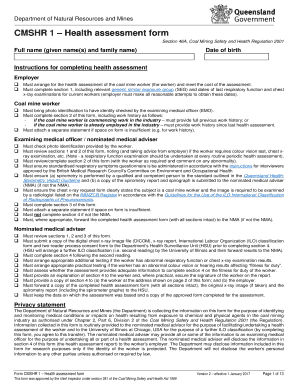
Cmshr
The document outlines the CMSHR 1 Health Assessment Form required by the Department of Natural Resources and Mines for c ...

Sign Permit bApplicationb 5KB PDF - City of Richmond Heights - richmondheightsohio
The document is a Sign Permit Application for the City of Richmond Heights, detailing the requirements and fees associat ...
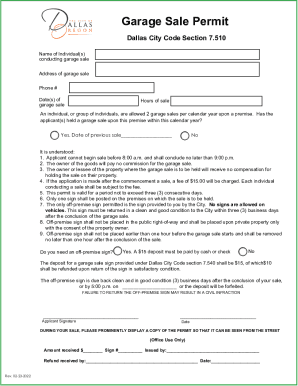
Dallascityhall departmentscodecomplianceGarage Sale Permit Application Department of Code - Dallas
Dallascityhall departmentscodecomplianceGarage Sale Permit Application Department of Code - Dallas
The document outlines the regulations and requirements for obtaining a garage sale permit in Dallas, including limits on ...

Form I-601A Instructions for Application for Provisional
The document is an application form (Form I-601A) for a Provisional Unlawful Presence Waiver, issued by the U.S. Citizen ...
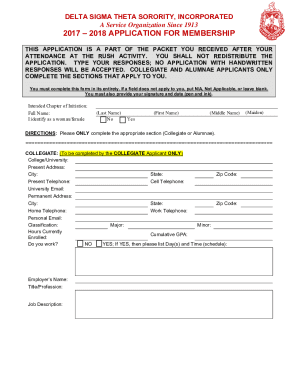
Delta Sigma Theta Sorority Membership Application
The document is the membership application for Delta Sigma Theta Sorority, Incorporated for the 2017-2018 period. It out ...