Here's how it works



How to use or fill out neck disability index with our platform

- Click ‘Get Form’ to open the neck disability index in the editor.
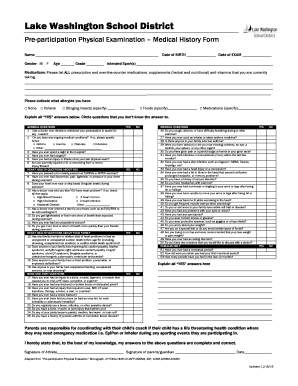
- Begin with Section I: Pain Intensity. Circle the option that best describes your current pain level, ranging from 'no pain' to 'severe pain'.
- Proceed to Section II: Personal Care. Indicate your ability to perform daily self-care tasks by selecting the statement that reflects your experience.
- In Section III: Lifting, choose the statement that accurately represents your lifting capabilities, from lifting heavy weights without pain to being unable to lift anything.
- Continue through Sections IV to X, addressing Reading, Headache, Concentration, Work, Driving, Sleeping, and Recreation in a similar manner by circling the most applicable options.
- Once all sections are completed, sign and date at the bottom of the form before saving or sharing your responses.
Start using our platform today for free and streamline your document editing experience!
It's free
Got questions?
How do I sign my neck disability index form for free?
Most eSignature solutions require users to have a paid subscription. With DocHub, there are two options for you to add an electronic signature to your neck disability index form without being charged:
- You can do it during a 7-day trial period;
- You can sign up for a free plan.
The second option, though, has limitations on the number of signatures, sign requests, emails, and documents for editing available per month. You can check for full details here.
How to fill out neck disability index pdf online free of charge in 2024?
Using a swift editing system like DocHub, you do not require anything but a web browser and internet connection to modify your neck disability index pdf on the internet quickly. Upload your file or find the relevant form in DocHub’s catalog, open our editor with one click, and complete it electronically. To revise your forms at any time, register a free profile with DocHub.
Security and compliance
At DocHub, your data security is our priority. We follow HIPAA, SOC2, GDPR, and other standards, so you can work on your documents with confidence.
Learn more