




Here's how it works

01. Edit your form online
Type text, add images, blackout confidential details, add comments, highlights and more.

02. Sign it in a few clicks
Draw your signature, type it, upload its image, or use your mobile device as a signature pad.

03. Share your form with others
Send it via email, link, or fax. You can also download it, export it or print it out.
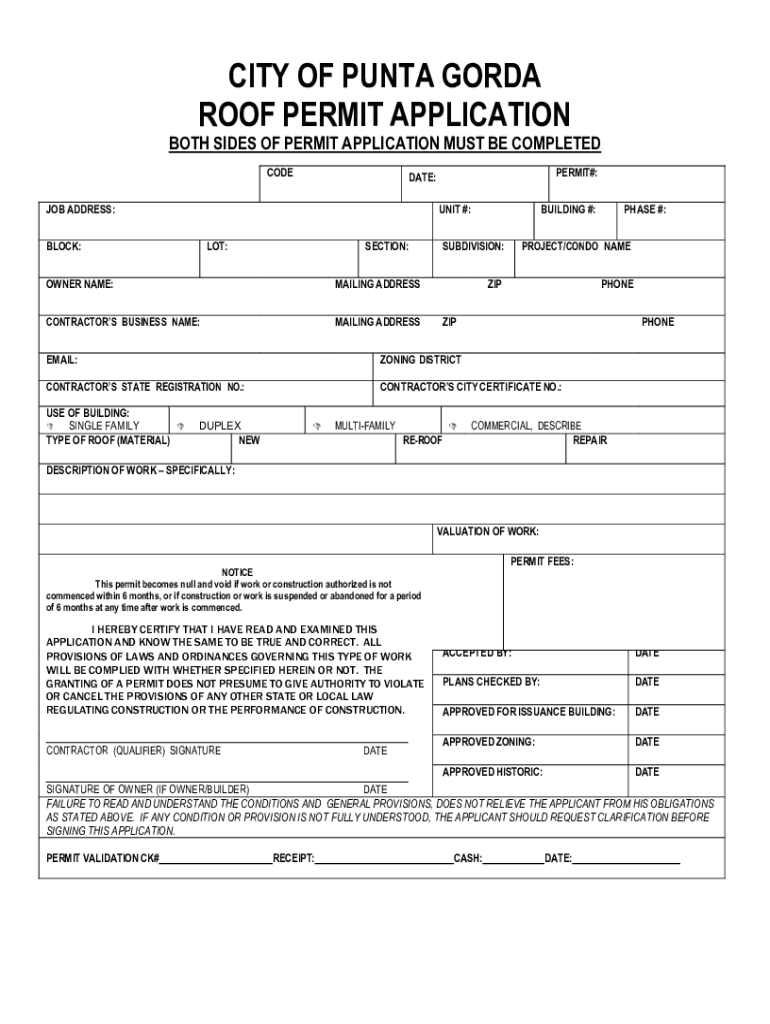
How to use or fill out Building City of Punta Gorda, FL Roof Permit Application

- Click ‘Get Form’ to open it in the editor.
- Begin by filling in the permit number and date at the top of the form. Ensure accuracy as this information is crucial for tracking your application.
- Enter the job address, unit number, block, lot, and section details. This information helps identify the specific location of your project.
- Provide owner name and mailing address. This ensures that all correspondence regarding the permit reaches you promptly.
- Fill in contractor’s business name and mailing address. If applicable, include their state registration number and city certificate number.
- Select the type of building (single family, duplex, multi-family, commercial) and specify the type of roof material being used.
- Describe the work being performed in detail under 'Description of Work'. Include specifics about new installations or repairs.
- Complete valuation of work and permit fees sections accurately to avoid delays in processing your application.
- Finally, ensure all required signatures are provided before submitting your application for review.
Start using our platform today to streamline your document editing and form completion process for free!
Fill out BuildingCity of Punta Gorda, FLBuildingCity of Punta Gorda, FLZoningCity of Punta Gorda, FL online
It's free
It's free
See more BuildingCity of Punta Gorda, FLBuildingCity of Punta Gorda, FLZoningCity of Punta Gorda, FL versions
We've got more versions of the BuildingCity of Punta Gorda, FLBuildingCity of Punta Gorda, FLZoningCity of Punta Gorda, FL form. Select the right BuildingCity of Punta Gorda, FLBuildingCity of Punta Gorda, FLZoningCity of Punta Gorda, FL version from the list and start editing it straight away!
| Versions | Form popularity | Fillable & printable |
|---|---|---|
| 2022 | 4.2 Satisfied (59 Votes) |
Security and compliance
At DocHub, your data security is our priority. We follow HIPAA, SOC2, GDPR, and other standards, so you can work on your documents with confidence.
Learn more


Related forms

Modification of Judgments in Family Matters
The document is a Motion for Modification form used in the Connecticut Superior Court, allowing a party to request chang ...

Delete auto fill data in Acrobat
The document is a Quit Claim Deed (Form QCD-1) used for transferring real estate in Indiana from the Grantor(s) to the S ...
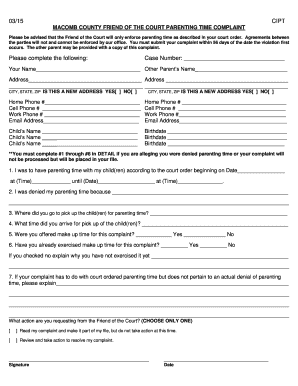
Macomb county friend of the court parenting time complaint
The document is a complaint form for parents to report violations of court-ordered parenting time through the Macomb Cou ...

Form 6 4
The document is a legal form used in the Family Court of Nassau County, New York, for the appointment of a guardian for ...
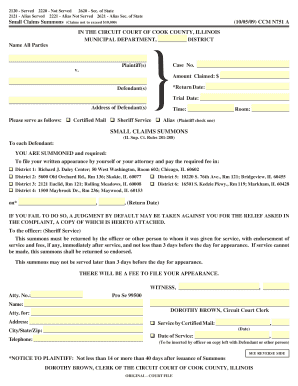
CCM N751 10-05-09 D R A F T pmd - US Court Forms
The document is a Small Claims Summons issued by the Circuit Court of Cook County, Illinois, for cases involving claims ...
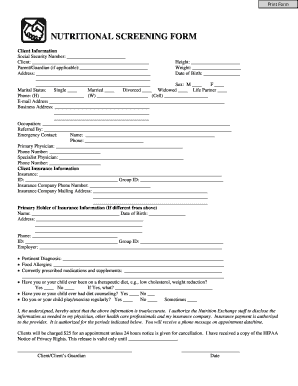
Nutrition screening form
The document is a Nutritional Screening Form designed to collect comprehensive client information, including personal de ...

Housing Scholarship Application - University of Alabama at - uab
The document is a Housing Scholarship Application for incoming freshmen at UAB for the 2012-2013 academic year. It outli ...

Volunteer Application Ver-1 - Cibola County
The document is an application form for the Cibola County Emergency Services Volunteer Program, requiring applicants to ...