




Here's how it works

01. Edit your form online
Type text, add images, blackout confidential details, add comments, highlights and more.

02. Sign it in a few clicks
Draw your signature, type it, upload its image, or use your mobile device as a signature pad.

03. Share your form with others
Send it via email, link, or fax. You can also download it, export it or print it out.
How to use or fill out free-apply.comenuniversitySir Arthur Lewis Community CollegeFree-Apply.com with DocHub

- Click ‘Get Form’ to open the application for employment in our editor.
- Begin by attaching your recent photograph in the designated area at the top of the form.
- Fill in your surname and Christian names in the first section, ensuring accuracy for identification purposes.
- Provide your postal and home addresses clearly, along with your telephone numbers (work, home, and cell) to facilitate communication.
- Enter your email address, place of birth, date of birth, nationality, sex, marital status, and religion as required.
- Detail your education history by listing institutions attended and qualifications obtained. Ensure you submit certified copies of certificates and diplomas.
- Outline your employment history by providing details of previous posts held including titles, employers' names and addresses, reasons for leaving, and salary information.
- List any relevant experiences or interests that may support your application.
- Provide personal references who have known you for at least five years along with their contact details.
- Finally, sign and date the application before submitting it to the Human Resource Manager at Sir Arthur Lewis Community College.
Start using our platform today to complete your application effortlessly!
Fill out free-apply.comenuniversitySir Arthur Lewis Community CollegeFree-Apply.com online
It's free
It's free
See more free-apply.comenuniversitySir Arthur Lewis Community CollegeFree-Apply.com versions
We've got more versions of the free-apply.comenuniversitySir Arthur Lewis Community CollegeFree-Apply.com form. Select the right free-apply.comenuniversitySir Arthur Lewis Community CollegeFree-Apply.com version from the list and start editing it straight away!
| Versions | Form popularity | Fillable & printable |
|---|---|---|
| 2022 | 4.3 Satisfied (55 Votes) |
Security and compliance
At DocHub, your data security is our priority. We follow HIPAA, SOC2, GDPR, and other standards, so you can work on your documents with confidence.
Learn more


Related forms
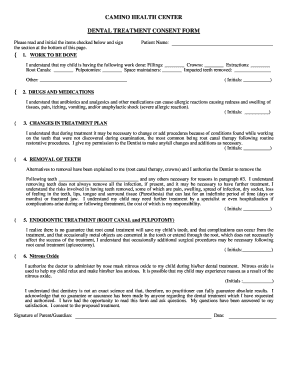
DENTAL TREATMENT CONSENT FORM - Camino Health Center - caminohealthcenter
The document is a Dental Treatment Consent Form from Camino Health Center, outlining the procedures to be performed on a ...
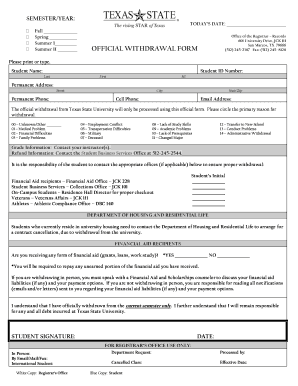
Texas state transcript
The document is an official withdrawal form for students at Texas State University, detailing the process and requiremen ...
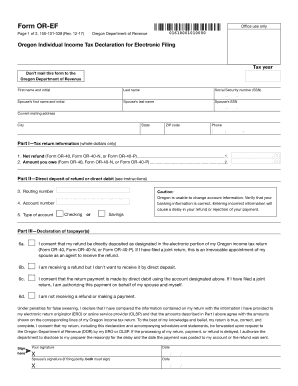
Form OR-EF, Oregon Individual Income Tax - Oregon
The document is the Oregon Individual Income Tax Declaration for Electronic Filing (Form OR-EF), which is used by taxpay ...

FORM #310 01 31 23 SUBJECT TO CHANGE
The document is a Building Permit Application form for various types of permits (building, electrical, mechanical, plumb ...

2012 nj 1040 v form
The document is the New Jersey Income Tax Resident Return form (NJ-1040) for the tax year 2012. It provides instructions ...
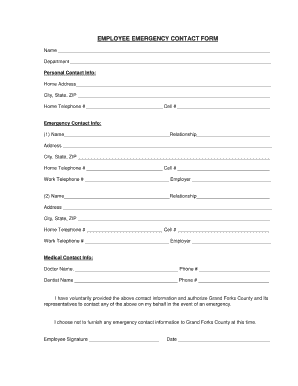
Emergency contact form for daycare

Landlord express
The document is an application form for the Landlord Express service provided by Manitoba Hydro, designed for landlords ...
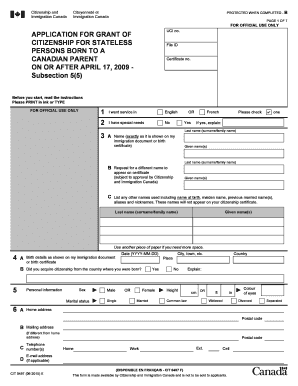
CIT 0497 E : Application for Grant of Citizenship for Stateless - cic gc
The document is an application form for stateless persons born to a Canadian parent after April 17, 2009, seeking Canadi ...