




Here's how it works

01. Edit your form online
Type text, add images, blackout confidential details, add comments, highlights and more.

02. Sign it in a few clicks
Draw your signature, type it, upload its image, or use your mobile device as a signature pad.

03. Share your form with others
Send it via email, link, or fax. You can also download it, export it or print it out.
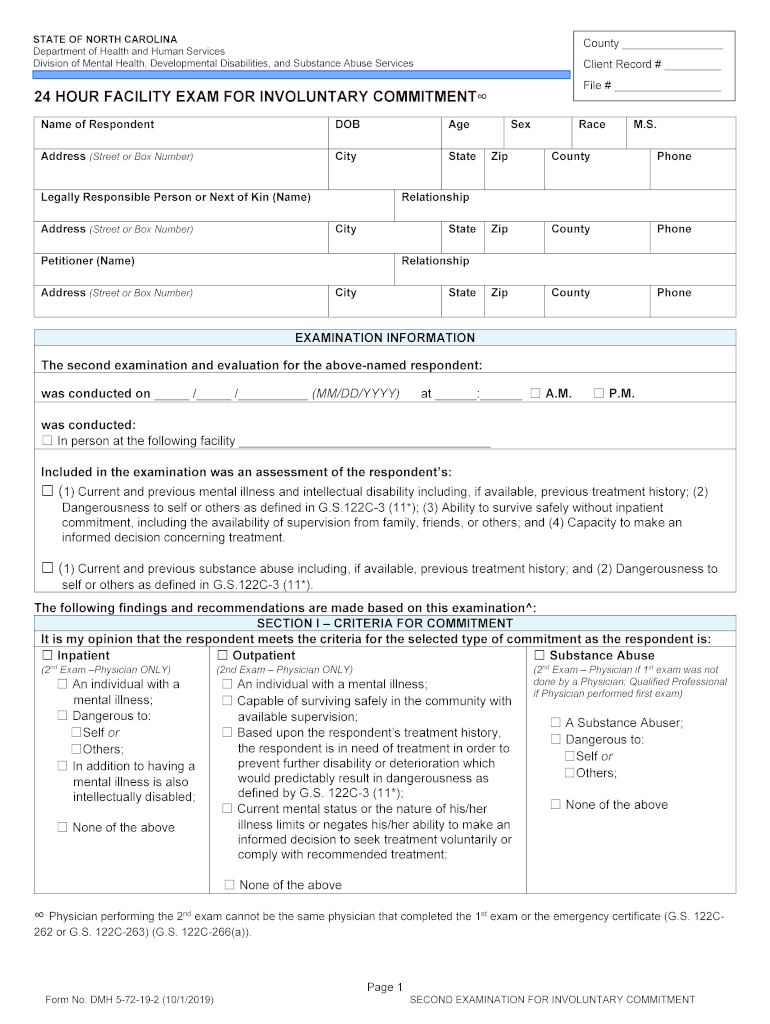
How to use or fill out STATE OF NORTH CAROLINA Department of Health and Human Services Form with Our Platform

- Click ‘Get Form’ to open it in the editor.
- Begin by filling in the 'County' and 'Client Record #' fields at the top of the form. Ensure accuracy as this information is crucial for identification.
- Complete the respondent's personal details, including their name, date of birth (DOB), age, address, city, state, and contact information. This section is vital for establishing the identity of the individual being evaluated.
- In the 'Examination Information' section, indicate the date and time of the examination. Select whether it was conducted in person and provide details about the facility if applicable.
- Proceed to Section I – Criteria for Commitment. Check all relevant boxes that apply to the respondent’s condition based on your assessment.
- In Section II – Description of Findings, provide a clear description of your findings related to each criterion checked in Section I. This should include impressions or diagnoses.
- Finally, complete Section III – Recommendation for Disposition by selecting appropriate options regarding commitment or treatment recommendations.
Start using our platform today to streamline your document editing and ensure a smooth completion process!
Fill out STATE OF NORTH CAROLINA Department of Health and ... online
It's free
It's free
See more STATE OF NORTH CAROLINA Department of Health and ... versions
We've got more versions of the STATE OF NORTH CAROLINA Department of Health and ... form. Select the right STATE OF NORTH CAROLINA Department of Health and ... version from the list and start editing it straight away!
| Versions | Form popularity | Fillable & printable |
|---|---|---|
| 2019 | 4.2 Satisfied (38 Votes) |
Security and compliance
At DocHub, your data security is our priority. We follow HIPAA, SOC2, GDPR, and other standards, so you can work on your documents with confidence.
Learn more


Related forms
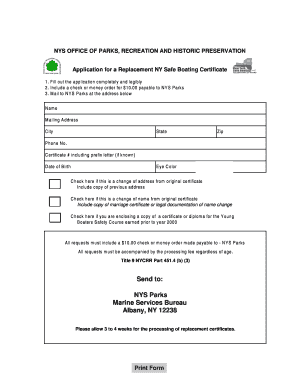
NY Safe Boating Certificate Replacement Application
The document outlines the application process for obtaining a replacement NY Safe Boating Certificate, including require ...

Nurse Assistant - the Instructional Web Site of Green - Green River - instruction greenriver
Nurse Assistant - the Instructional Web Site of Green - Green River - instruction greenriver
The document outlines the application process and requirements for the Nurse Assistant program at Green River Community ...
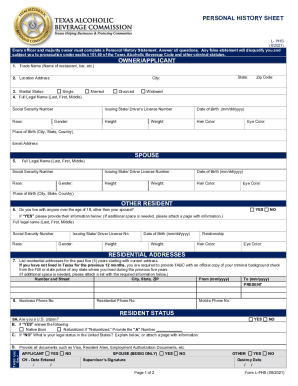
Personal history sheet
The document is a Personal History Sheet required for officers and majority owners applying for a permit or license rela ...
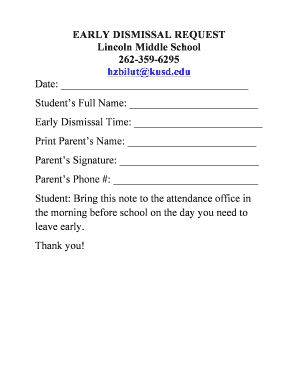
Early dismissal email
The document is an early dismissal request form for students at Lincoln Middle School, requiring details such as the stu ...

Statement of Information (California Nonprofit, Credit Union and General Cooperative Corporations) -
Statement of Information (California Nonprofit, Credit Union and General Cooperative Corporations) -
The document is a submission cover sheet and instructions for filing business entity documents with the California Secre ...
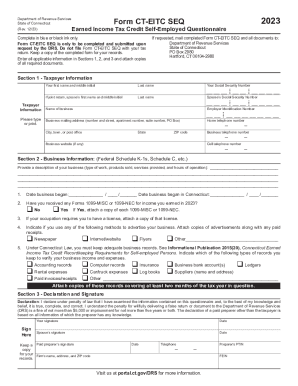
CT Earned Income Tax Credit
The document is the Earned Income Tax Credit Self-Employed Questionnaire (Form CT-EITC SEQ) from the Connecticut Departm ...
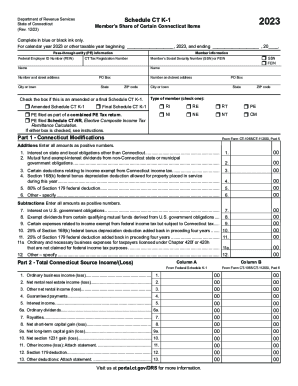
Form CT K-1T, Transmittal of Schedule CT K-1
The document is the Schedule CT K-1 for the State of Connecticut, detailing the member's share of certain Connecticut it ...
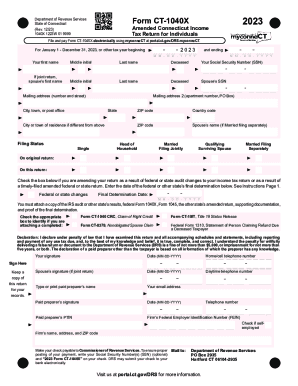
Fill Out and Sign Printable PDF Template
The document is the 2023 Form CT-1040X, an Amended Connecticut Income Tax Return for Individuals. It provides instructio ...