




Here's how it works

01. Edit your auwolves online
Type text, add images, blackout confidential details, add comments, highlights and more.

02. Sign it in a few clicks
Draw your signature, type it, upload its image, or use your mobile device as a signature pad.

03. Share your form with others
Send it via email, link, or fax. You can also download it, export it or print it out.
How to use or fill out auwolves.com8SportsMedPhysicalFormSports Med Physical Form (PDF) - Alvernia University Athletics with Our Platform

- Click ‘Get Form’ to open it in the editor.
- Begin by entering your Last Name, First Name, and Middle Initial in the designated fields. Ensure accuracy for identification purposes.
- Fill in your Date of Birth, Height, and Weight. This information is crucial for your physical assessment.
- Provide contact details including Home Phone Number and Cell Phone Number to facilitate communication.
- Complete the medical history section by indicating any abnormalities in vision, blood pressure, and pulse. Use the provided fields to describe any issues.
- In the examination section, check 'Normal' or 'Abnormal' for each body system listed. If abnormal, provide a description where necessary.
- Identify any problems that may limit activity or require ongoing care from the Sports Medicine Staff.
- The Health Care Provider must print their name, sign, and indicate their professional title before submission.
Start using our platform today to easily complete your Sports Med Physical Form online for free!
Fill out auwolves.com8SportsMedPhysicalFormSports Med Physical Form (PDF) - Alvernia University Athletics online
It's free
It's free
See more auwolves.com8SportsMedPhysicalFormSports Med Physical Form (PDF) - Alvernia University Athletics versions
We've got more versions of the auwolves.com8SportsMedPhysicalFormSports Med Physical Form (PDF) - Alvernia University Athletics form. Select the right auwolves.com8SportsMedPhysicalFormSports Med Physical Form (PDF) - Alvernia University Athletics version from the list and start editing it straight away!
Security and compliance
At DocHub, your data security is our priority. We follow HIPAA, SOC2, GDPR, and other standards, so you can work on your documents with confidence.
Learn more


Related forms

Aic transcript request
The document is a request form for official transcripts from American International College, detailing the necessary inf ...

Online timber transcript request
The document is a request form for former students of Timber Academy High School to obtain their official transcripts. I ...
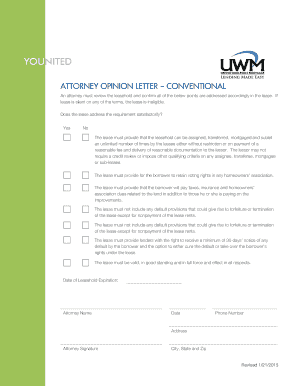
ATTORNEY OPINION LETTER --- CONVENTIONAL
The document is an attorney opinion letter outlining the necessary conditions that must be met in a leasehold agreement ...
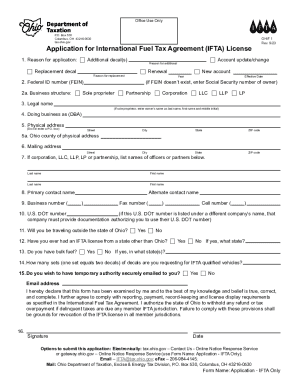
Taxation ohio ohif printable
The document is an application form for the International Fuel Tax Agreement (IFTA) License, intended for businesses ope ...

2023 INDIVIDUAL INCOME TAX RETURN
The document is the 2023 Individual Income Tax Return for the City of Troy, Ohio, detailing the requirements and instruc ...
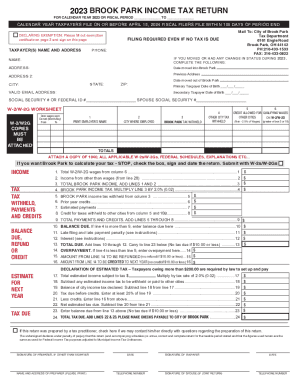
City of Brook Park Income Tax Instructions
The document is the 2023 Brook Park Income Tax Return form, which outlines the requirements and instructions for residen ...
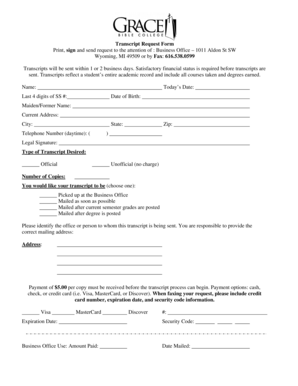
Transcript Request Form - Grace Bible College - gbcol
The document is a Transcript Request Form that outlines the process for requesting academic transcripts from a business ...
Texas title lien check - Edit, Print, Fill Out & Download Online
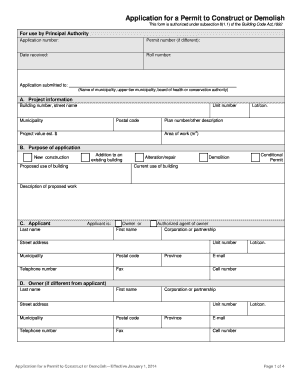
The document is an application form for obtaining a permit to construct or demolish buildings, authorized under the Buil ...