




Here's how it works

01. Edit your safeway membership online
Type text, add images, blackout confidential details, add comments, highlights and more.

02. Sign it in a few clicks
Draw your signature, type it, upload its image, or use your mobile device as a signature pad.

03. Share your form with others
Send safeway member via email, link, or fax. You can also download it, export it or print it out.
How to use or fill out Safeway Membership with our platform

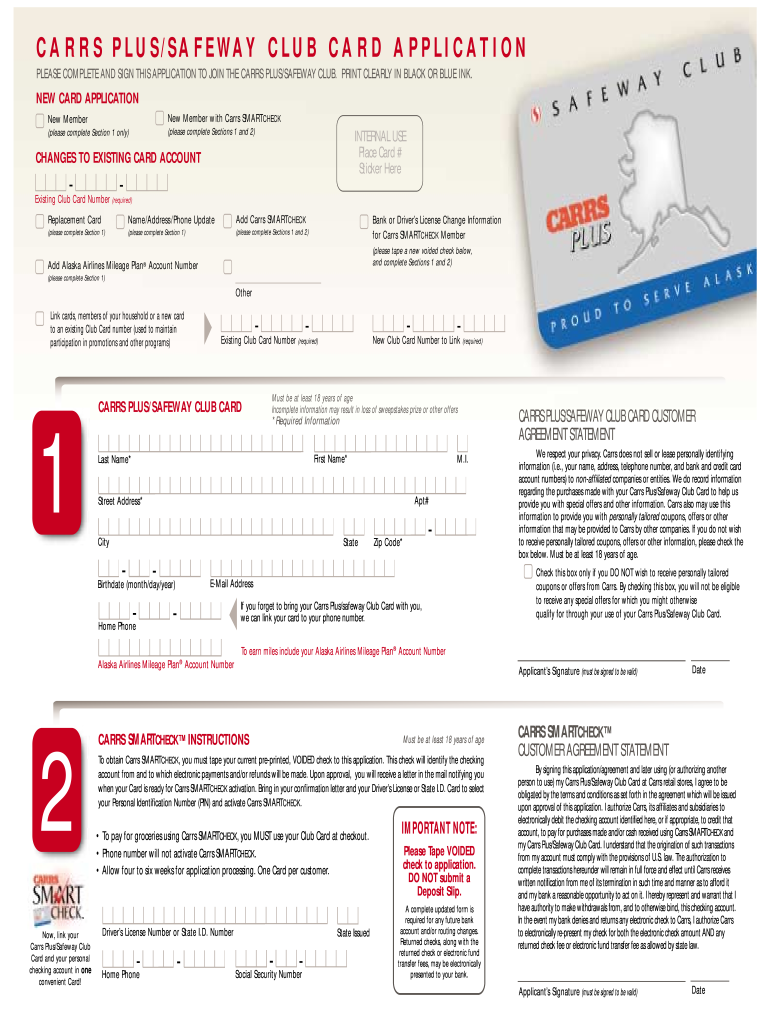
- Click ‘Get Form’ to open the Safeway Membership application in the editor.
- Begin by filling out Section 1 for new members. Provide your first name, last name, middle initial, and address details clearly.
- If you are applying for Carrs SMARTCHECK, complete Sections 1 and 2. Ensure you tape a voided check as instructed.
- For existing cardholders, enter your existing Club Card number and specify if you need a replacement card or updates to your information.
- Review the Customer Agreement Statement carefully. Check the box if you do not wish to receive tailored offers.
- Finally, sign and date the application at the bottom to validate it before submission.
Start using our platform today to easily fill out your Safeway Membership application for free!
Fill out safeway membership online
It's free
It's free
Security and compliance
At DocHub, your data security is our priority. We follow HIPAA, SOC2, GDPR, and other standards, so you can work on your documents with confidence.
Learn more


Related forms
Request for Appointment of Official Reporter Pro Tempore
The document outlines the policies and procedures regarding the availability of court reporters in the Superior Court of ...

Pennsylvania form sp 8 200c
The document is a Police Officer Exemption Application form issued by the Pennsylvania State Police's Lethal Weapons Cer ...
Green Cleaning for Carpet Cleaners
The document is a fact sheet from the Illinois Environmental Protection Agency discussing environmental concerns related ...
18, 2010 Liquor Commission Hearing and the November 18, 2010
The document outlines the agenda and proceedings of a Village Board meeting held on December 2, 2010. Key items include ...
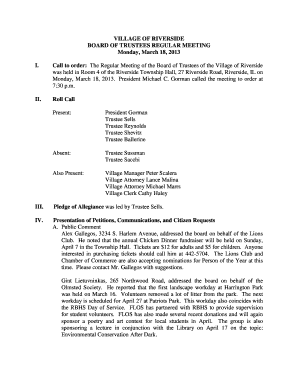
Roll Call Present: President Gorman Trustee Sells Trustee Reynolds Trustee Shevitz Trustee Ballerine
Roll Call Present: President Gorman Trustee Sells Trustee Reynolds Trustee Shevitz Trustee Ballerine
The document is the minutes of the Village of Riverside Board of Trustees regular meeting held on March 18, 2013. It inc ...
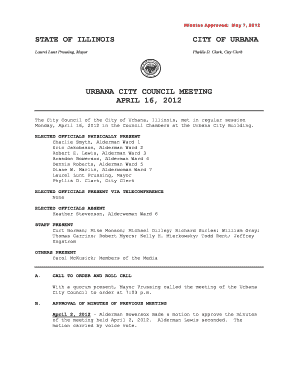
04 16 12 Approved Minutes - City of Urbana - urbanaillinois
The Urbana City Council meeting held on April 16, 2012, included the approval of previous meeting minutes, discussions o ...
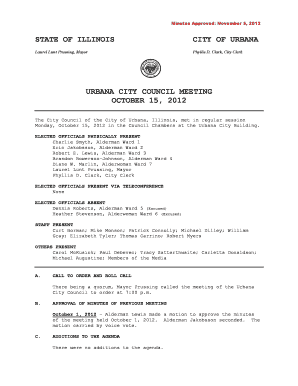
ELECTED OFFICIALS PHYSICALLY PRESENT Charlie Smyth, Alderman Ward 1 Eric Jakobsson, Alderman Ward 2
ELECTED OFFICIALS PHYSICALLY PRESENT Charlie Smyth, Alderman Ward 1 Eric Jakobsson, Alderman Ward 2
The minutes from the Urbana City Council meeting held on October 15, 2012, detail the attendance of elected officials, s ...

History of Gordon County Geoorgia Gordon County Georgia History
The document provides a comprehensive historical account of the public school system in Gordon County, Georgia, detailin ...