




Here's how it works

01. Edit your killshot kings online
Type text, add images, blackout confidential details, add comments, highlights and more.

02. Sign it in a few clicks
Draw your signature, type it, upload its image, or use your mobile device as a signature pad.

03. Share your form with others
Send killshot king pictures via email, link, or fax. You can also download it, export it or print it out.
How to use or fill out killshot kings with our platform

- Click ‘Get Form’ to open the killshot kings document in the editor.
- Begin by entering your name and shipping address at the top of the form. Ensure that your ID number is also included for processing.
- Specify the total number of shots you wish to order, making sure it meets the minimum requirement of 30 photos.
- If you want a Rapid Shipping Notification (RSN), include a SASE or an extra $1.00 with your order. This will ensure you receive confirmation once your order is processed.
- List your shot selections clearly, from smallest to largest, ensuring duplicates are listed consecutively. Use separate lines for different catalogs if necessary.
- Finally, review all entries for accuracy before submitting your order to avoid any additional charges for recounting.
Start using our platform today to streamline your order process and enjoy hassle-free document management!
Fill out killshot kings online
It's free
It's free
See more killshot kings versions
We've got more versions of the killshot kings form. Select the right killshot kings version from the list and start editing it straight away!
| Versions | Form popularity | Fillable & printable |
|---|---|---|
| 2015 | 4.7 Satisfied (113 Votes) |
Security and compliance
At DocHub, your data security is our priority. We follow HIPAA, SOC2, GDPR, and other standards, so you can work on your documents with confidence.
Learn more


Related forms
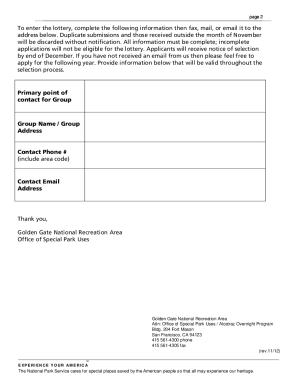
Alcatraz Overnight Application (revised 11 12) - nps
The Alcatraz Overnight Application document outlines the process for 501(c)(3) non-profit groups to apply for an overnig ...
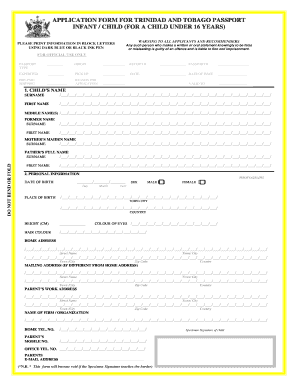
Immigration forms printable under 16 years of age
The document outlines the application process for a child passport for Trinidad and Tobago citizens under 16 years of ag ...
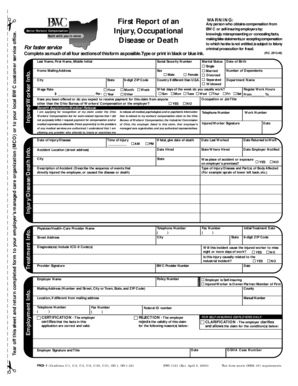
OHIO BWC First Report of an Injury, Occupational Disease or Death
The document is a form for filing a workers' compensation claim in Ohio, designed to collect essential information about ...
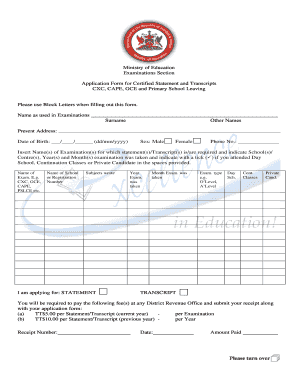
Waec transcript sample
The document is an application form from the Ministry of Education for obtaining certified statements and transcripts fo ...
New mexico habeas petition form
The document is a petition for a writ of habeas corpus to be filed in the District Court of New Mexico. It outlines the ...
How to file transfer in bond form with ttb permits online
The document provides general instructions for completing and filing a Tobacco Bond Surety with the Alcohol and Tobacco ...

TTBGov - National Revenue Center
The document is a personnel questionnaire form from the Alcohol and Tobacco Tax and Trade Bureau (TTB) of the Department ...

TTB F 5620 8 Alcohol Tobacco Tax Claim Form
The document is a claim form (TTB F 5620.8) used to request relief for federal excise taxes on alcohol, tobacco, and fir ...