




Here's how it works

01. Edit your form online
Type text, add images, blackout confidential details, add comments, highlights and more.

02. Sign it in a few clicks
Draw your signature, type it, upload its image, or use your mobile device as a signature pad.

03. Share your form with others
Send it via email, link, or fax. You can also download it, export it or print it out.
How to use or fill out letter tenant notice with our platform

- Click ‘Get Form’ to open the letter tenant notice in the editor.
- Begin by entering the date at the top of the form. This is essential for record-keeping and establishing a timeline.
- Fill in the Tenant’s Name and Address of Premises. Ensure accuracy to avoid any confusion regarding the recipient.
- In the body of the notice, reference the Residential Lease Agreement date and address. Clearly state any conditions that may cause damage, providing specific details about what was observed.
- Conclude with a reminder for the tenant to report any dangerous conditions in the future, reinforcing their responsibility.
- Sign off with your name as Landlord or authorized agent, ensuring you include a signature line for authenticity.
- Finally, select how this notice will be delivered (personal delivery, certified mail, etc.) and sign and date that section accordingly.
Start using our platform today to streamline your document editing and ensure effective communication!
Fill out letter tenant notice online
It's free
It's free
Security and compliance
At DocHub, your data security is our priority. We follow HIPAA, SOC2, GDPR, and other standards, so you can work on your documents with confidence.
Learn more


Related forms

Landscape Affidavit Form
The document is a Landscape Affidavit certifying ownership and residency of a property in Chicago, Illinois. It confirms ...
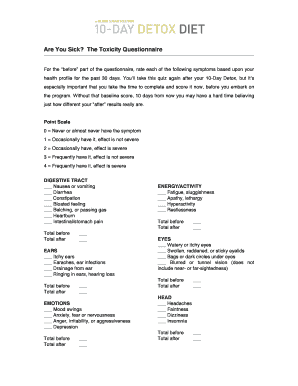
The Toxicity Questionnaire
The document is a Toxicity Questionnaire designed to assess various health symptoms across multiple categories such as d ...
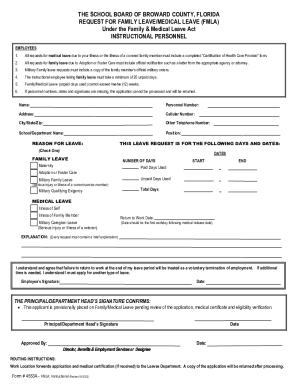
Leave of Absence - Broward County Public Schools / Homepage
The document outlines the procedures and requirements for instructional personnel at The School Board of Broward County, ...
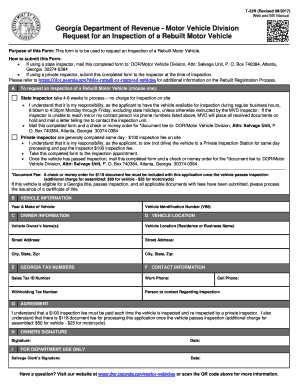
Schedule c - Department of Revenue
The document is a form from the Georgia Department of Revenue's Motor Vehicle Division for requesting an inspection of a ...
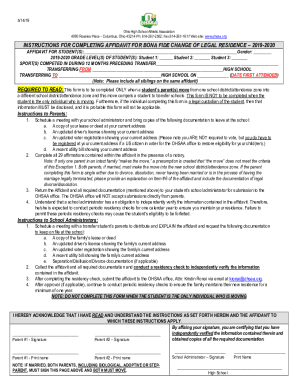
AFFIDAVIT OF
The document provides detailed instructions for completing an affidavit required by the Ohio High School Athletic Associ ...
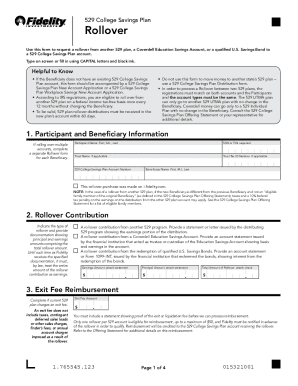
Cdn.unite529.comjcdnfilesCollegeChoice Advisor 529 Savings Plan Incoming Rollover Form
The document is a form for requesting a rollover of funds from another 529 plan, Coverdell Education Savings Account, or ...

Oregon Withholding Statement and Exemption Certificate
The document is the 2023 Form OR-W-4, an Oregon Withholding Statement and Exemption Certificate used by employees to dec ...
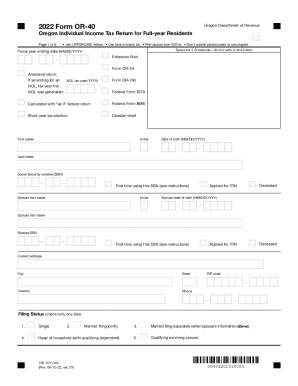
Cms.oregon.govobtpDocumentsOregon Individual Income Tax Return for Part-year Residents
The document is the 2022 Form OR-40, an Oregon Individual Income Tax Return for full-year residents. It provides instruc ...