




Here's how it works

01. Edit your 1073 appraisal form online
Type text, add images, blackout confidential details, add comments, highlights and more.

02. Sign it in a few clicks
Draw your signature, type it, upload its image, or use your mobile device as a signature pad.

03. Share your form with others
Send form 1073 via email, link, or fax. You can also download it, export it or print it out.
How to use or fill out form 1073 with our platform

- Click ‘Get Form’ to open it in the editor.
- Begin by entering the property address, including unit number, city, state, and zip code. This information is crucial for identifying the subject property.
- Fill in the borrower and owner details as well as the county and legal description. Ensure accuracy to avoid any discrepancies.
- Complete the sections regarding property rights appraised and transaction type. Select whether it’s a purchase or refinance transaction.
- Provide information on neighborhood characteristics, including market conditions and property values. Use dropdowns or checkboxes for ease of selection.
- In the project analysis section, describe common elements and recreational facilities. This helps in assessing overall project value.
- Finally, review all entries for accuracy before saving or exporting your completed form. Utilize our platform's features to ensure everything is correctly filled out.
Start using our platform today to fill out form 1073 easily and efficiently!
Fill out form 1073 online
It's free
It's free
See more form 1073 versions
We've got more versions of the form 1073 form. Select the right form 1073 version from the list and start editing it straight away!
| Versions | Form popularity | Fillable & printable |
|---|---|---|
| 2005 | 4.9 Satisfied (500 Votes) |
Security and compliance
At DocHub, your data security is our priority. We follow HIPAA, SOC2, GDPR, and other standards, so you can work on your documents with confidence.
Learn more


Related forms
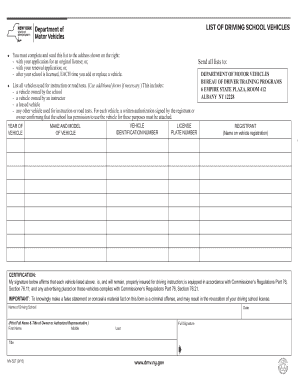
Mv 527
The document is a form for driving schools to list all vehicles used for instruction or road tests. It requires details ...
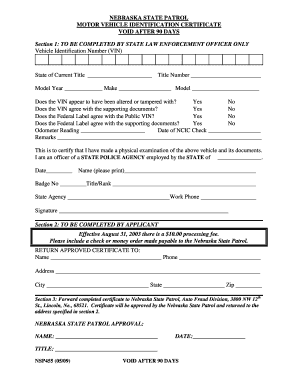
Nebraska identification certificate
The document outlines the process for obtaining a Motor Vehicle Identification Certificate from the Nebraska State Patro ...

Floridian inspection form get
The document is a Florida Motor Vehicle Inspection Form used by First Floridian Auto and Home Insurance Company. It coll ...
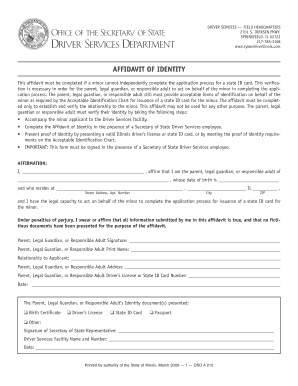
Il identity form
The document is an Affidavit of Identity required for a parent, legal guardian, or responsible adult to assist a minor i ...
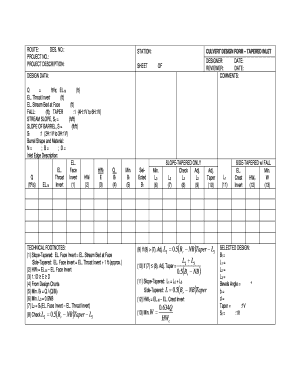
Culvert Design Form -- Tapered Inlet - in
The document is a design form for a tapered inlet culvert, detailing the necessary design data, calculations, and techni ...
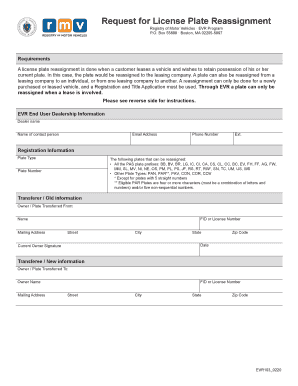
Plate reassignment form massachusetts
The document outlines the process for license plate reassignment in Massachusetts, specifically for customers leasing ve ...
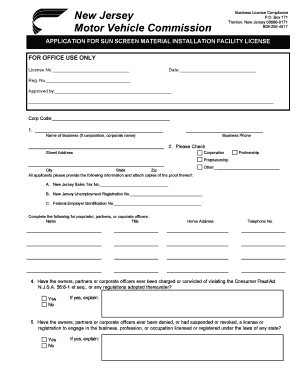
Nj sun screening license form
The document outlines the regulations for registering facilities that install sun screening material on motor vehicle wi ...

Maine Living Will Form - formstop
The document is a Do-Not-Resuscitate (DNR) directive form that allows patients to refuse resuscitation efforts in the ev ...