




01. Edit your form online
Type text, add images, blackout confidential details, add comments, highlights and more.

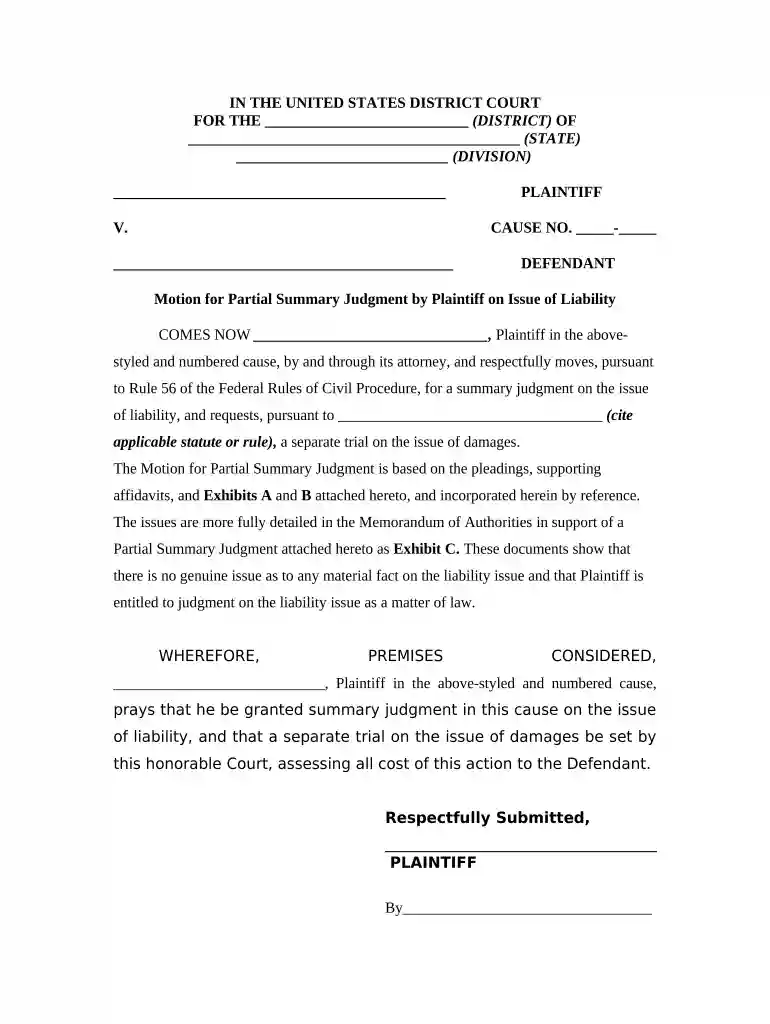
Type text, add images, blackout confidential details, add comments, highlights and more.

Draw your signature, type it, upload its image, or use your mobile device as a signature pad.

Send it via email, link, or fax. You can also download it, export it or print it out.

Start editing your motion summary judgment today for free with our platform!
At DocHub, your data security is our priority. We follow HIPAA, SOC2, GDPR, and other standards, so you can work on your documents with confidence.
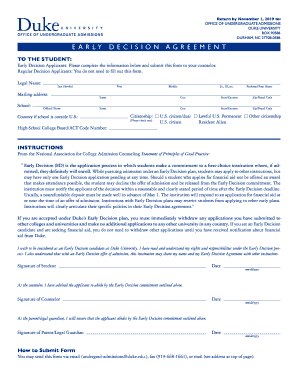


A motion for summary judgment is a motion asking the court to issue summary judgment on at least one claim.Read more
Introduction. A motion for summary judgement is the most common mechanism by which FOIA cases are resolved. It is a pre-trial motion in which one partyRead more
A motion for summary adjudication may make reference to and depend on the same evidence submitted in support of the summary judgment motion.Read more


