Sample claim form 2026

Get Form
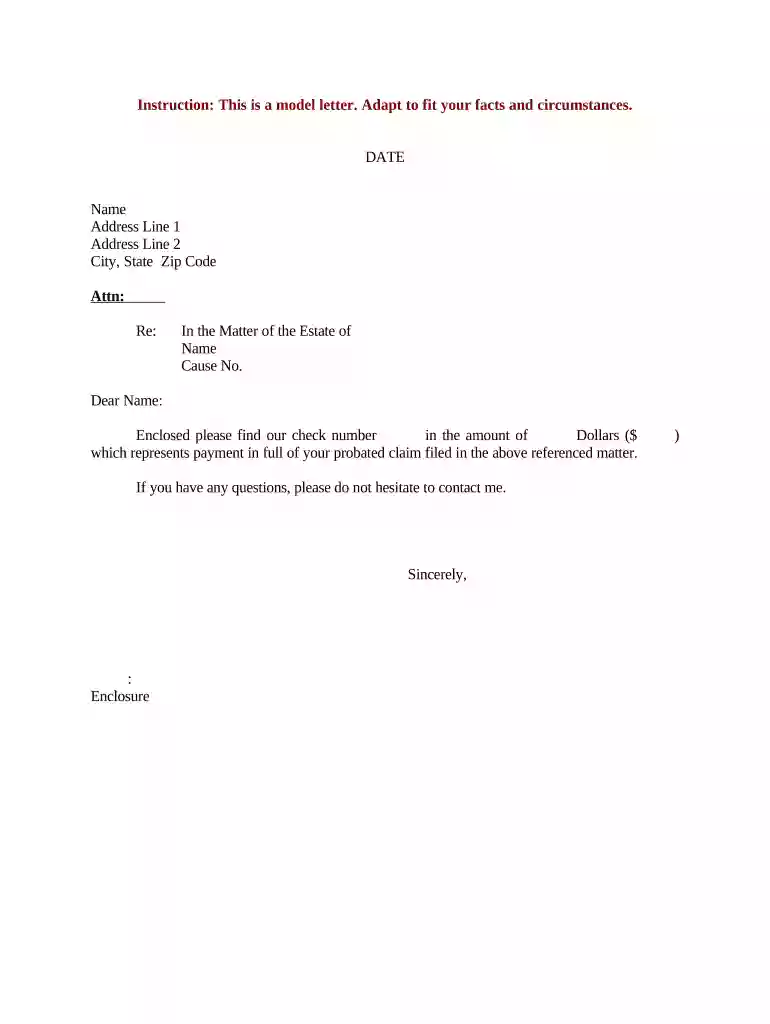
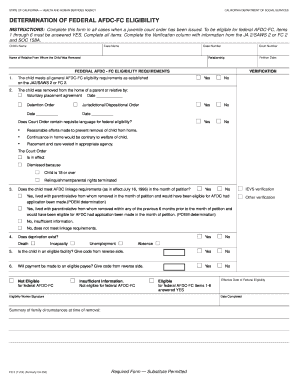
sample claim form Preview on Page 1

Here's how it works

01. Edit your form online
Type text, add images, blackout confidential details, add comments, highlights and more.

02. Sign it in a few clicks
Draw your signature, type it, upload its image, or use your mobile device as a signature pad.

03. Share your form with others
Send it via email, link, or fax. You can also download it, export it or print it out.

How to use or fill out sample claim form with our platform

Form edit decoration
9.5
Ease of Setup
DocHub User Ratings on G2
9.0
Ease of Use
DocHub User Ratings on G2
  1. Click ‘Get Form’ to open the sample claim form in the editor.
  2. Begin by entering the date at the top of the form. This is essential for record-keeping and processing your claim.
  3. Fill in your name and address details in the designated fields. Ensure accuracy to avoid any delays in communication.
  4. In the 'Attn:' section, specify the recipient's name or department that should receive this claim.
  5. Next, provide a brief description in the 'Re:' field, indicating what this claim pertains to, such as 'In the Matter of the Estate of [Name]'.
  6. Enter the cause number associated with your claim. This helps in tracking and referencing your submission.
  7. In the body of the letter, include details about your payment, specifying check number and amount clearly.
  8. Finally, sign off with your name and title before saving or sending your completed form directly from our platform.

Start using our platform today to streamline your document editing and form completion for free!

be ready to get more

Complete this form in 5 minutes or less

Get form

Got questions?

We have answers to the most popular questions from our customers. If you can't find an answer to your question, please contact us.
Contact us
Black and white copies will be returned as unprocessable. Submission of the CMS 1500 (02/12) claim form should either be typed or computer printed forms. Handwritten forms can cause delays and errors in processing and slow down time for reimbursement.
Can CMS 1500 Forms be Handwritten? While it is technically possible to handwrite a CMS 1500 form, it is generally not recommended.
UB-40 and CMS-1500 are the two most common claim forms for submitting to insurance companies.
Common Mistakes Therapists Make on the CMS-1500 Service coding is inaccurate or not specific enough. Codes were misused. The claim wasnt filed on time. Patient information isnt accurate or is missing. The ICD-10 code is missing or inaccurate. Service provider information missing.

Security and compliance

At DocHub, your data security is our priority. We follow HIPAA, SOC2, GDPR, and other standards, so you can work on your documents with confidence.

Learn more
ccpa2
pci-dss
gdpr-compliance
hipaa
soc-compliance
be ready to get more

Complete this form in 5 minutes or less

Get form