




01. Edit your referral letter online
Type text, add images, blackout confidential details, add comments, highlights and more.

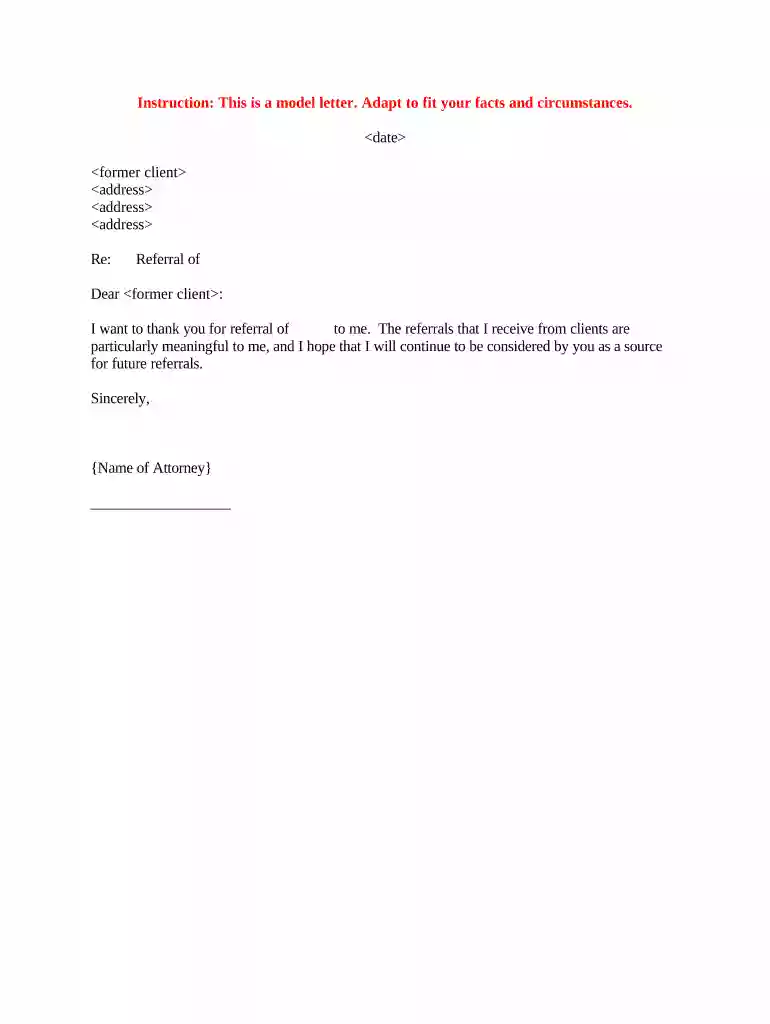
Type text, add images, blackout confidential details, add comments, highlights and more.

Draw your signature, type it, upload its image, or use your mobile device as a signature pad.

Send referral letter template via email, link, or fax. You can also download it, export it or print it out.

Start using our platform today to easily customize and send your letter of referral for free!
At DocHub, your data security is our priority. We follow HIPAA, SOC2, GDPR, and other standards, so you can work on your documents with confidence.



by R Ramanayake 2013 Cited by 55 This structured referral letter was to improve the quality and standard of referral letters and save time for both general practitioners and specialists.Read more
I am pleased to write a letter of recommendation for [name of student]. I highly recommend [name of student] to your organization for the position of [jobRead more
This template embeds COinS metadata in the HTML output, allowing reference management software to retrieve bibliographic metadata. See Wikipedia:COinS. As aRead more


