




01. Edit your form online
Type text, add images, blackout confidential details, add comments, highlights and more.

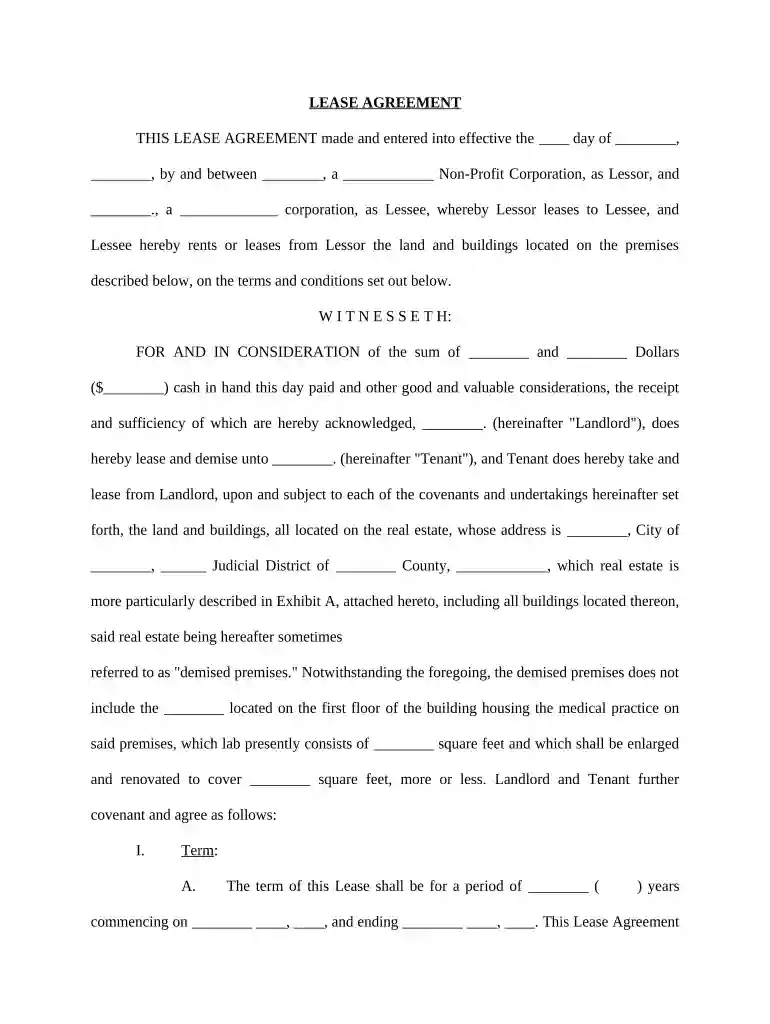
Type text, add images, blackout confidential details, add comments, highlights and more.

Draw your signature, type it, upload its image, or use your mobile device as a signature pad.

Send it via email, link, or fax. You can also download it, export it or print it out.

Start using our platform today for free to streamline your document editing and signing process!
At DocHub, your data security is our priority. We follow HIPAA, SOC2, GDPR, and other standards, so you can work on your documents with confidence.
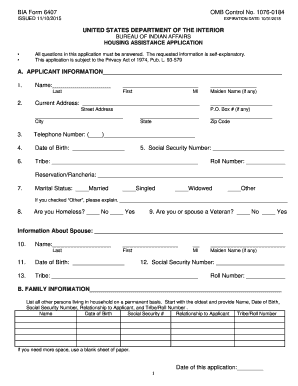
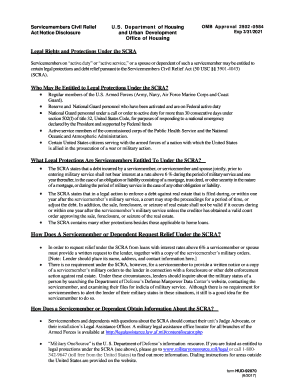


Vanderbilt University Medical Center, 1211 Medical Center Drive, Nashville, TN 37232 (615) 322-5000 Our Vision: The world leader in advancing personalizedRead more
Find Medicare-approved providers near you compare care quality for nursing homes, doctors, hospitals, hospice centers, more. Official Medicare site.


