




Here's how it works

01. Edit your fmla tracking spreadsheet online
Type text, add images, blackout confidential details, add comments, highlights and more.

02. Sign it in a few clicks
Draw your signature, type it, upload its image, or use your mobile device as a signature pad.

03. Share your form with others
Send free fmla tracking spreadsheet template via email, link, or fax. You can also download it, export it or print it out.
How to Use or Fill Out FMLA Calendar with Our Platform

- Click ‘Get Form’ to open the FMLA Tracker Form in the editor.
- Begin by entering the employee's name and SSN at the top of the form. This information is crucial for tracking leave accurately.
- Specify the twelve-month period for FMLA leave by filling in the start and end dates.
- In section one, indicate the employee's regular work schedule by noting the number of days worked per week and hours worked per day.
- Calculate total hours available for leave by multiplying the number of days per week by hours per day, then enter this total on line two.
- Multiply the total from line two by 12 to determine the total leave allotment for the year, and record this on line three.
- For each leave request, document the date and reason for leave. After leave is taken, update hours used and remaining accordingly.
- At the start of each new twelve-month period, create a new form to continue tracking FMLA usage effectively.
Start using our platform today to streamline your FMLA calendar management for free!
Fill out fmla calendar online
It's free
It's free
Security and compliance
At DocHub, your data security is our priority. We follow HIPAA, SOC2, GDPR, and other standards, so you can work on your documents with confidence.
Learn more


Related forms

Function notation and evaluating functions practice worksheet
The document is a practice worksheet focused on function notation and evaluating functions. It includes tasks for determ ...
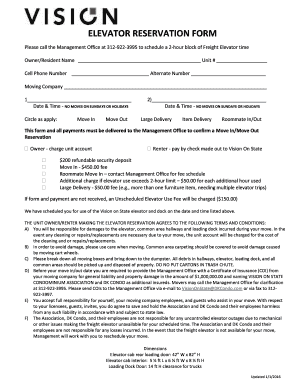
Elevator Reservation Form - DK Condo
The document is an Elevator Reservation Form for residents at Vision on State, detailing the process to reserve freight ...

Registration Form SPACE IS LIMITED REGISTER NOW!
The document is a registration form for a digital automotive marketing workshop organized by MDA of Alberta, scheduled f ...
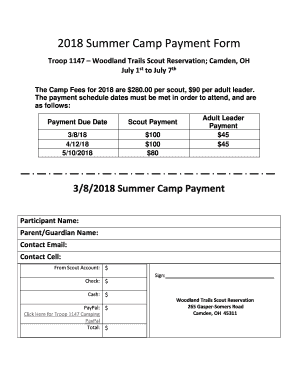
2018 Summer Camp Payment Form - Troop 1147
The document is a payment form for the 2018 Summer Camp organized by Troop 1147 at Woodland Trails Scout Reservation in ...
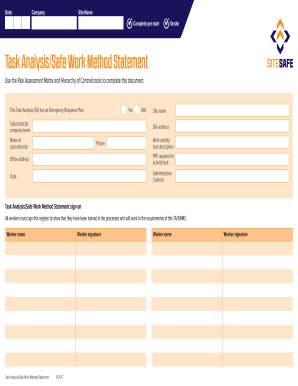
Task Analysis/Safe Work Method Statement
The document outlines a Task Analysis/Safe Work Method Statement (TA/SWMS) for a specific work activity, detailing the n ...
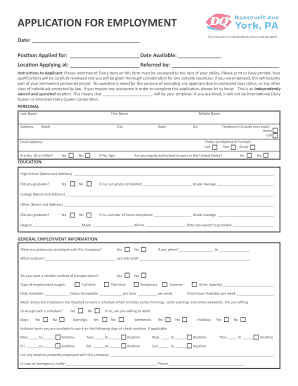
Jobs & Careers at DQ - Dairy Queen
The document is an employment application form for a restaurant that is independently owned and operated. It requires ap ...
Hdfc ergo kyc form
The document is a Know Your Customer (KYC) application form for HDFC ERGO General Insurance Company Limited, detailing t ...