Ca dmv account online 2025

Get Form
mydmv account Preview on Page 1

Here's how it works

01. Edit your mydmv account online
Type text, add images, blackout confidential details, add comments, highlights and more.

02. Sign it in a few clicks
Draw your signature, type it, upload its image, or use your mobile device as a signature pad.

03. Share your form with others
Send ca dmv account online via email, link, or fax. You can also download it, export it or print it out.

How to use or fill out ca dmv account online with DocHub

Form edit decoration
9.5
Ease of Setup
DocHub User Ratings on G2
9.0
Ease of Use
DocHub User Ratings on G2
  1. Click ‘Get Form’ to open the ca dmv account online application in our editor.
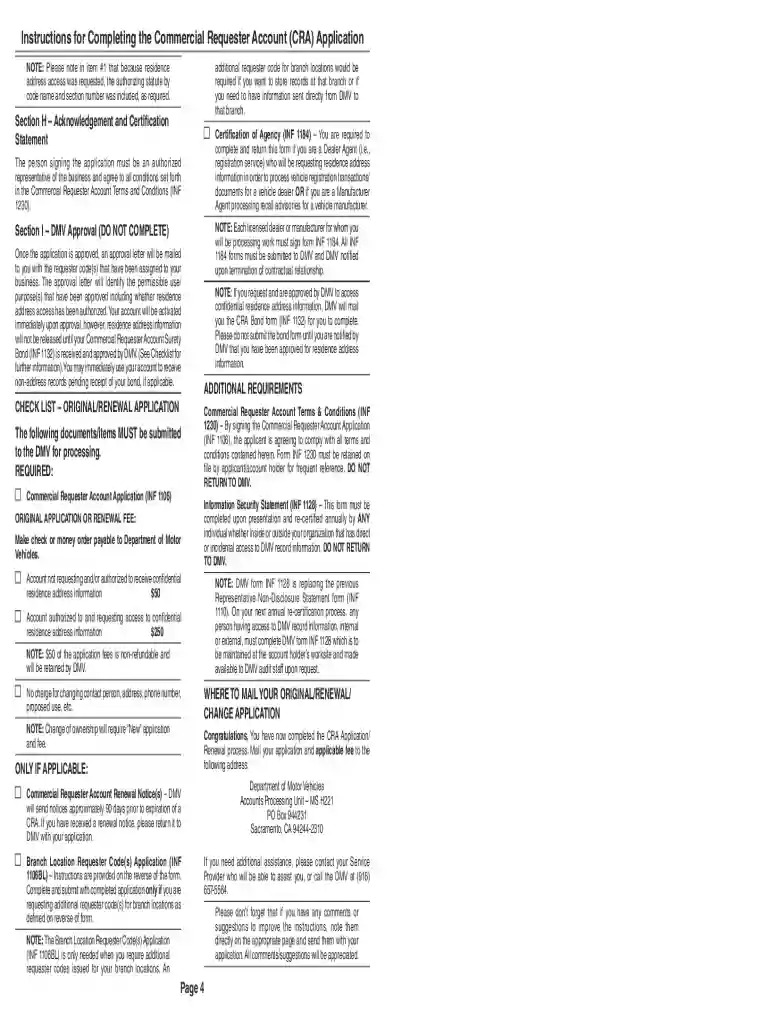
  2. Begin by filling out Section A, Business Information. Enter your business name, daytime telephone number, and any fictitious business name (DBA) if applicable.
  3. In Section B, provide your Federal Employer ID Number or State Tax ID. If you are a corporation, include your Corporation Identification Number and state of issuance.
  4. Proceed to Section C to select your business type from the provided options. Ensure you check the appropriate box that best describes your business.
  5. Complete Section D with your professional or occupational license information if applicable. This includes the licensee name and issuing agency.
  6. In Section G, clearly identify the proposed use for requesting DMV records. Be specific about how you intend to use this information.
  7. Finally, review all sections for accuracy before submitting. Use our platform's features to save and share your completed application easily.

Start using our editor today to streamline your CA DMV account application process for free!

See more ca dmv account online versions

We've got more versions of the ca dmv account online form. Select the right ca dmv account online version from the list and start editing it straight away!
Versions Form popularity Fillable & printable
2011 4.9 Satisfied (264 Votes)
2007 4.3 Satisfied (67 Votes)
be ready to get more

Complete this form in 5 minutes or less

Get form

Got questions?

We have answers to the most popular questions from our customers. If you can't find an answer to your question, please contact us.
Contact us
If you are locked out of your account, wait 30 minutes and try to log in again. If your account is still locked after 30 minutes please call the DMV contact center at 1-877-563-5213. Please verify your information is 100% correct. A single typo may be enough to fail identity verification.
In exchange for money, Scattaglia and Terraciano each accessed the DMVs database in Sacramento to alter the records of applicants to fraudulently show that the applicants had passed the required written tests when, in truth, the applicants had not passed the tests or, at times, even taken the written tests.
We recommend you use the latest version of one of these web browsers: Google Chrome, Internet Explorer, Mozilla Firefox, Opera or Safari (iOS/OS X) Note: Your browser should have JavaScript turned on to make sure the DMV website loads properly.
Why cant everyone renew their registration online? Sometimes you need to share certain documents with DMV, like an insurance card. You cant renew online in that case because DMV needs to have that information on file in order to process your renewal online.
0:51 3:35 They are responsible for issuing drivers licenses conducting driving exams and handling vehicleMoreThey are responsible for issuing drivers licenses conducting driving exams and handling vehicle registrations. In some states these agencies also oversee vehicle inspections and emissions tests.

People also ask

Recently, the California Department of Motor Vehicles (DMV) enacted a docHub change in legislation that affects drivers over the age of 70. Starting October 1, 2024, seniors renewing their drivers licenses no longer need to pass a written knowledge test.
If your DMV site login fails despite correct credentials, first clear your browser cache and cookies. Ensure your email and password are entered correctly, paying attention to case sensitivity. Try resetting your password via the Forgot Password link to update credentials.

ca dmv account