




Here's how it works

01. Edit your small claims form sc 100 online
Type text, add images, blackout confidential details, add comments, highlights and more.

02. Sign it in a few clicks
Draw your signature, type it, upload its image, or use your mobile device as a signature pad.

03. Share your form with others
Send sc 100a form via email, link, or fax. You can also download it, export it or print it out.
How to use or fill out form SC-100A with our platform

- Click ‘Get Form’ to open it in the editor.
- Begin by entering the case number at the top of the form. This is essential for identifying your claim.
- In the section for other plaintiffs, list their names and addresses. If there are more than two plaintiffs, ensure you check the box indicating this and attach an additional SC-100A form.
- For each plaintiff, indicate if they are doing business under a fictitious name. If yes, remember to attach form SC-103.
- Next, move to the defendants' section. Provide similar details for any additional defendants, including their authorized agent if applicable.
- Finally, confirm whether your claim exceeds $2,500 and acknowledge that you cannot file more than two such claims within a calendar year in California.
- Complete the declaration by typing or printing your name and signing where indicated. Ensure all information is accurate before submission.
Start using our platform today to fill out your SC-100A form easily and for free!
Fill out form sc 100a online
It's free
It's free
Security and compliance
At DocHub, your data security is our priority. We follow HIPAA, SOC2, GDPR, and other standards, so you can work on your documents with confidence.
Learn more


Related forms
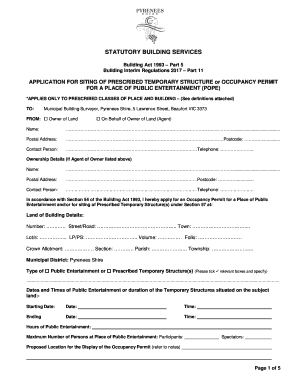
APPLICATION FOR SITING OF PRESCRIBED TEMPORARY STRUCTURE or OCCUPANCY PERMIT
The document outlines the application process for obtaining an Occupancy Permit for a Place of Public Entertainment (POP ...

470 4299
The document is a verification form from the Iowa Department of Human Services for Emergency Health Care Services. It in ...

Food pantry intake form
The GETG Food Pantry Intake Form is a required document for clients seeking assistance from the Central & Eastern North ...
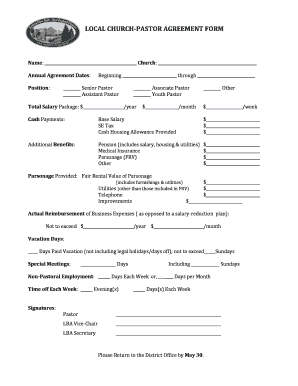
LOCAL CHURCH-PASTOR AGREEMENT FORM - Eastern NY - enynewesleyan
The document is a Local Church-Pastor Agreement Form that outlines the terms of employment for various pastoral position ...
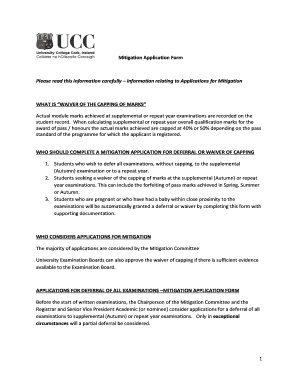
Mitigation Application Form - ucc
The Mitigation Application Form provides guidelines for students seeking to defer examinations or request a waiver of th ...

VA Form 21-509
The document provides instructions for completing VA Form 21-509, which is used to declare the dependency of parents on ...

Gravity, Productivity and the Pattern of Production
The document presents a specific factors gravity model that analyzes the impact of geography and productivity on global ...

A Common-Sense Strategy for Fixing State Pension
The document discusses the challenges faced by state and local pension plans, particularly those based on final pay form ...