




Here's how it works

01. Edit your how to change your last name in arizona online
Type text, add images, blackout confidential details, add comments, highlights and more.

02. Sign it in a few clicks
Draw your signature, type it, upload its image, or use your mobile device as a signature pad.

03. Share your form with others
Send how to change your name in arizona via email, link, or fax. You can also download it, export it or print it out.
How to use or fill out change legal name with our platform

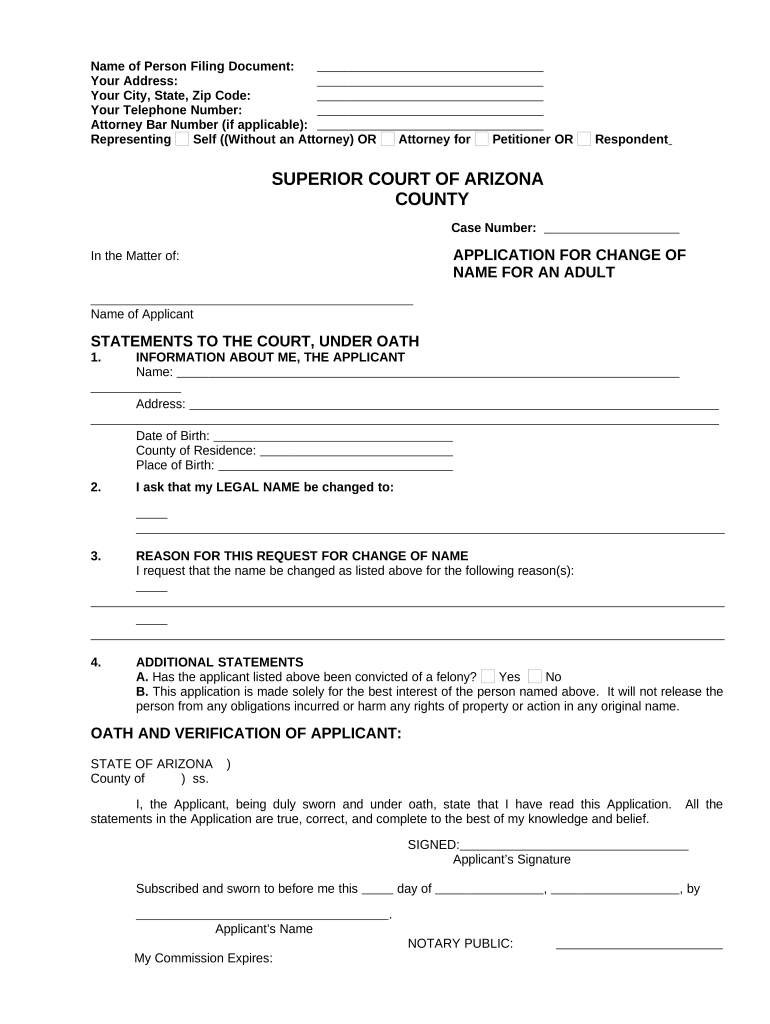
- Click ‘Get Form’ to open the Application for Change of Name for an Adult in the editor.
- Begin by entering your personal information in the 'Name of Person Filing Document' section, including your address, city, state, zip code, and telephone number.
- Indicate whether you are representing yourself or an attorney by selecting the appropriate option under 'Representing'.
- Fill in the case number and provide your name as the applicant in the 'In the Matter of' section.
- Complete the 'Information About Me, The Applicant' section with your name, address, date of birth, county of residence, and place of birth.
- State your desired legal name change clearly in section 2.
- Provide a reason for your request in section 3. Be concise yet informative.
- Answer the felony conviction question in section 4A and confirm that this application is made solely for your best interest in section 4B.
- Finally, sign and date the application under 'Oath and Verification of Applicant', ensuring all statements are true to your knowledge.
Start using our platform today to easily complete your change legal name application online for free!
Fill out change legal name online
It's free
It's free
Security and compliance
At DocHub, your data security is our priority. We follow HIPAA, SOC2, GDPR, and other standards, so you can work on your documents with confidence.
Learn more


Related forms
Player contract nfl
This document is an NFL player contract outlining the terms of employment between a player and a club in the National Fo ...

Blank black cards - s3.amazonaws.com
Supervision log form only
The document is a supervision log for Speech-Language Pathology Assistants (SLPAs), designed to record and document thei ...
Ir330 2016 form
The document is a Tax Code Declaration (IR330) form for employees in New Zealand, outlining the process for completing a ...
Worksheets stw demand
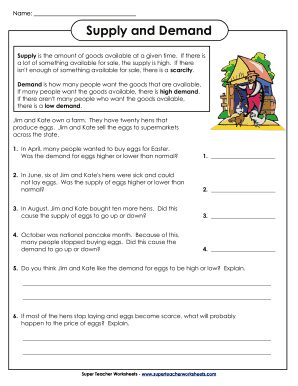
The document explains the concepts of supply and demand using the example of Jim and Kate's egg production farm. It defi ...
Lm 4
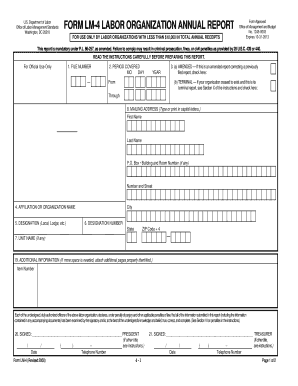
The document is a mandatory annual report form (LM-4) for labor organizations in the U.S. with total annual receipts und ...

Guide to completing the Short-term Study Application Form Feb ... - LSE
The document appears to be empty or contains no content to summarize.