




Here's how it works

01. Edit your pre incident plan template online
Type text, add images, blackout confidential details, add comments, highlights and more.

02. Sign it in a few clicks
Draw your signature, type it, upload its image, or use your mobile device as a signature pad.

03. Share your form with others
Send free pre incident plan template via email, link, or fax. You can also download it, export it or print it out.
How to use or fill out pre incident survey template with our platform

- Click ‘Get Form’ to open the pre incident survey template in the editor.
- Begin by filling out the 'Occupancy Demographics' section. If there are changes, select 'Yes' and complete all fields including Business Name, Mailing Address, and Business Email Address.
- Proceed to the 'Building Information' section. Again, indicate if there are changes. If so, provide details such as Property Use, Structural Type, and Automatic Sprinkler System status.
- In the 'Exposure Information' section, specify any exposures related to the occupancy. Fill in details for each exposure if applicable.
- Complete the 'Contact Information' section by entering details for main contacts and additional contacts as needed.
- Fill out any relevant sections under 'Additional Information', including questions about confined spaces or fire alarms.
- Finally, review all entries for accuracy before clicking 'Submit'. Ensure you save your document appropriately when prompted.
Start using our platform today to streamline your form completion process for free!
Fill out pre incident survey template online
It's free
It's free
Security and compliance
At DocHub, your data security is our priority. We follow HIPAA, SOC2, GDPR, and other standards, so you can work on your documents with confidence.
Learn more


Related forms
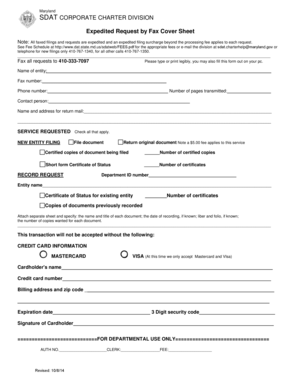
Charter Fax Cover Sheet
The document is a fax cover sheet for expedited requests to the Maryland SDAT Corporate Charter Division. It outlines th ...

CONTINENTAL COLLECTION SPRING ORDER FORM
The document is a fundraising order form for various chocolate products from World's Finest Chocolate, detailing item de ...

Application for Temporary Employment
The document is an application form for temporary employment with the Idaho Department of Fish and Game (IDFG). It colle ...

Idaho Department Of Fish And Game Application For Temporary Employment Idaho Department Of Fish And
Idaho Department Of Fish And Game Application For Temporary Employment Idaho Department Of Fish And
The document is an application form for temporary employment with the Idaho Department of Fish and Game. It collects per ...
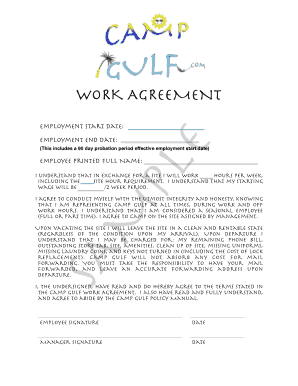
WORKAMPER AGREEMENT FORM SAMPLE
The document is a Work Agreement for employees at Camp Gulf, outlining the terms of employment including start and end d ...
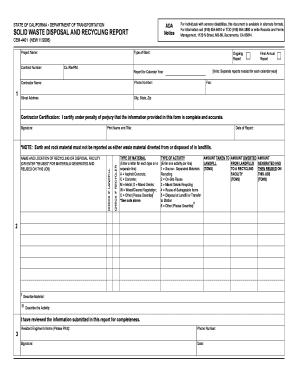
Cem 4401
The document is a Solid Waste Disposal and Recycling Report (CEM-4401) from the California Department of Transportation, ...