




Here's how it works

01. Edit your rn license verification online
Type text, add images, blackout confidential details, add comments, highlights and more.

02. Sign it in a few clicks
Draw your signature, type it, upload its image, or use your mobile device as a signature pad.

03. Share your form with others
Send georgia board of nursing verification of employment form via email, link, or fax. You can also download it, export it or print it out.
How to use or fill out Georgia Board of Nursing Employment Verification Form

- Click ‘Get Form’ to open it in the editor.
- In Section I, enter your printed name, address, and contact information. Ensure that the employer's name and address match what you provided in your application.
- Sign the release statement authorizing the Georgia Board of Nursing to access your employment records.
- Submit the form to your employer for completion of Section II. Make sure they fill out all required fields accurately.
- In Section II, your employer will provide their facility's name, address, and verify your position and employment dates. They must also confirm if any specific licenses or certifications are necessary for your role.
- Ensure that your employer lists the number of hours worked per year along with a job description.
- Finally, have the employer sign and date the form. It must be returned to you in a sealed envelope for submission with your application.
Start using our platform today to easily complete and manage your forms online for free!
Fill out georgia board of nursing employment verification form online
It's free
It's free
Security and compliance
At DocHub, your data security is our priority. We follow HIPAA, SOC2, GDPR, and other standards, so you can work on your documents with confidence.
Learn more


Related forms
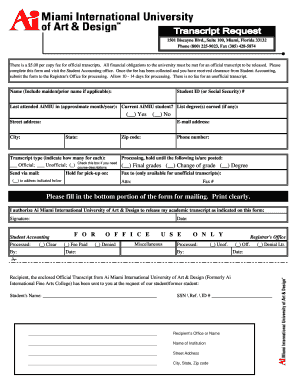
Myaicampus
The document outlines the process for requesting official and unofficial transcripts from Ai Miami International Univers ...

New Jersey Landlord Tenant Lease Co-Signer Agreement Form
The Co-signer Agreement Contract outlines the responsibilities of a co-signer in relation to a lease agreement. The co-s ...
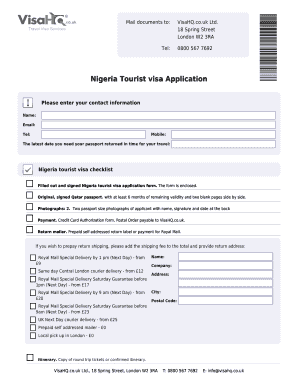
Nigerian passport application form pdf
The document provides detailed instructions and requirements for applying for a Nigeria tourist visa through VisaHQ.co.u ...

Verification of experience form child development
The document outlines the verification process for experience required to obtain a Child Development Permit. It specifie ...