




01. Edit your ppl virginia online
Type text, add images, blackout confidential details, add comments, highlights and more.

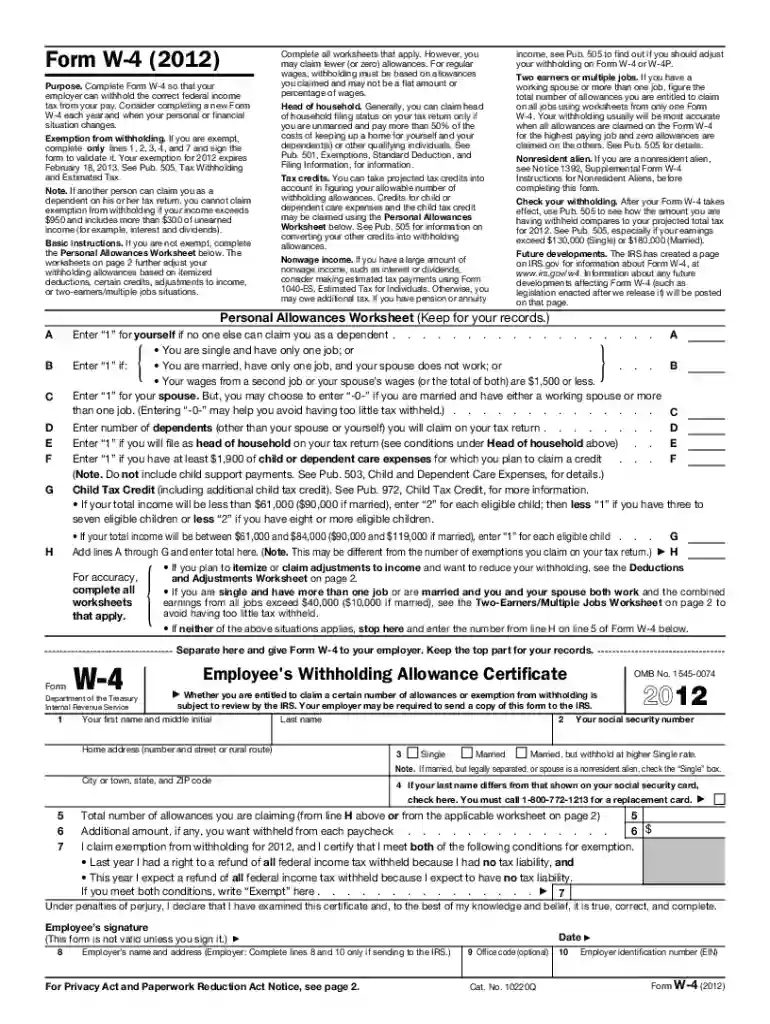
Type text, add images, blackout confidential details, add comments, highlights and more.

Draw your signature, type it, upload its image, or use your mobile device as a signature pad.

Send public partnership application online via email, link, or fax. You can also download it, export it or print it out.

Start using our platform today to streamline your document editing and submission process for free!
We've got more versions of the ppl virginia form. Select the right ppl virginia version from the list and start editing it straight away!
Upload your public partnerships to DocHub (once you’ve created an account for this). If you need to fill out fields in it, use appropriate tools from the upper pane. For example, add Signature Fields, assign each to specific party, and click on Sign → Request signatures from others. Customize your message for your recipients and click Send Request. You can also send your document by fax or as a Signing link instead of using email (you’ll find these options by navigating to the Menu → Send)
You may get and edit your ppl va online by using DocHub. Its simple yet feature-rich design allows you to start effective work immediately after you sign up your account. Create your profile and add your document, and then our interface will guide you through our stress-free form completion experience.
At DocHub, your data security is our priority. We follow HIPAA, SOC2, GDPR, and other standards, so you can work on your documents with confidence.
A: Virginia Premier transition packets will be required for all Employer of Record (EOR) and. Attendants. The EOR forms allow CDCN to act as the agent. TheRead more
The current fiscal agent for DMAS is Public Partnerships, LLC (PPL). Public Partnerships, LLC. Fiscal Agent Services. P.O. Box 662. Richmond, VA 23218-0662.Read more
Mar 31, 2020 Preventing the growing of marijuana on public lands and the attendant public safety and environmental dangers posed by marijuana productionRead more


