




Here's how it works

01. Edit your florida short form online
Type text, add images, blackout confidential details, add comments, highlights and more.

02. Sign it in a few clicks
Draw your signature, type it, upload its image, or use your mobile device as a signature pad.

03. Share your form with others
Send long form short form via email, link, or fax. You can also download it, export it or print it out.
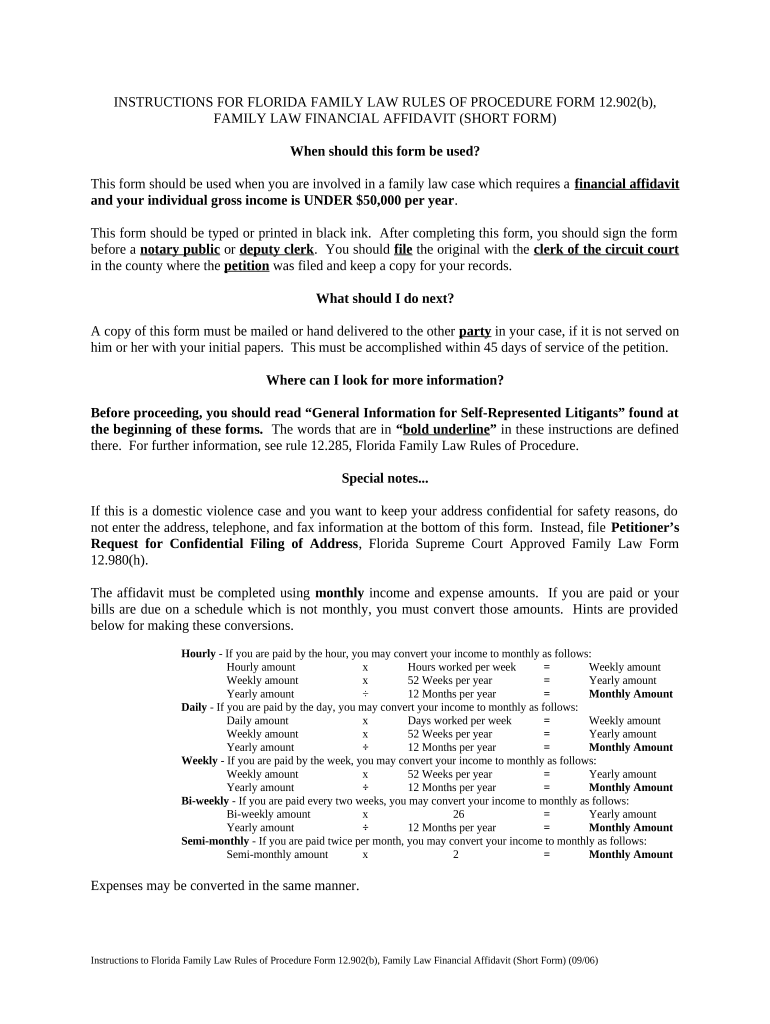
How to use or fill out Florida Short Form with our platform

- Click ‘Get Form’ to open the Florida Short Form in the editor.
- Begin by entering your full legal name and occupation in the designated fields. Ensure that all information is accurate and typed in black ink.
- In Section I, present your monthly gross income. List all sources of income, ensuring amounts are converted to a monthly basis if necessary. Use the provided hints for conversions based on your payment schedule.
- Proceed to list your present monthly deductions in Section II. Include taxes, insurance payments, and any court-ordered support payments. Calculate the total deductions accurately.
- In Section III, detail your assets and liabilities. Clearly describe each item without listing account numbers, and indicate which items you wish to request from the judge.
- Finally, review all sections for completeness and accuracy before signing the form before a notary public or deputy clerk.
Start using our platform today for free to streamline your document editing and form completion!
Fill out florida short form online
It's free
It's free
See more florida short form versions
We've got more versions of the florida short form form. Select the right florida short form version from the list and start editing it straight away!
| Versions | Form popularity | Fillable & printable |
|---|---|---|
| 2006 | 4.8 Satisfied (90 Votes) |
Security and compliance
At DocHub, your data security is our priority. We follow HIPAA, SOC2, GDPR, and other standards, so you can work on your documents with confidence.
Learn more


