




Here's how it works

01. Edit your sample letter for early termination of federal probation pdf online
Type text, add images, blackout confidential details, add comments, highlights and more.

02. Sign it in a few clicks
Draw your signature, type it, upload its image, or use your mobile device as a signature pad.

03. Share your form with others
Send dochub com fillable form via email, link, or fax. You can also download it, export it or print it out.
How to use or fill out motion for early termination of probation template with DocHub

- Click ‘Get Form’ to open the motion for early termination of probation template in our editor.
- Begin by entering your address in the 'Defendant’s Address' field. This ensures that all parties have your correct contact information.
- Next, fill in the name and phone number of your Probation/CC Officer. This is crucial for communication regarding your request.
- Indicate the date you were placed on supervision/probation. Accurate dates help establish the timeline of your probation period.
- In the 'Reason for Request' section, clearly state why you are seeking early termination. You may attach additional paperwork if necessary to support your case.
- Once completed, take this form to your supervising officer for their position on your request, ensuring they sign and date it.
- After obtaining the officer's input, submit the form to the Assistant State Attorney (ASA) for their review and signature.
- Finally, ensure that the form is forwarded to the Assigned Judge’s Chambers for a decision on your motion.
Start using our platform today to easily complete and manage your legal documents online, for free!
Fill out motion for early termination of probation template online
It's free
It's free
Security and compliance
At DocHub, your data security is our priority. We follow HIPAA, SOC2, GDPR, and other standards, so you can work on your documents with confidence.
Learn more


Related forms

Driver application checklist and declaration form Driver application
The document outlines the application process for drivers wishing to participate in the Assisted School Travel Program ( ...
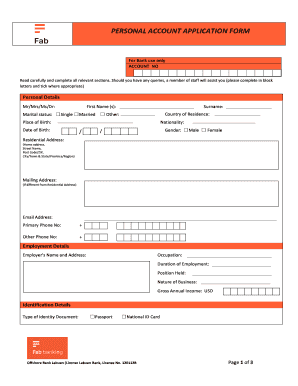
Fab forms download
The document is a Personal Account Application Form for Offshore Bank Labuan, requiring applicants to provide personal, ...
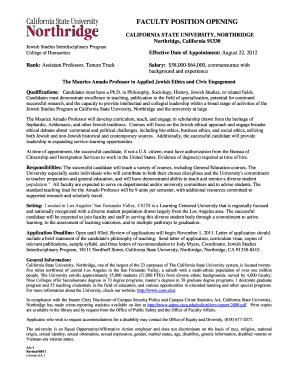
Csun acceptance letter
California State University, Northridge is seeking an Assistant Professor for the Jewish Studies Interdisciplinary Progr ...
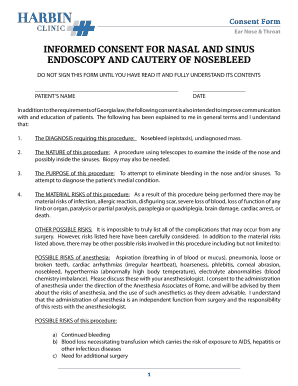
INFORMED CONSENT FOR NASAL AND SINUS ENDOSCOPY AND CAUTERY
This document is an informed consent form for nasal and sinus endoscopy and cautery of nosebleed. It outlines the diagno ...

Notice of Intent to Withdraw from Preschool
The document is a Notice of Intent to Withdraw from Berean Pre-School, where a parent formally notifies the school of th ...

Sh4 form
The document is a Securities Transfer Form (Form No. SH-4) used for transferring securities as per the Companies Act, 20 ...