




Here's how it works
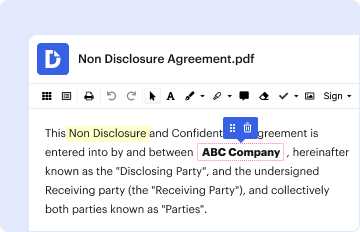
01. Edit your form online
Type text, add images, blackout confidential details, add comments, highlights and more.
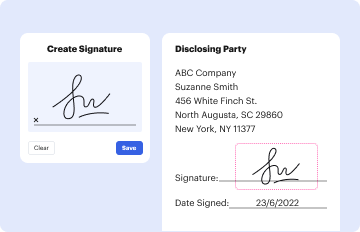
02. Sign it in a few clicks
Draw your signature, type it, upload its image, or use your mobile device as a signature pad.
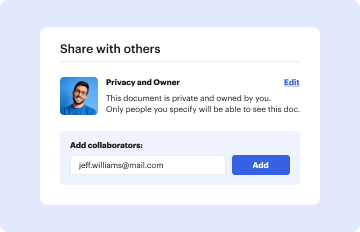
03. Share your form with others
Send it via email, link, or fax. You can also download it, export it or print it out.
How to use or fill out greene county prc with our platform

- Click ‘Get Form’ to open the Greene County PRC application in the editor.
- Begin by entering your name, Social Security Number, and Case Number in the designated fields. Ensure accuracy as this information is crucial for processing your application.
- Fill in your present address and contact number. This allows the agency to reach you regarding your application status.
- Indicate whether you wish to register to vote by selecting 'Yes' or 'No'. Remember, this choice does not affect your benefits application.
- Answer questions about previous public assistance received and provide details if applicable. This helps assess your eligibility.
- Explain your current needs clearly in the provided section. Be specific about why you are seeking assistance.
- List any other agencies contacted for help and their responses. This information can support your case.
- Complete the household chart with details of all members living with you, including income sources and amounts.
- Sign and date the application at the bottom before submitting it through our platform for processing.
Start filling out your Greene County PRC application today using our platform for free!
Fill out greene county prc online
It's free
It's free
Security and compliance
At DocHub, your data security is our priority. We follow HIPAA, SOC2, GDPR, and other standards, so you can work on your documents with confidence.
Learn more


