




Here's how it works

01. Edit your ab 83f online
Type text, add images, blackout confidential details, add comments, highlights and more.

02. Sign it in a few clicks
Draw your signature, type it, upload its image, or use your mobile device as a signature pad.

03. Share your form with others
Send ab 83 form via email, link, or fax. You can also download it, export it or print it out.
How to use or fill out Guide for Completing Form AB-83F - ABSA - absa with DocHub

- Click ‘Get Form’ to open it in the editor.
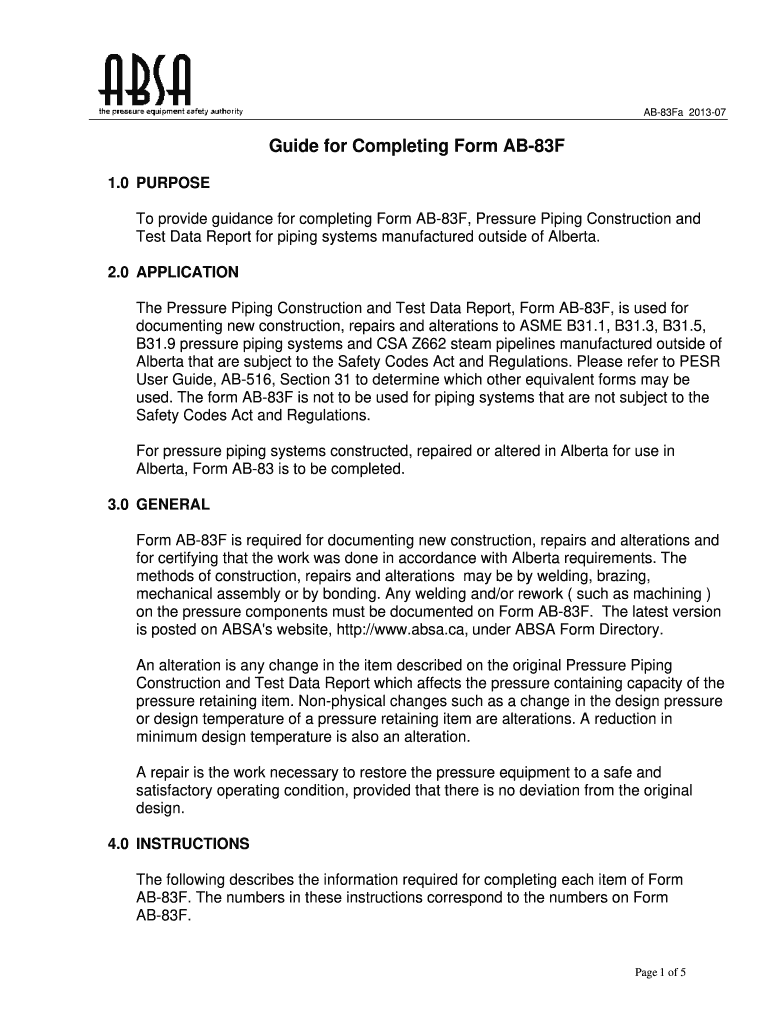
- Begin by checking whether the report is a final or partial data report. This is crucial as it determines compliance requirements.
- Fill in the contractor's name and address who constructed the pressure piping, ensuring accuracy for regulatory purposes.
- Indicate the end user's job number and their name and address to maintain clear records of responsibility.
- Provide details about the piping system installation location and its design registration number if applicable.
- Complete sections regarding welding procedures, service categories, and design pressures, ensuring all specifications are documented accurately.
- Finally, ensure that an authorized representative signs off on the form, confirming that all information is correct and compliant with regulations.
Start using our platform today to streamline your form completion process for free!
Fill out Guide for Completing Form AB-83F - ABSA - absa online
It's free
It's free
See more Guide for Completing Form AB-83F - ABSA - absa versions
We've got more versions of the Guide for Completing Form AB-83F - ABSA - absa form. Select the right Guide for Completing Form AB-83F - ABSA - absa version from the list and start editing it straight away!
Got questions?
We have answers to the most popular questions from our customers. If you can't find an answer to your question, please contact us.
Contact us
What is AB84 California?
AB 133 was signed by Governor Gavin Newsom in 2021 and aims to break down information silos that make it difficult for Californians to access effective, whole-person care.
What is AB 83?
Form AB-83 is required for documenting new construction, repairs and alterations and for docHubing that the work was done in accordance with Alberta requirements.
What is the California Assembly Bill 83?
AB 83 protects seniors from scammers. More than $3 billion is lost annually due to financial exploitation of seniors in the U.S., and one in 10 seniors will experience financial fraud. This bill empowers banks to stop suspicious transactions and alert trusted contacts when fraud is suspected.
How to give notice of withdrawal absa?
Place a Notice on your Absa Banking App Log in to your Absa Banking App. Tap on the Notice Deposit Account. Tap Manage, then Select Withdraw Funds. Select the Notice option of when you would like to receive your funds. Select a date by clicking on the calendar icon. Select the account you want the money to be deposited into.
Security and compliance
At DocHub, your data security is our priority. We follow HIPAA, SOC2, GDPR, and other standards, so you can work on your documents with confidence.
Learn more


