
Will and Testament Forms

Create a new Will and Testament Form

Alabama probate

Last will testament
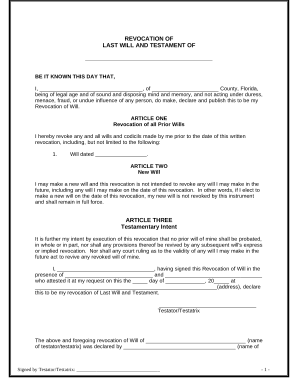
Written Revocation of Will - Florida
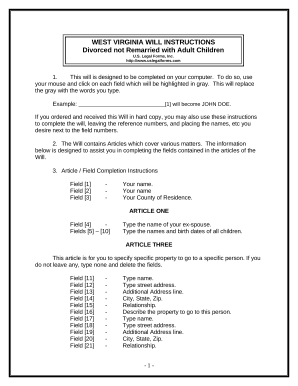
Legal Last Will and Testament Form for Divorced person not Remarried with Adult Children - West Virginia
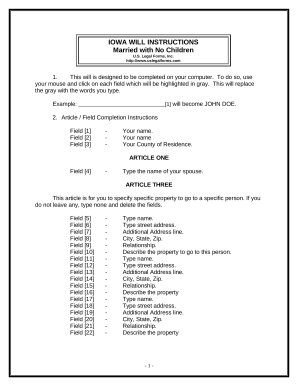
Legal Last Will and Testament Form for a Married Person with No Children - Iowa

Renunciation And Disclaimer of Property from Will by Testate - Texas

Pa will
Handle Will and Testament Forms effortlessly online
Document managing can overwhelm you when you can’t discover all of the documents you require. Fortunately, with DocHub's substantial form collection, you can discover all you need and swiftly deal with it without changing among apps. Get our Will and Testament Forms and start working with them.
The best way to manage our Will and Testament Forms using these easy steps:
- Check Will and Testament Forms and select the form you require.
- Review the template and then click Get Form.
- Wait for it to upload in the online editor.
- Change your form: add new information and pictures, and fillable fields or blackout certain parts if required.
- Fill out your form, conserve adjustments, and prepare it for sending.
- When you are ready, download your form or share it with your contributors.
Try out DocHub and browse our Will and Testament Forms category with ease. Get a free account right now!
Video Guide on Will and Testament Forms management

Commonly Asked Questions about Will and Testament Forms
What is the simplest form of a will?
A will is a document that approves you to designate how your property and property are allotted upon your death. The easiest structure of a will is a holographic or handwritten will, which does not require witnesses or lawyers. A holographic will be written absolutely in the testators personal handwriting.
What should a simple will look like?
In drafting a simple will, there are common elements to include: Identification Naming yourself as the testator (person who makes the will) Listing your beneficiaries (people you want to inherit from you) Identifying your personal property and real estate and giving it to your specific beneficiaries.
How to write your own will template?
Create a title and intros. A straightforward yet important detail to start your will is with a title and introduction. Appoint an executor. Determine guardianship/care of dependents. Assign distribution of assets. List your beneficiaries. Specify funeral and burial instructions. Add residuary clauses. Sign and docHub.
Can I download a blank will form?
Can you download a will form? Net Lawman provides last Will and testament templates that you can download and edit on your computer. If you would like peace of mind that your wishes will be carried out, we can review your edited document.
Does Word have a will template?
Does Microsoft Word have a will template? The Last Will and Testament Template, available for free, is compatible with all Microsoft Word versions from 2003 onwards.
What is the simplest type of will?
There are different types of wills you can choose from, including a simple will. Simple or basic wills let you spell out how you want your assets to be distributed among your beneficiaries once you pass away. You can also use this kind of will to name an executor and choose a guardian for minor children.
What is the simplest way to make a will?
What is a simple will? State that the document is your will and reflects your final wishes. Name the people you want to inherit your property after you die. Choose someone to carry out the wishes in your will. Name guardians to care for your minor children or pets, if you have them. Sign your will in front of witnesses.