
Get any PDF form from the DocHub library of ready-made templates - Page 929
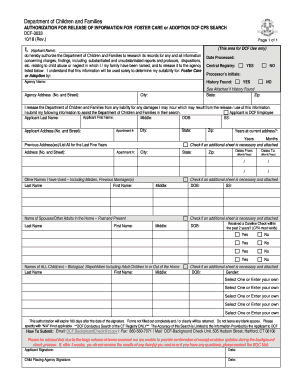
DCF-3033 - CT
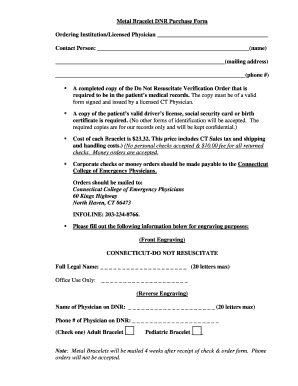
Metal Bracelet DNR Order Form - eforms
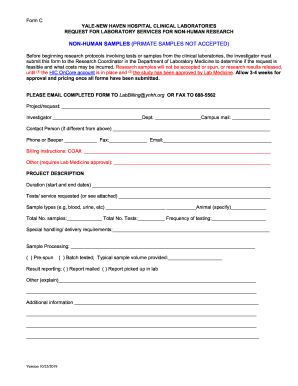
NON-HUMAN SAMPLES (PRIMATE SAMPLES NOT ACCEPTED)

What to do if your company isn't handling coronavirus well

Gsofct girl permission sample
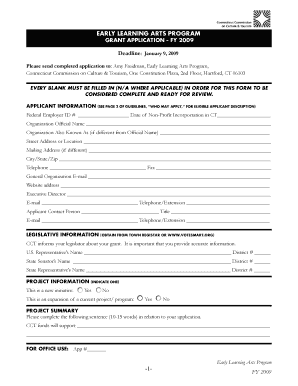
Can i file form ct 1065 ct 1120si paper

Form C-100

Student Transfer FAQs - Beaumont Independent School
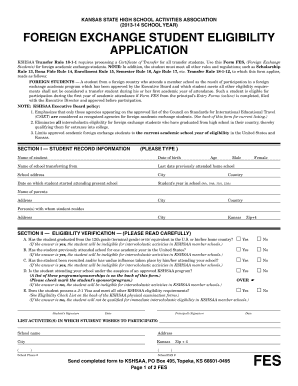
Kansas kshsaa foreign students

Kansas re evaluation
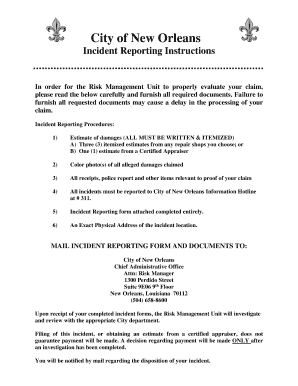
Vehicle contract
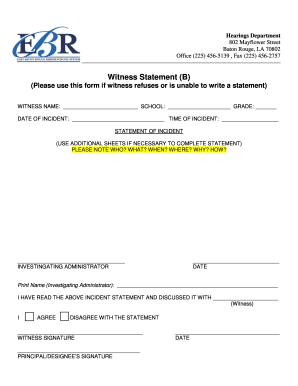
PARENT LEGAL GUARDIAN INFORMATION
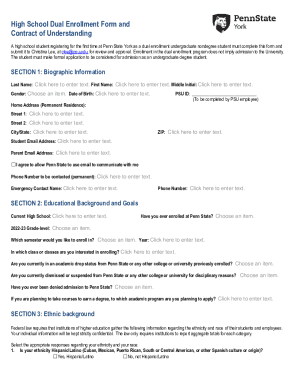
Admissions santarosa high-school-dualHigh School Dual Enrollment Request FormAdmissions
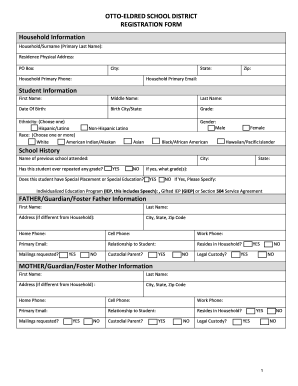
OTTO-ELDRED SCHOOL DISTRICT
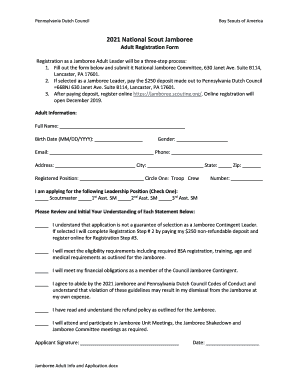
July 21-30, 2021

Pittsburgh pastor form
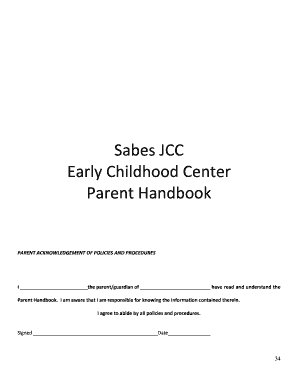
Parent Handbook Dear Ashford Parent, - PDF Free Download

Lg920

A Student Accident Injury Report is to be initiated by staff member in charge of area where the inci

New mexico application form

Squarespace static 57d61ce8d1758ebde03
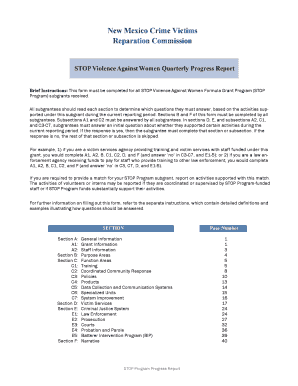
STOP VAWA progress Report Form UPDATED 9 11 17

Licensure application

Children 1-18 Years Old - New Mexico Kids
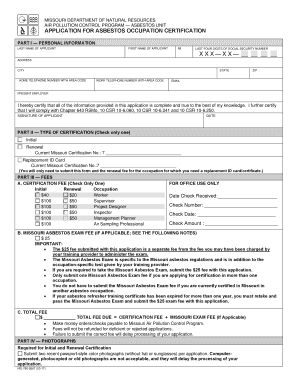
Missouri application

How to file a complaint against a psychiatrist in Missouri

Missouri certificate

2018 missouri
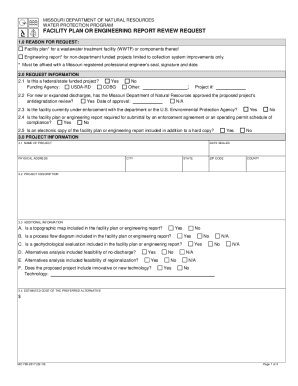
Missouri engineering

LESO Program Application - Missouri Department of Public

375-1793 (8-19) AUTHORIZED REINSURER MISSOURI DEPARTMENT OF COMMERCE AND INSURANCE
Missouri report

Mo waiver

Mofelp

Tennessee state form
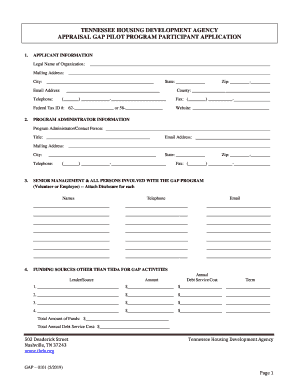
APPRAISAL GAP PILOT PROGRAM PARTICIPANT APPLICATION

Tdec notice of termination

Tn solicitation form
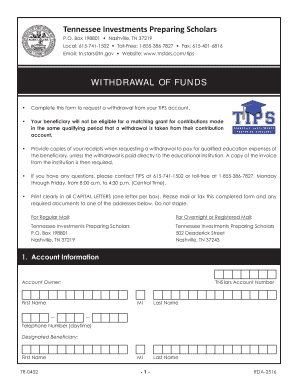
WITHDRAWAL OF FUNDS - TN Stars 529 Program

Ok agreement license
OKUMC Health Policies
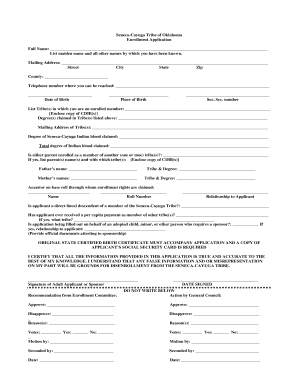
Tribe enrollment form
(6 weeks - 18 months)

Dfps plan form

Forney pass
Houston, Misty Red, Sara Reminders - South Panola School District

New Client Registration - Garden Oaks Veterinary Clinic

Fillable Online Under general supervision, supervises the

Texas round rock

Soccer player release form

Texas fin517
36th Annual Adult Protective Services Call for Presenters Conference Call for Presenters

Texas qualifications
Dealer's Heavy Equipment Inventory Declaration - Harris

Meet us in San Diego for the 2020 Annual Conference!

Ethics Complaint Appeals Form - Texas Certification Board

New-Complaint Form doc

Water district application form

Geometry remodeling project answers
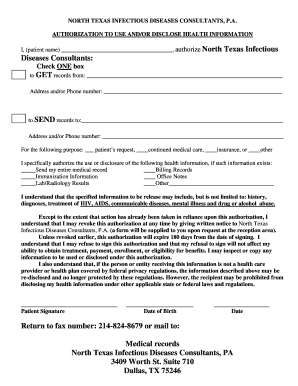
North Texas Infectious Diseases Consultants, PA 3409 Worth
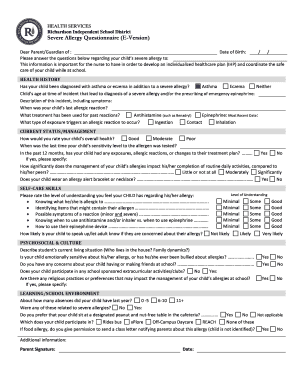
Richardson ISD - CBS DFW - CBS Local
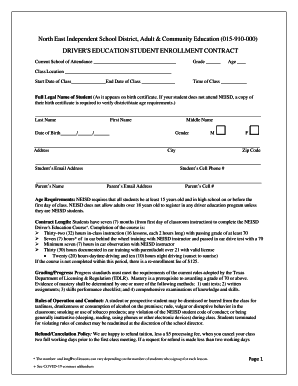
Neisd driver
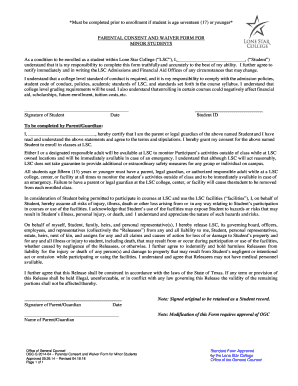
Exceptional admission
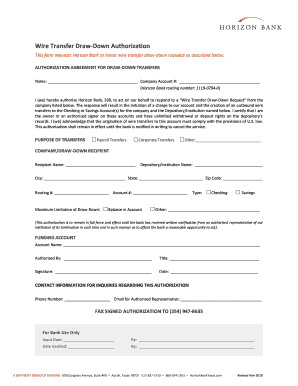
Drawdown wire agreement
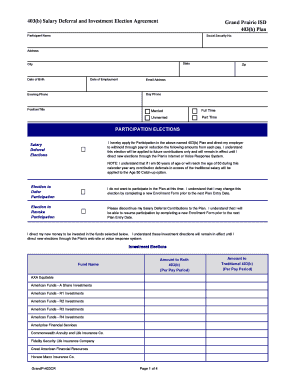
My gpisd payroll info form

Resignation form
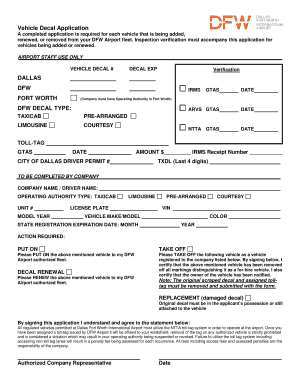
Dfw airport form
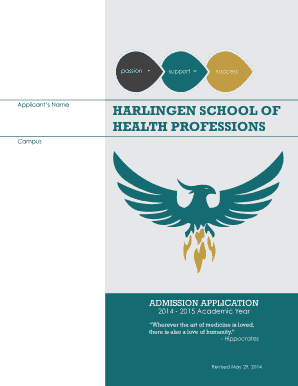
Texas application form
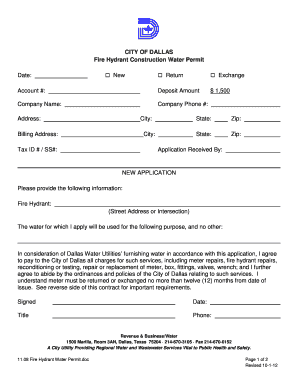
Texas fire hydrant permit
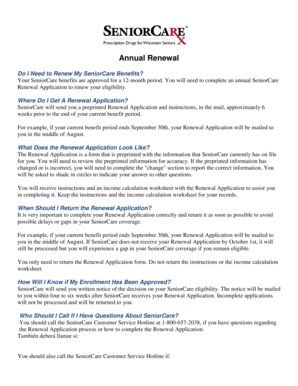
Wisconsin senior care renewal application form
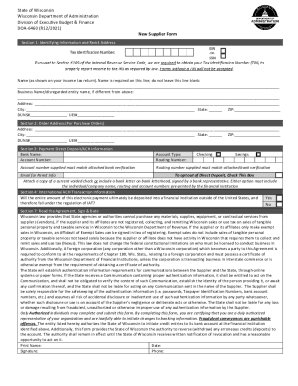
Wisconsin doa 6460

Proposal Summary and Public Disclosure Statement - Milwaukee - milwaukee

DIVISION OF ENERGY, HOUSING and COMMUNITY
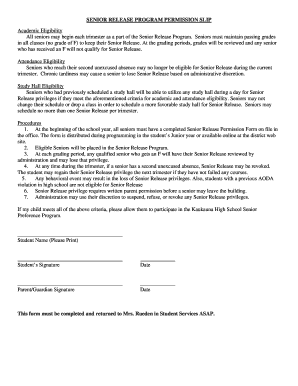
Senior release
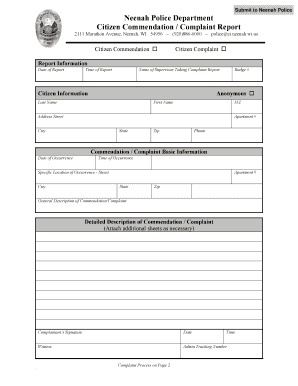
Neenah Police Department Citizen Complaint Report - City of

Wisconsin domestic partnership application
Public Assistance Project Worksheet
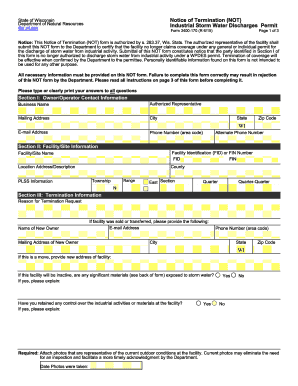
Wi not storm form

Ambulance Inspection and Licensing Program Complaint Form
Colorado pulmonary intensivists, pc registration form

To use this form, you MUST have Adobe installed on your computer
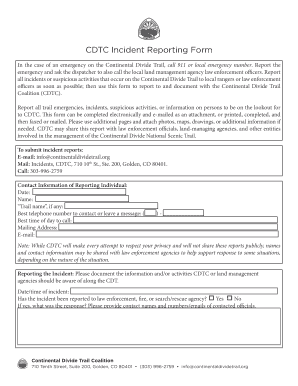
CDTC Incident Reporting Form

Information Collected and How it is Used
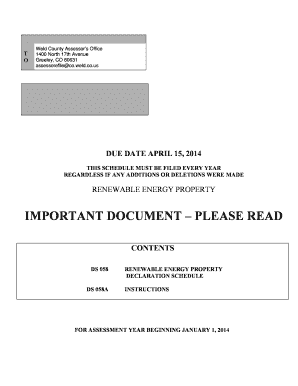
Colorado 058 schedule fill

Maryland instructions
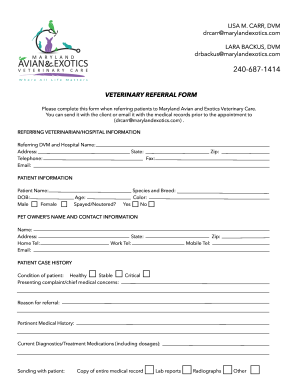
Lisa Carr - Owner and Founder - Maryland Avian and Exotic
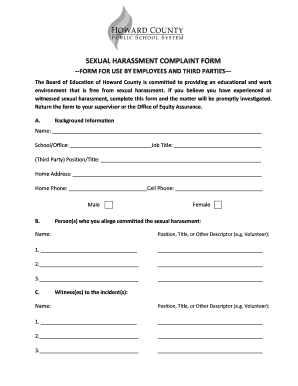
Printable harassment forms
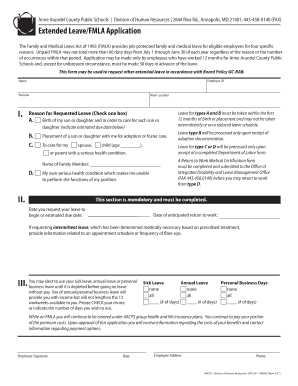
Anne arundel county fmla
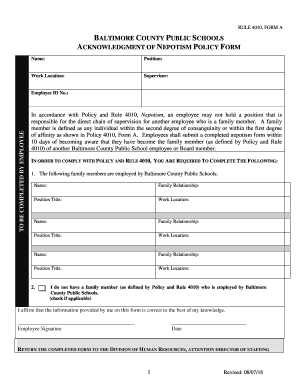
Form a nepotism
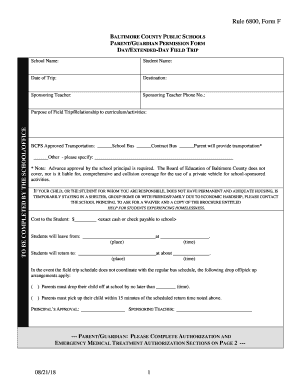
Rule 6800, Form F - DAY EXTENDED-DAY FIELD TRIP

3rd Annual Mayo Clinic Sports Medicine Summit: Care for the
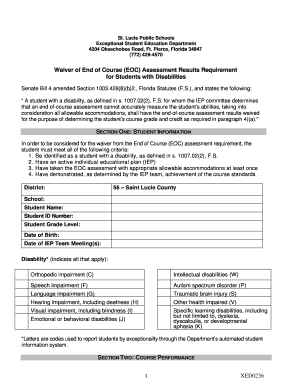
Exceptional Student Education Department

FMA Joint Providership Application - Florida Medical Association
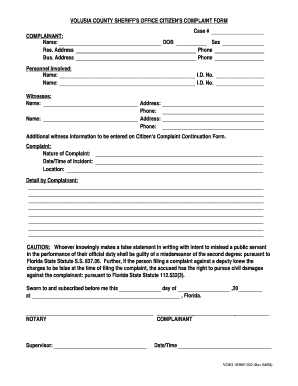
Citizen Complaint Form - Volusia County Sheriff's Office
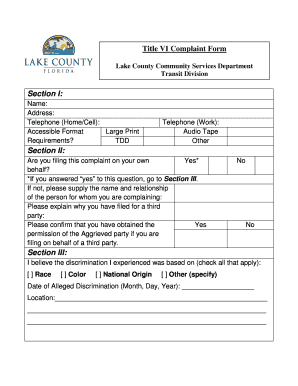
Letter Template - Division Program (Color)
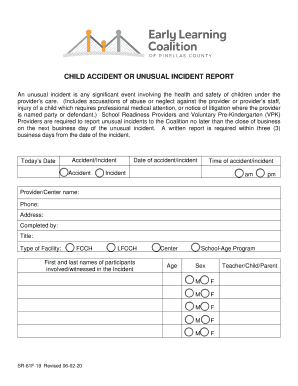
CHILD ACCIDENT OR UNUSUAL
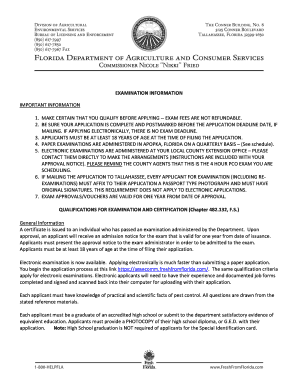
Pest control certification exams
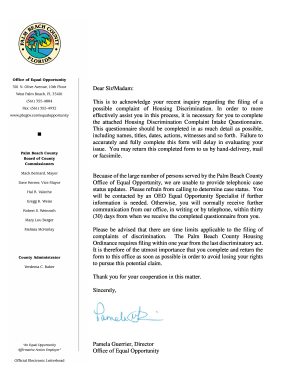
Housing Discrimination Complaint Questionnaire - Palm

Office of Small Business Assistance Home - Palm Beach County
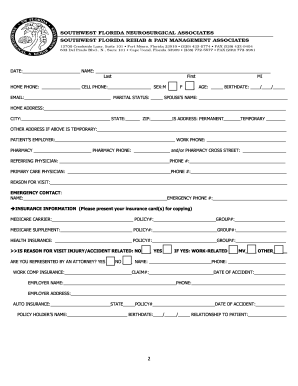
PAIN MANAGEMENT updated 12 9 18 docx
Benefit from the DocHub online library of fillable PDF forms
Searching the PDF forms doesn't have to be a tedious and time-consuming process. With the DocHub online library, it has become easier to find the fillable PDF forms and modify them in your browser. The service allows you to adjust the document to your needs using powerful editing tools.
You can use online document editing features to modify almost any type of document with ease. You just need to find the template of your choice, open it in the editor, and use the toolbar to make the necessary corrections.
Follow this guide to get your document done with DocHub:
- Find the PDF template you need.
- Click the Get Form button to open the file in the editor.
- Use the toolbar to fill out and edit the document.
- Easily add and highlight text, insert images, checkmarks, and symbols.
- Drop new fillable fields, and rearrange or delete pages from your file.
- Save changes and download your record.
DocHub empowers everyone to streamline document editing, signing, and distribution, and form completion. Create an account and benefit from our well-organized PDF Forms library and comprehensive editor.