




Here's how it works
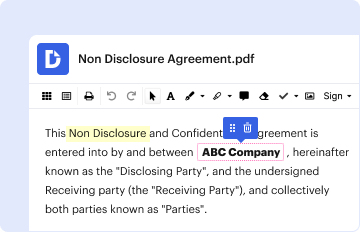
01. Edit your form online
Type text, add images, blackout confidential details, add comments, highlights and more.
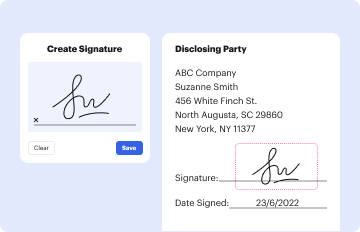
02. Sign it in a few clicks
Draw your signature, type it, upload its image, or use your mobile device as a signature pad.
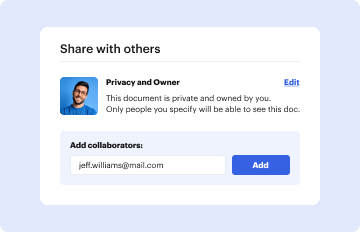
03. Share your form with others
Send it via email, link, or fax. You can also download it, export it or print it out.
How to use or fill out Exceptional Student Education Department with our platform

- Click ‘Get Form’ to open the Exceptional Student Education Department document in the editor.
- Begin with SECTION ONE: STUDENT INFORMATION. Fill in the required fields such as District, School, Student Name, Student ID Number, and Date of Birth. Ensure that you indicate the Disability codes that apply to the student.
- Move to SECTION TWO: COURSE PERFORMANCE. Complete the boxes for Course Code, Course Title, EOC Assessment Score, Date of Administration, Course Grade of Student, and list any Accommodations Provided during the assessment.
- In SECTION THREE: IEP TEAM REVIEW, check 'Yes' or 'No' for each item regarding the student's performance and accommodations. Provide explanations where necessary for why the EOC assessment may not accurately measure abilities.
- Finally, in SECTION FOUR: IEP TEAM DECISION, indicate whether the passing score requirement should be waived based on your review. Collect signatures from all required parties at the end of the form.
Start using our platform today to streamline your document editing and ensure a smooth process for filling out forms!
Fill out Exceptional Student Education Department online
It's free
It's free
Security and compliance
At DocHub, your data security is our priority. We follow HIPAA, SOC2, GDPR, and other standards, so you can work on your documents with confidence.
Learn more




