
Get any PDF form from the DocHub library of ready-made templates - Page 885

Canada chile certificate
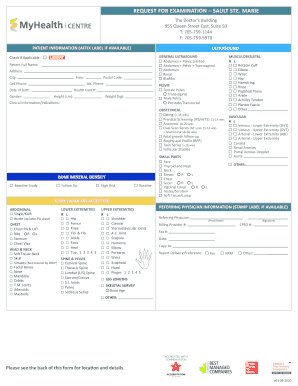
Sault Ste Marie - Health Services for North East

Tvcc referral
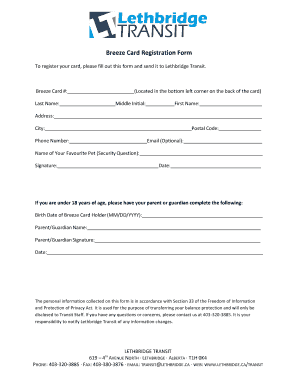
To register your card, please fill out this form and send it to Lethbridge Transit

APPLICATION FOR A PLAYER TO
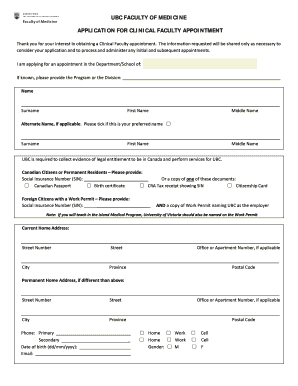
Application for Clinical Faculty Appointment April2016 draft 22 docx
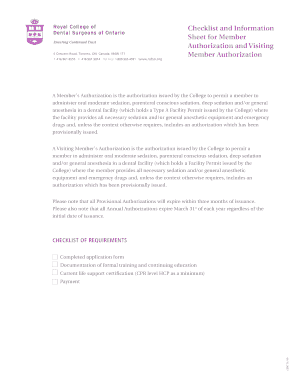
Member and Visiting Member Authorization Checklist and
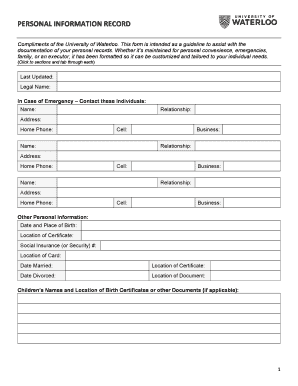
Personal information record
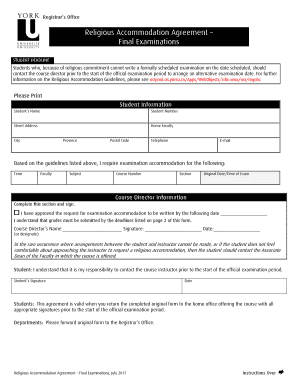
York university religious accommodation
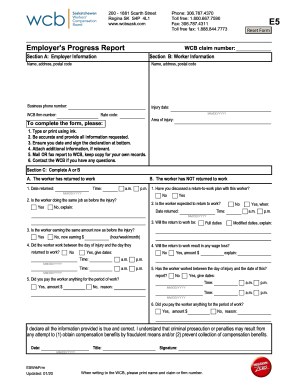
Wcb progress report
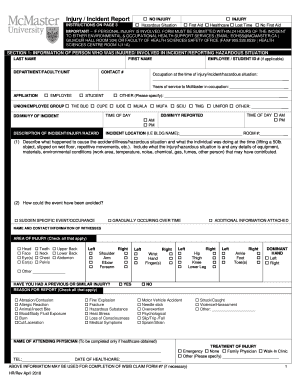
Mcmaster incident
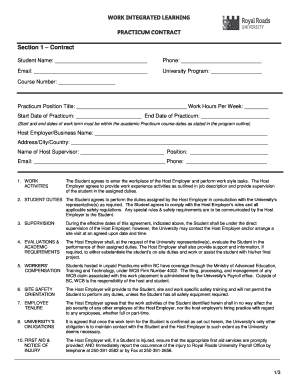
College of Arts & SciencesInternship for Credit Packet
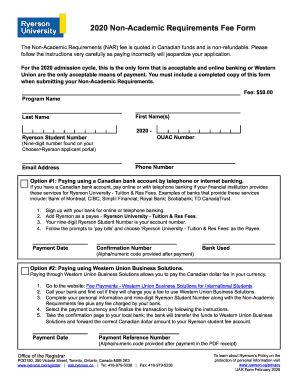
Ryerson non academic
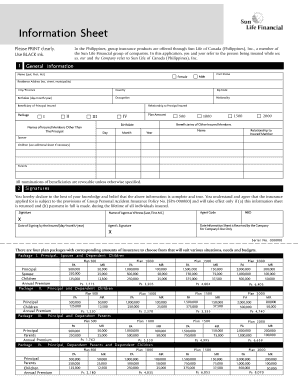
Sunlife plan

Mri appropriateness checklist
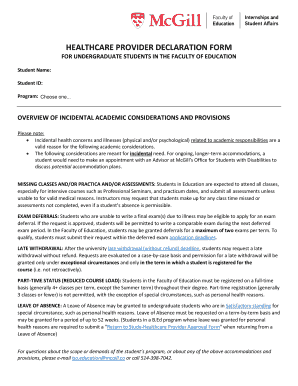
Bachelor of Science in Health - University of Houston
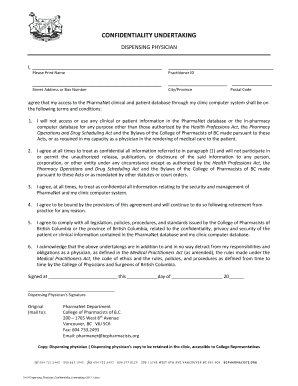
DISPENSING PHYSICIAN

Preparation of a ThesisGraduate and Postdoctoral Studies

Red cross poket psycological first aid
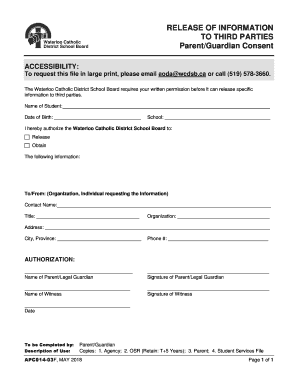
Waterloo Catholic Parent Guardian Consent District School
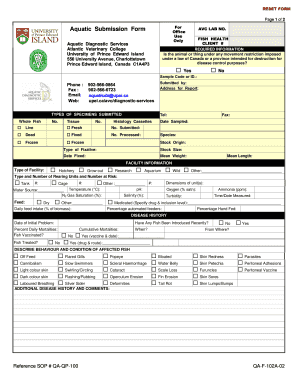
Lab Submissions Form Diagnostic Submissions
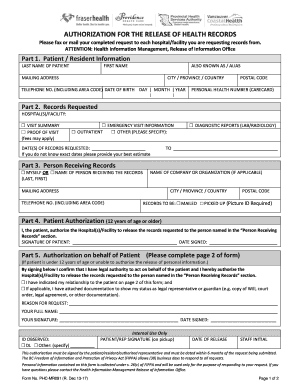
Please fax or mail your completed request to each hospital facility you are requesting records from

Attending ccr cib form
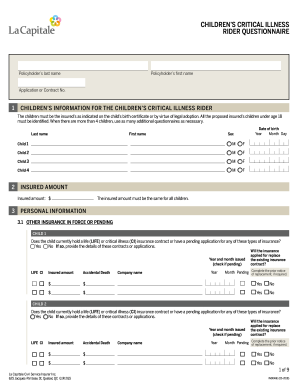
IND046E Children's Critical Illness Rider - Questionnaire

Gymnastics Canada: From here, we soar
2013 Canada Sun Life Financial 4197-OPT-CI-BI-E (Formerly 4197-OPT-CI-E)
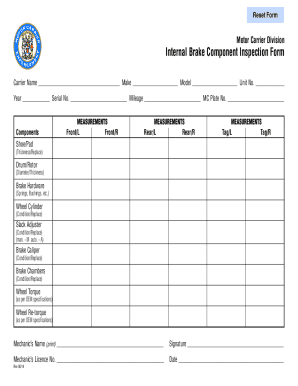
Brake inspection form
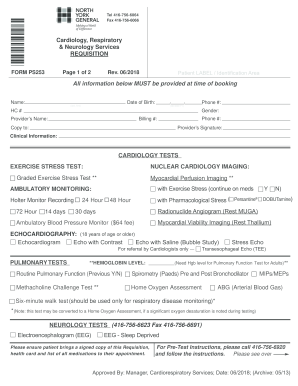
North york general hospital requisition

Return form nova scotia
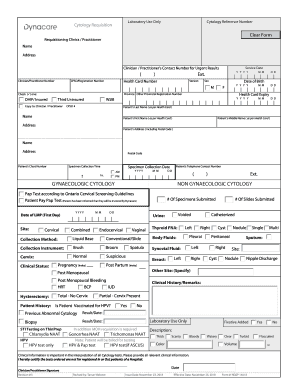
Dynacare cytology pdf
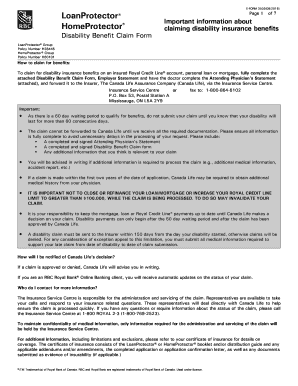
Rbc loan protector insurance claim form

Forms crnm
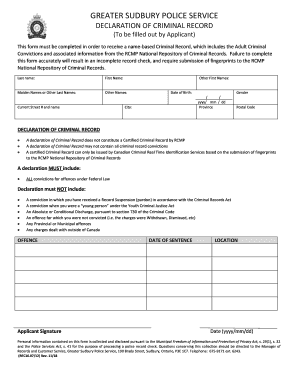
Police declaration form
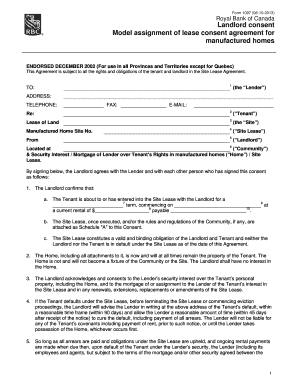
Manitoba landlord

School fire drill checklist
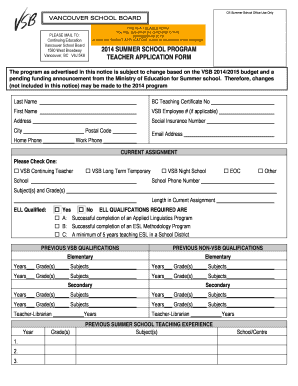
2014 summer school program teacher application form - Vancouver

Rbc insurance form
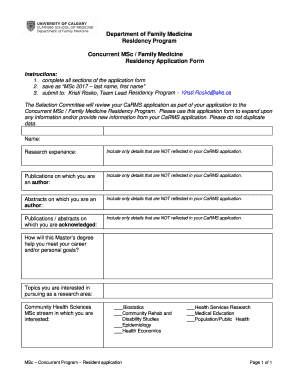
Concurrent MSc Family Medicine

Student self declaration form pdf
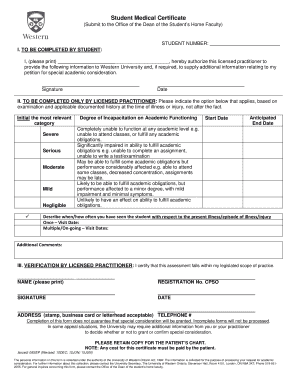
Student medical certificate form

Canada form

Michigan Notary Public Application Form Michigan Notary Public Application Form
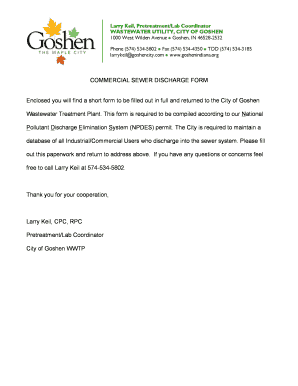
Commercial discharge

Mo services form

Questionnaire mckinney vento
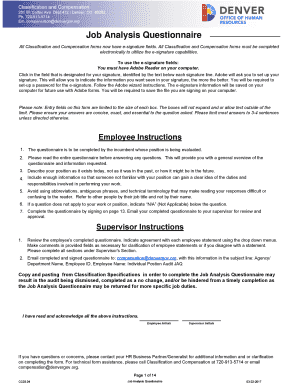
Denver job questionnaire

Athletic health history

2019 adult form
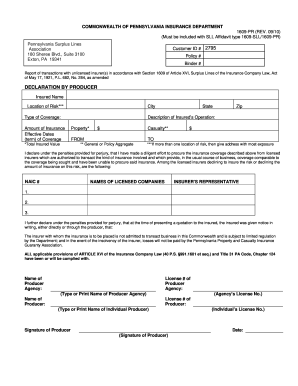
1609 pr editable form

Code section
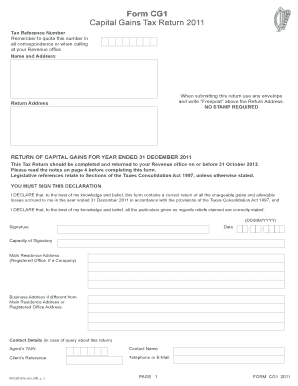
Form cg1
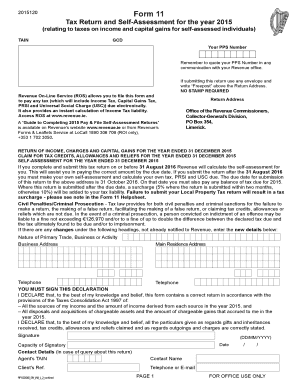
Kra p9 form 2020 download
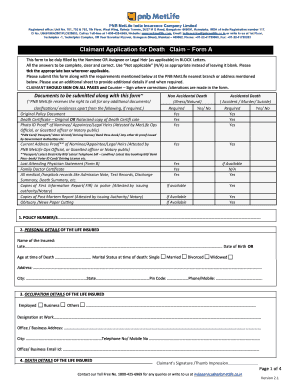
Pnb metlife statement
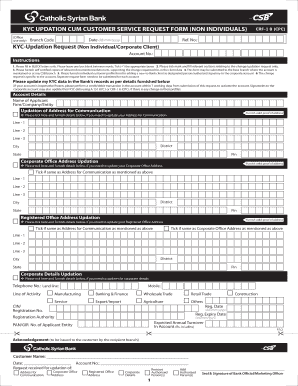
Cum customer form

Sbi standing instruction form for emi
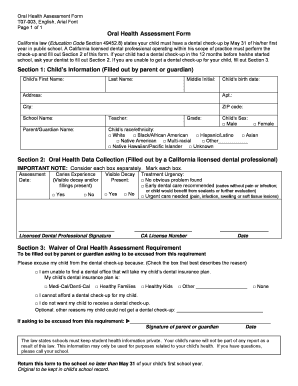
California health assessment form
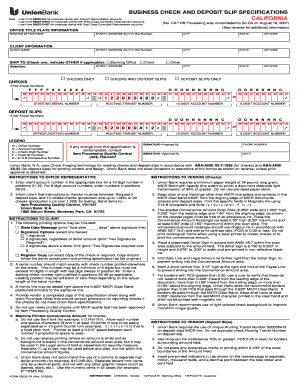
Union bank deposit slip
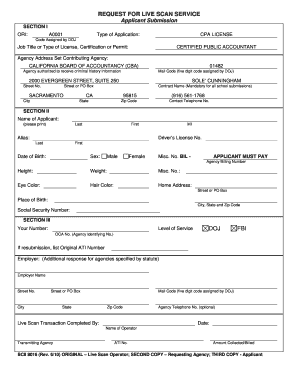
Chp certification for livescan form

De 4 form

CELL PHONE NUMBER (Required)
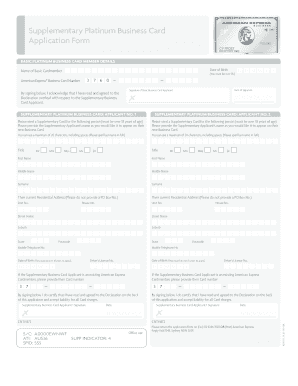
Platinum application form
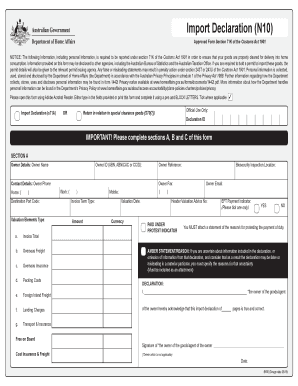
B650 form
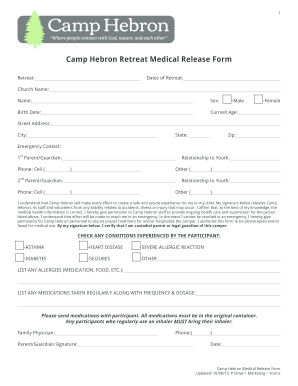
Generic Medical Release Form docx
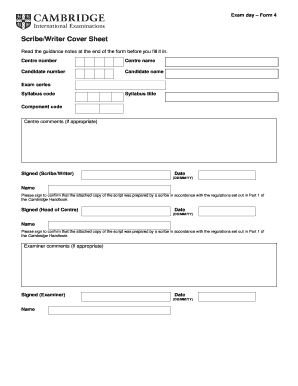
Cambridge sheet scribe
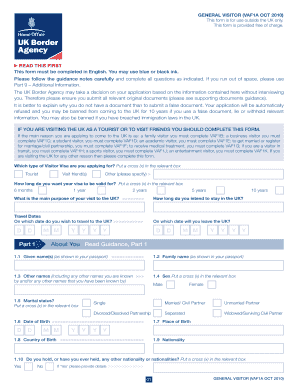
Vaf1a 2010 form
Home - Texas Military Department
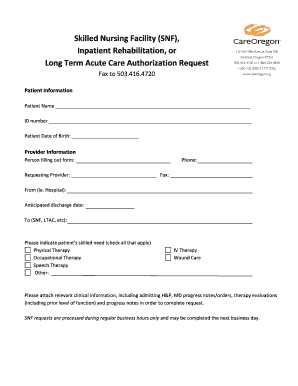
Snf ipr
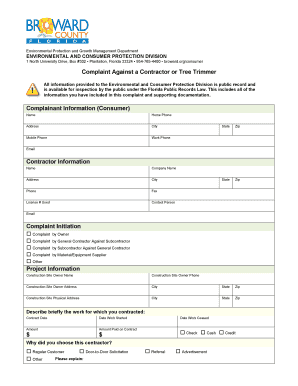
County complaint contractor
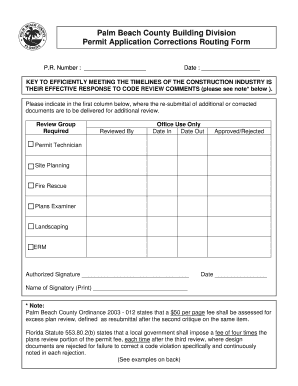
Permit corrections

Nj intake form
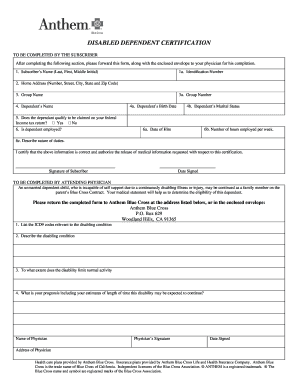
Disabled dependent form

Girl scouts health history form

Ca evoke integrative patient form
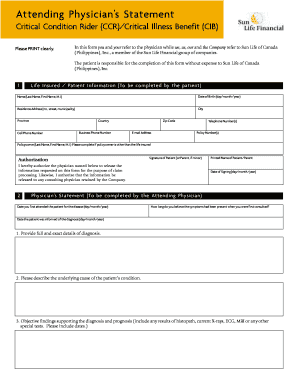
Sun life financial physicians form

How to fill up annual return form
IBTCI ApaL IE Midline 2 - FEB24 docx - pdf usaid
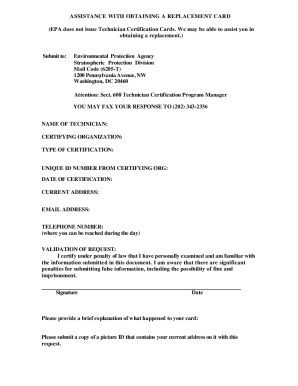
Epa assistance replacement card
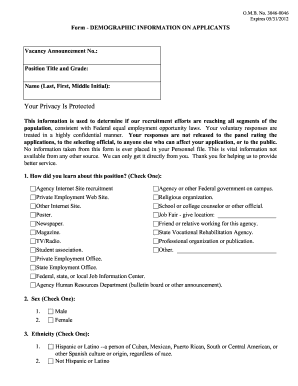
Information epa
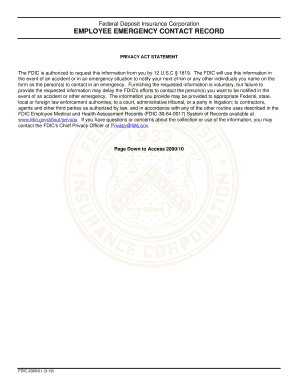
Federal deposit insurance corporation

SBA Forms The U S Small Business Administration SBA

Business fense ProgramsMentor-Protege-ProgramMentor-Protg Program - U S Department of Defense
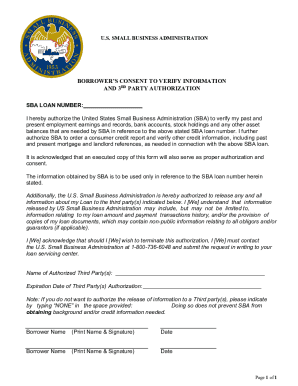
Sba consent verify
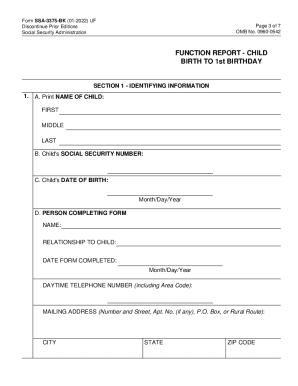
Form Page 1 of 11 OMB No 0960-0542 Function Report
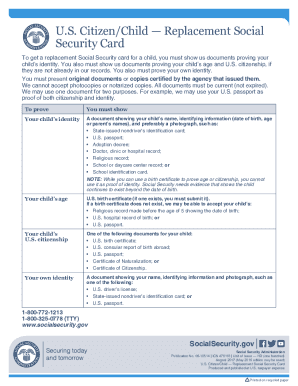
Child replacement social security
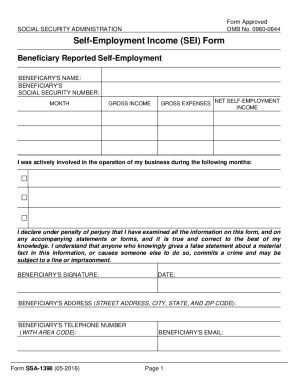
Social security self employment income
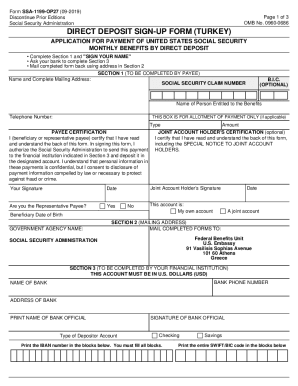
Form turkey template

Benefits planning query form
Postal service customer office
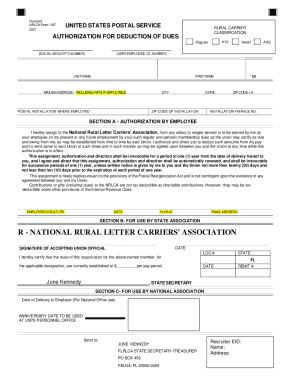
Nrlca form

Usps mailbox key replacement form
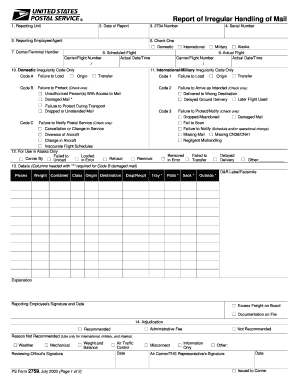
Postal form report of irregular handling of mail ps 2759

HA-1 Claimant Appeal Under the RRA or RUIA HA-1 Claimant Appeal Under the RRA or RUIA
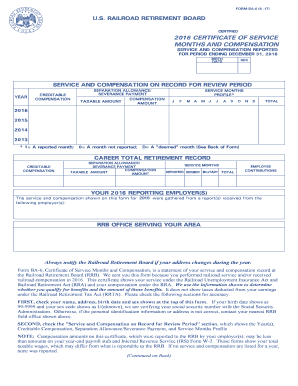
Rrb certificate
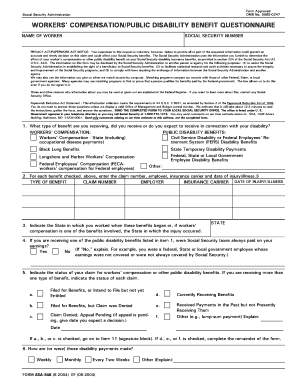
Ssa 546
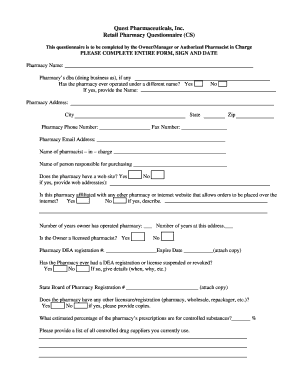
Pharmaceuticals, Inc Thank you for your interest in Quest
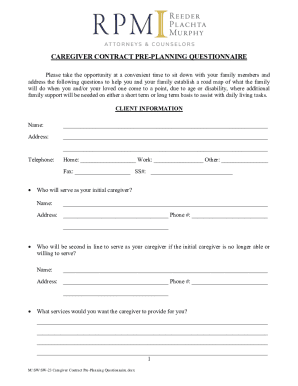
Caregiver contract pre planning

Facility Credentialing
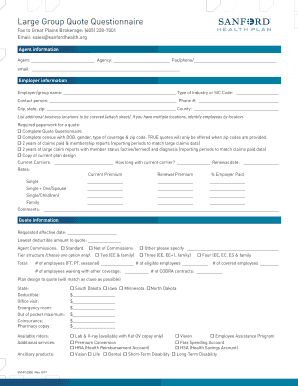
Large Group Quote Questionnaire
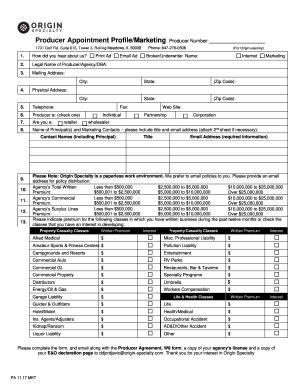
Business Entity - Idaho Department of Insurance

Companion Life Appointment Form
Benefit from the DocHub online library of fillable PDF forms
Searching the PDF forms doesn't have to be a tedious and time-consuming process. With the DocHub online library, it has become easier to find the fillable PDF forms and modify them in your browser. The service allows you to adjust the document to your needs using powerful editing tools.
You can use online document editing features to modify almost any type of document with ease. You just need to find the template of your choice, open it in the editor, and use the toolbar to make the necessary corrections.
Follow this guide to get your document done with DocHub:
- Find the PDF template you need.
- Click the Get Form button to open the file in the editor.
- Use the toolbar to fill out and edit the document.
- Easily add and highlight text, insert images, checkmarks, and symbols.
- Drop new fillable fields, and rearrange or delete pages from your file.
- Save changes and download your record.
DocHub empowers everyone to streamline document editing, signing, and distribution, and form completion. Create an account and benefit from our well-organized PDF Forms library and comprehensive editor.