
Get any PDF form from the DocHub library of ready-made templates - Page 626

Vehicle Maintenance Log Sheet Template

Who am I? worksheet - Catholic Religion Teacher

MEDICAL HISTORY QUESTIONNAIRE- OPHTHALMOLOGY

RACQUET STRINGING ORDER FORM

Printable homeowners insurance quote form

MetLife Accident Claim Form
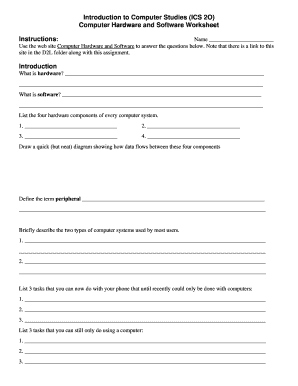
Printable hardware and software worksheet

Form - Utility Warehouse
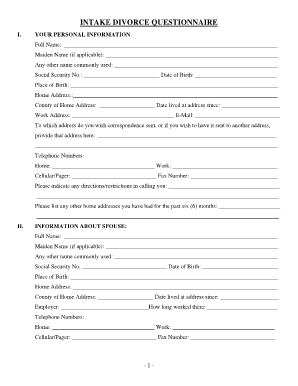
Divorce questionnaire template

US Club Soccer Form R002

Driver Training Checklist Ultra Low Sulfur Dieseldoc

Solar lease agreement

Printable dichotomous key worksheet
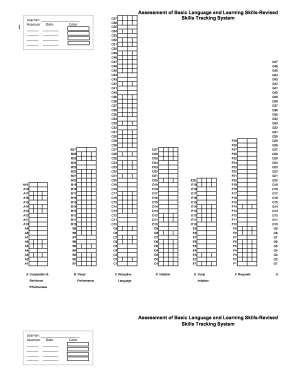
2 ABLLS R Skill Tracker Grids

Memorandum

Salford university fee assessment form

Bp 185 affidavit

Neurology clinic referral jim pattison

Letter of credit from utility company example
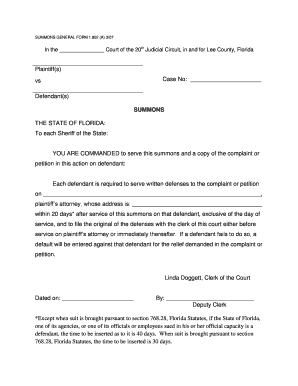
General Summons Form - Lee County Clerk of Courts - leeclerk

50 Habit Tracker Ideas For Bullet Journals - Bullet Journal Addict
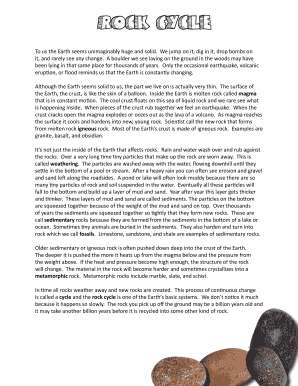
Printable rock cycle worksheets

Tennesse probate forms sevier admit

Resident infect report form

Newfoundland vehicle inspection checklist

PSYCHOTROPIC MEDICATION REVIEW

Corp 14 - Secretary of State - sos mo

Petition for Resentencing (Prop 47) - The Superior Court of

North broward discharge form
Dic 23

Form 505 - Nevada Real Estate Division - red state nv

Ear Candling Consent Form - valleymassagetherapy

Fund switch form

Reasonable Suspicion Testing Checklist - Generic Form
Environmental screening form

Application Form The Great Lakes College of Toronto

Uniform Request form Latest - Amazon Web Services

Aris solutions timesheet pdf
Amoeba sisters video recap the eleven human body systems

Free recipe card maker template
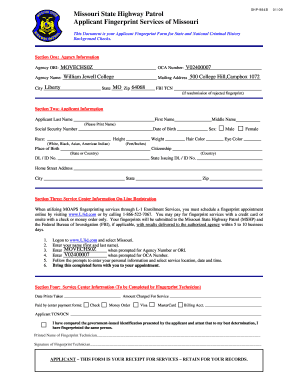
Aiw form
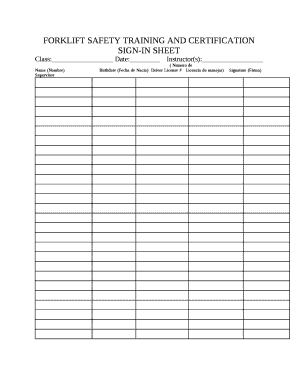
Safety training sign in sheet

Letter of intent to homeschool maine
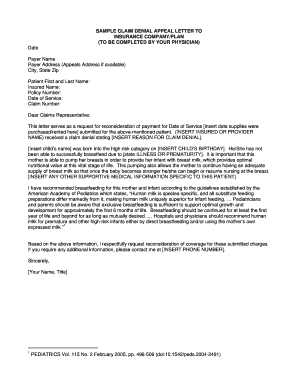
Sample letter of appeal for reconsideration
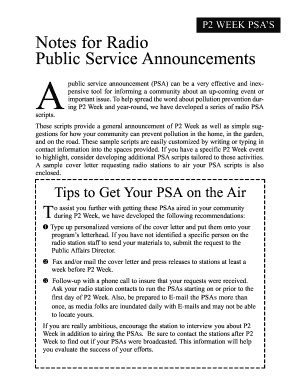
Parade announcement script examples

Haslam Resume Template

Tata mutual fund minor to major form

Patient transfer form pdf
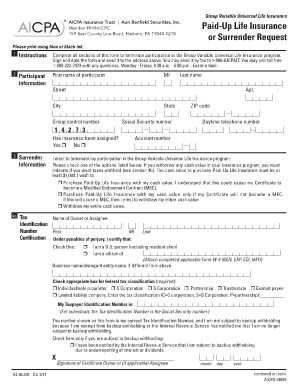
Gerber life insurance cash out form

Corporal punishment permission form

Menopause questionnaire pdf

Supreme court cover sheet

A1 certificate example
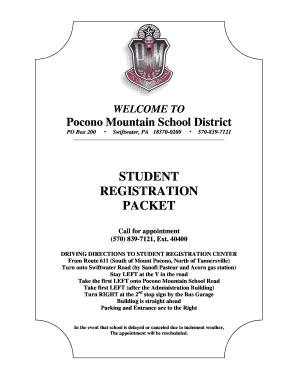
STUDENT REGISTRATION PACKET - Pocono Mountain School District - pmsd

Finance form

Final decree divorce

NATIONAL VENDOR DECLARATION

Residential sewer as built drawing - The City of Portland, Oregon
Hindi fill

Cards against humanity pdf expansion

Daily Record of Food Intake

LOUISIANA MOTORCYCLE BILL OF SALE
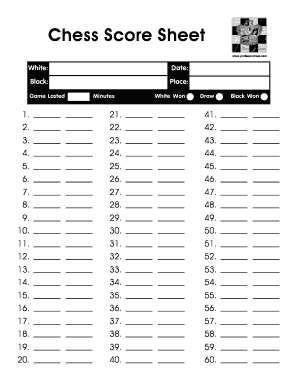
Chess score sheet pdf

HWCDSB- CHRISTIAN SERVICE- ACTIVITY RECORD SHEET 2018 Black and White Logo Updated June 3rd, 2018

Seller's Estimated Net Sheet doc

Section 605C Consumer Submission Form

Park Vista Community High School Service Log - the School District bb

Printable ca 1032

13 colonies worksheet pdf

Fdny letter of recommendation
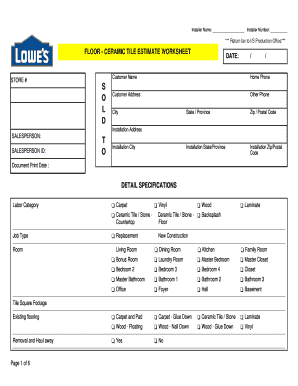
RB FLOOR - CERAMIC TILE ESTIMATE WORKSHEET R DATE RB R S

Rishta form
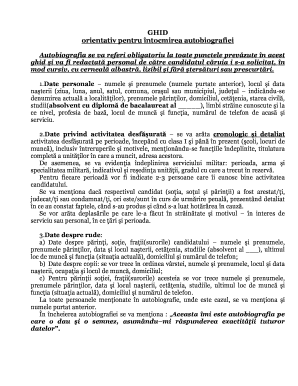
Autobiografie model moldova
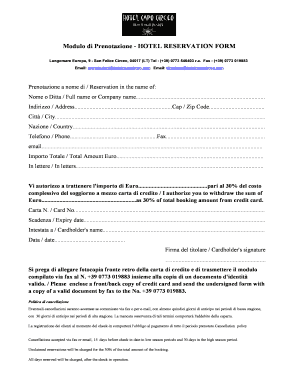
Hotel lost and found form pdf
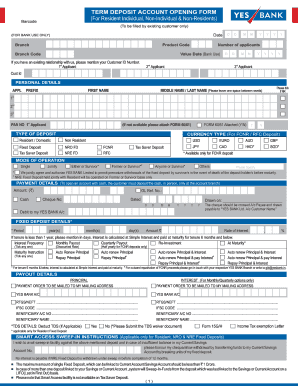
Yes bank dd form

Inventory transfer form

Football attendance sheet template

Gold purchase agreement template

Equipment issue form template

Sof omr sheet pdf

Security guard sign in sheet template
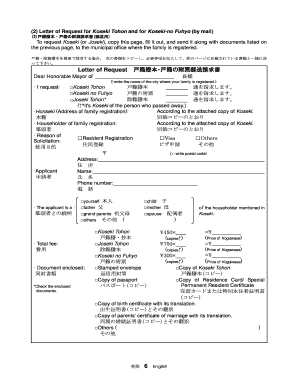
Koseki tohon online
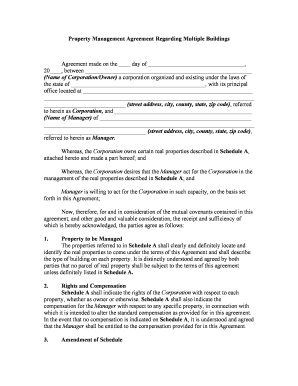
Property management agreement
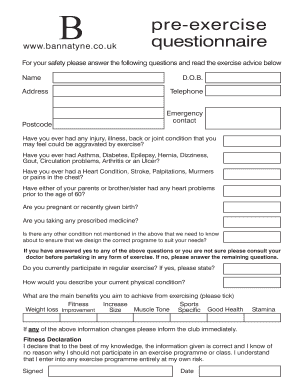
Pre exercise questionnaire

Arrowhead regional medical center medical records

Rentgrow dispute

Deluna bail bonds

Application for search of wills notice

RENTAL AGREEMENT EXAMPLE

Cash float form

Naacp membership form pdf
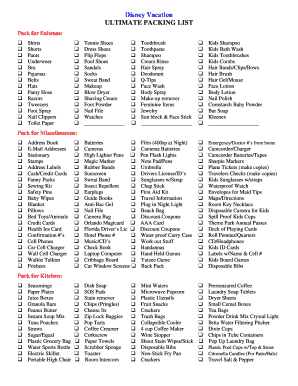
Disney Vacation ULTIMATE PACKING LIST - The Mouse For Less
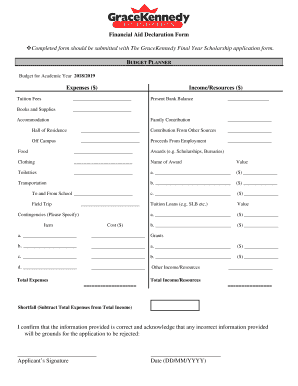
Financial Aid Declaration Form - gracekennedy
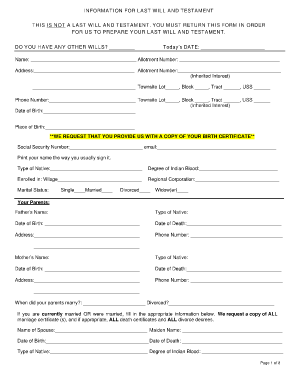
Fill in the blank will

Old mutual protektor preservation fund contact details

Vehicle Title InformationMike FasanoOfficial Site

Sunscreening Medical Exemption Certificate

FLHSMV - MV Check - Motor Vehicle Check Search

: Government of Alberta - Land Titles and Surveys
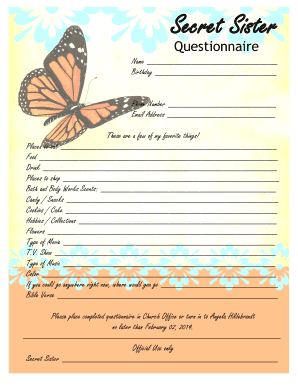
Secret sister questionnaire
Benefit from the DocHub online library of fillable PDF forms
Searching the PDF forms doesn't have to be a tedious and time-consuming process. With the DocHub online library, it has become easier to find the fillable PDF forms and modify them in your browser. The service allows you to adjust the document to your needs using powerful editing tools.
You can use online document editing features to modify almost any type of document with ease. You just need to find the template of your choice, open it in the editor, and use the toolbar to make the necessary corrections.
Follow this guide to get your document done with DocHub:
- Find the PDF template you need.
- Click the Get Form button to open the file in the editor.
- Use the toolbar to fill out and edit the document.
- Easily add and highlight text, insert images, checkmarks, and symbols.
- Drop new fillable fields, and rearrange or delete pages from your file.
- Save changes and download your record.
DocHub empowers everyone to streamline document editing, signing, and distribution, and form completion. Create an account and benefit from our well-organized PDF Forms library and comprehensive editor.