
Get any PDF form from the DocHub library of ready-made templates - Page 620

Quitclaim deed real estate

Cc dr 054

Use for MEDICARE MEDI-MEDI COMMERCIAL Allied

Uniform support declaration oregon

Rut 7 form

Ohang form 2

Statement texas
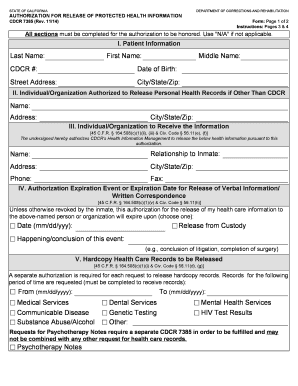
Cdcr 7385 form
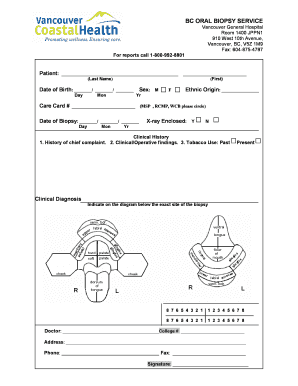
Bc oral biopsy service

Form ETA-9141 Form ETA-9141

Medicare Needs Assessment
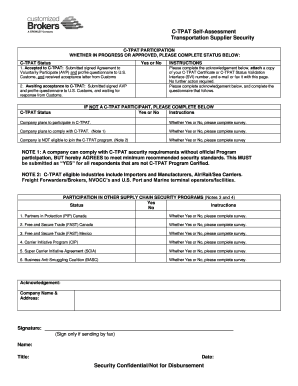
C-TPAT Self Assessment Form PDF - Customized Brokers

Safety Walk-around Checklist: Physician Office Practice
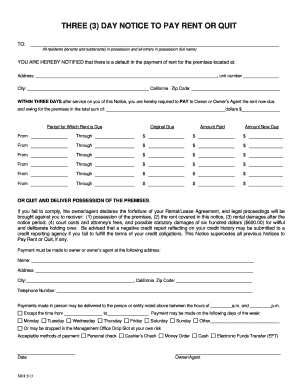
(3) day notice to pay rent or quit - Steven R Hrdlicka, Attorney at Law

Staff Complaint Form Staff Complaint Form

Non payment petition to recover possession of real property - nycourts

PDF TICA Statement and Privacy Act Acknowledgement Form - Palace

Standard Form Contract for Sale of Real Estate in Tasmania (2023)

LIC 417-31 - California Department of Insurance - State of California - insurance ca

How to fill out form t2091

Scholarship Application for After school programs - ststanschicago

Digital Camera Sign-out Sheet

Construction affidavit template

Nova4 formular

Hydrant Inspection Form

ID Consult Template - drshelly

CR 0100 CR 0100

Mod 21 rfi form fillable

Estate planning worksheet fillable

Form 5834 - Owner - Out-of-State Title Request

Comprehensive metabolic panel

B2002b-03 SOUTH DAKOTA VOLLEYBALL SCORESHEET

Discipline referral form high school

Landscape planning worksheet form

Paper Application - Department of Children and Family Services - dcfs louisiana

Bad Check Complaint Form (PDF) - JacksonGov - jacksongov

Uniform Order Form 2016 Junior Girl (School Years 3-6)

How to Answer a Lawsuit for Debt Collection Debt Collection Defense in Washington State

S 110l application for certificate of manufactured home ownership

2022-2023-TEFAP-Eligibility-Form

Boi application form 501

CITY OF SAN BENITO APPLICATION FOR COMMERCIAL UTILITY SERVICE
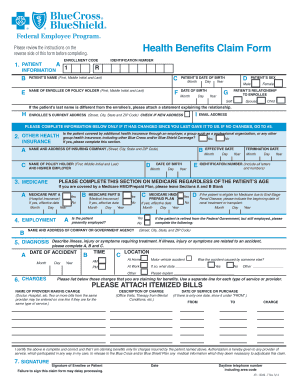
Blue cross blue shield printable claim form
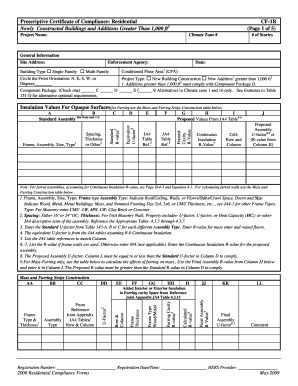
Title 24 compliance forms

Rfp title page

Aetna pcp change form

Child Care Verification 61308doc

Certificato ss3
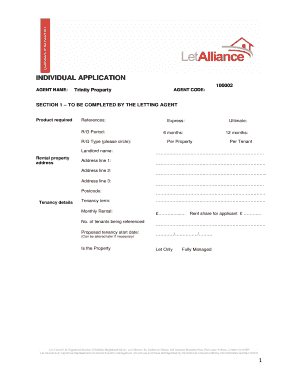
Let alliance application form
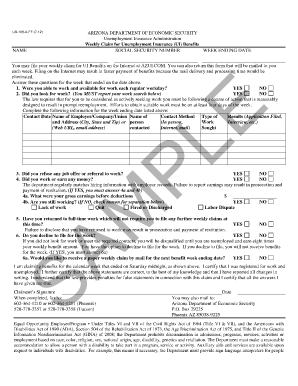
Uiclaimdocs azdes gov

RECALLS CANREC FTS Recruiting Program - Navy Reserve

List of trades and crafts

Employer statement form

Prostate Cancer Referral Form April 2009:Breast Cancer - Healthlink

Grievance form

Athletic sensations

Don aslette spring cleaning check list

Bchildb amp badolescent health examination formb - Queens Library

GENERATOR MAINTENANCE LOG
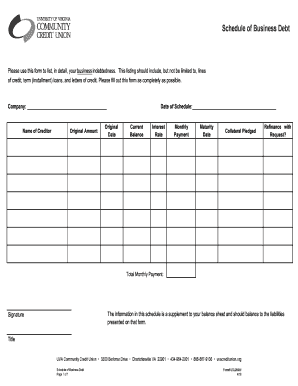
Personal debt schedule template

Arizona state university employment verification

Haywood county building permits

Va form 0933
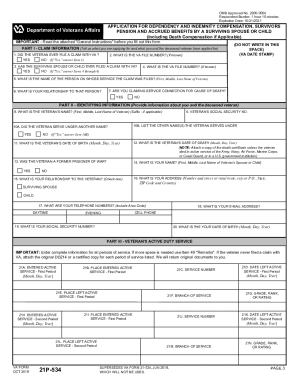
Va form 21p 534ez printable
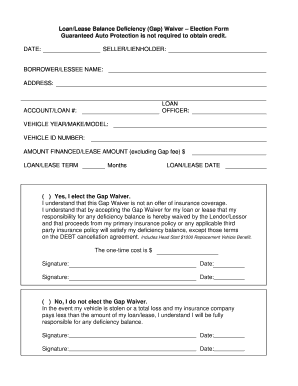
Gap waiver form

Medical Necessity Review Form for Hospital Beds (PDF) - Mass - mass
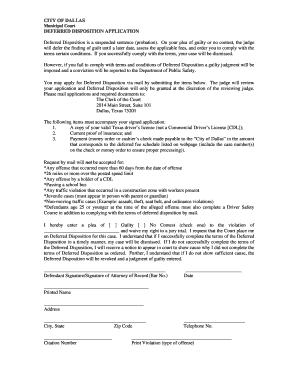
Deferred disposition houston

Service provider list sample

Background Information for Food Service Checklist
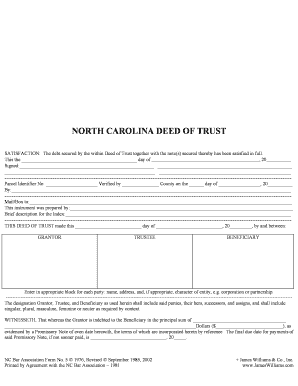
NC Deed of Trust

Dnd 4e character creator

Letter of protection for doctor template

Science Lab Report Template

Tree removal agreement between neighbors

Camping waiver form

Human geography worksheets

Valence bond theory worksheet with answers

Turkey Tourist visa Application - Turkey Visa - VisaHQ

Listening Skills Self- Assessment - Wisconsin RtI Center
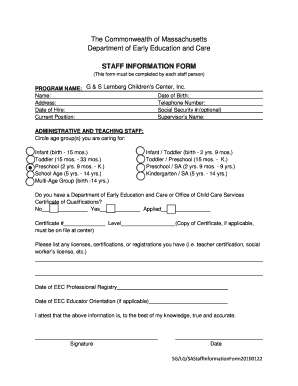
Eec staff information form

Central lakes college transcript request

Missouri warranty deed pdf

Ada accommodation request form template

Nfpa 1500 pdf
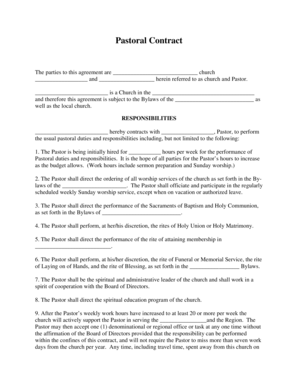
Pastoral contract

HVAC SURVEY FORM COMMERCIAL DIVISION

Meezan bank pay order form

Printable dental examination form
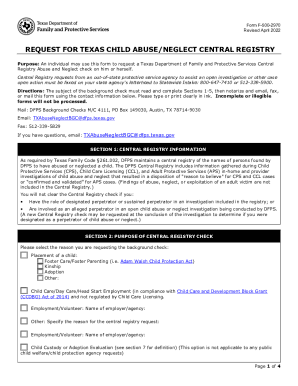
Form 2970

Pta receipt
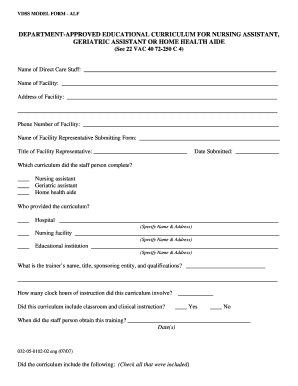
Vdss model form alf

Community Property Agreement

Saxon math lesson recording form

Brake Inspection Checklist - NAPA Brakes

Homeschool Transcripts Explained and Free High School Transcript Template

NAME AA NA MEETING ATTENDANCE SHEET - dsps wi

TOOTSIE ROLL ORDER FORM - kofc-ms
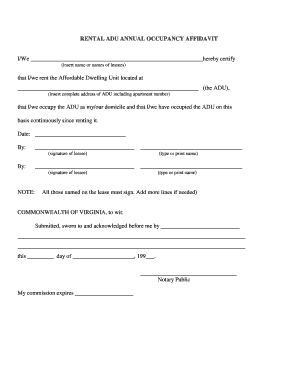
Occupancy Affidavit - ADU - fairfaxcounty

Bowling handicap chart

City Letterhead (BAS Dept ) for WPWIN 6 7 - 161 149 221
Benefit from the DocHub online library of fillable PDF forms
Searching the PDF forms doesn't have to be a tedious and time-consuming process. With the DocHub online library, it has become easier to find the fillable PDF forms and modify them in your browser. The service allows you to adjust the document to your needs using powerful editing tools.
You can use online document editing features to modify almost any type of document with ease. You just need to find the template of your choice, open it in the editor, and use the toolbar to make the necessary corrections.
Follow this guide to get your document done with DocHub:
- Find the PDF template you need.
- Click the Get Form button to open the file in the editor.
- Use the toolbar to fill out and edit the document.
- Easily add and highlight text, insert images, checkmarks, and symbols.
- Drop new fillable fields, and rearrange or delete pages from your file.
- Save changes and download your record.
DocHub empowers everyone to streamline document editing, signing, and distribution, and form completion. Create an account and benefit from our well-organized PDF Forms library and comprehensive editor.