
Get any PDF form from the DocHub library of ready-made templates - Page 544

Harlem School Medication Authorization Form

PARENT TEEN DRUG AND ALCOHOL CONTRACT
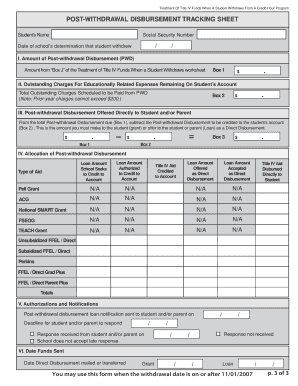
Post withdrawal disbursement form

Canyon View ACH Authorization Form 080909x

MF04248 Lockout Tagout Self Audit Form - sem umaine

On job training format

Collection documents

Home oxygen safety checklist

Broker of Record Change Form - Complex Coverage

Lausd volunteer tb test form
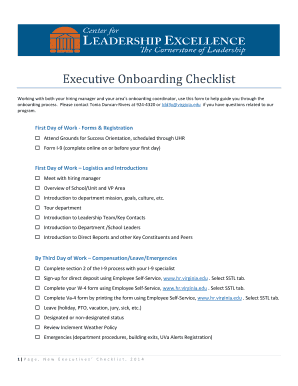
Executive onboarding template pdf
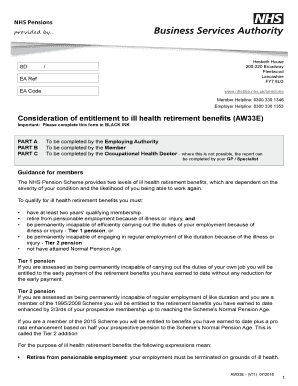
Aw33e form

Gift certificate template

Florida conditional

Cme certificate template

Exertis (UK) Ltd - Trade Account Application Form indd

Michigan temporary operator license template
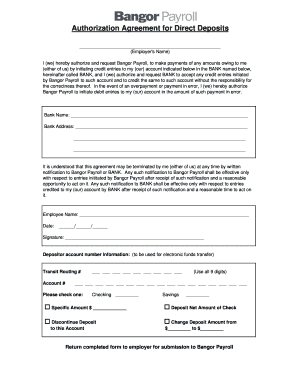
Auth for Direct Deposits - Bangor Savings Bank

Sfmc hospital
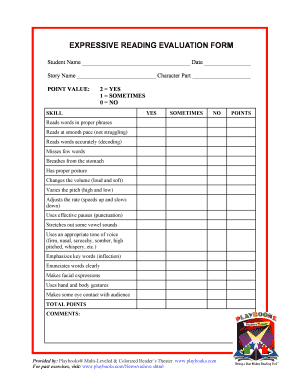
Reading evaluation form
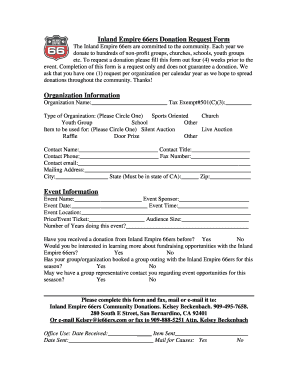
Inland empire 66ers donation request form
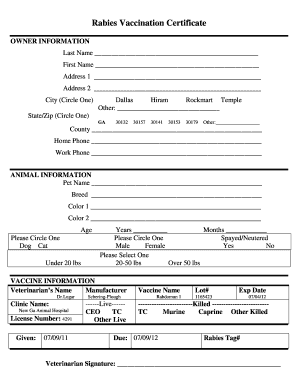
Rabies Vaccination Certificate - Paulding Humane Society - pauldinghumane
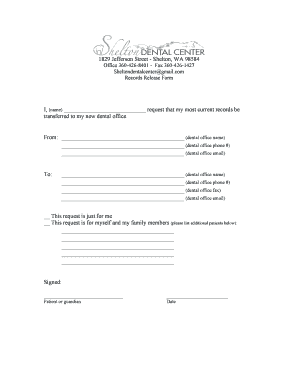
Records Release Form - Shelton Dental Center

Bus roster

Stand and deliver quiz answers
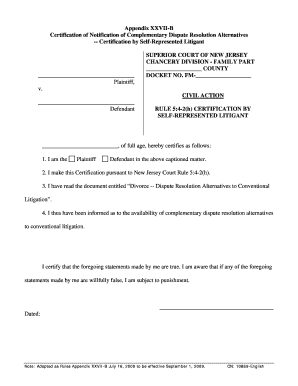
Certification by Self Represented Litigant - New Jersey Courts - judiciary state nj

Staff bio data form
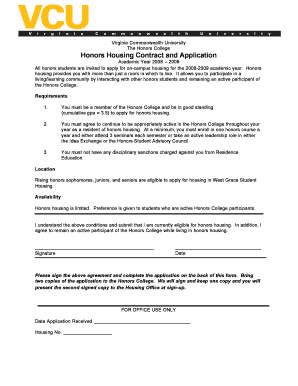
Vcu application

Novant health background check

Open PhotoBooth Booking Form

General Waiver Form - Outdoor Activity and Movement in greater Suva region pages

Id templates

Form I-9, Employment Eligibility Verification - Acro HR Solutions

STORMWATER POLLUTION PREVENTION PLAN (SWPPP) COVER PAGE

Estr j pdf
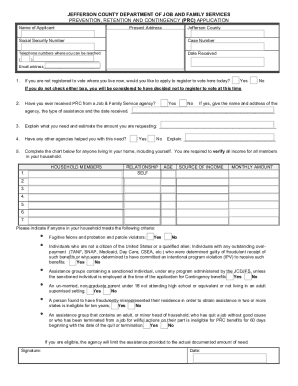
Jefferson County PRC Plan and FormsOhio Works First

Written Confined Space Entry Program

Guidelines for completing Vetting Invitation Form (NVB1) - ucd

Pilates questionnaire
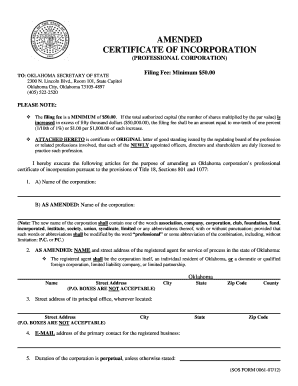
Certificate of incorporation form

Heritage Statement Template

PHTLS COURSE ROSTER

BPROWATERb MAINS PIPEWORK CHLORINATION CERTIFICATE - prowater co

Bylaw amendment template

Release bail
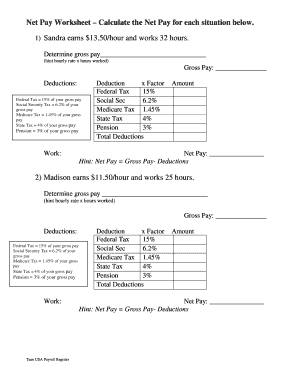
Net pay worksheet answers

Council tax support

Project Clearance Report - Visit Mississippi - visitmississippi

Horse vaccination record

FOSTER HOME MONTHLY REPORT - National Youth Advocate Program

Request A Pay Duty Officer - Halton Regional Police Service

Photo video release form - Penn Manor School District

Graph skills displacement and velocity answers
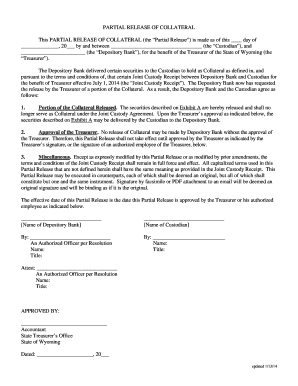
Collateral release letter sample

Compiled by Jane Sheils and Yvonne Sawyers

Westward expansion supply list

Adhd accommodation letter from doctor

Non-molestation or occupation order form (FL401)
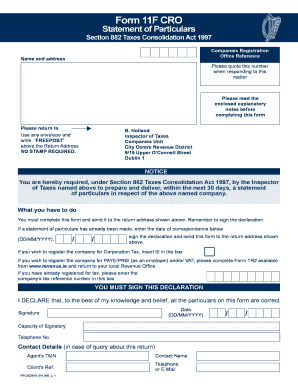
Form 11f
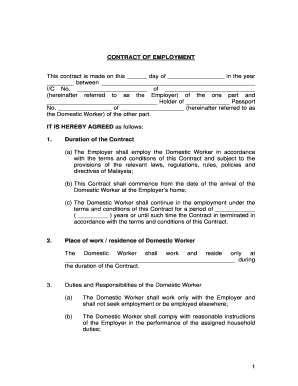
Sample contract of employment malaysia

Cba discharge

Behavioral Referral Form

Free Bookkeeping Contract Agreement Template - Get 2021 SampleFree, Legally Binding Electronic Signa

Parent Guardian Chromebook Responsibility Form

NEW job applicationdocx

Metro lalc

Ad 2056 fillable form

Order Form Biznet Metronet
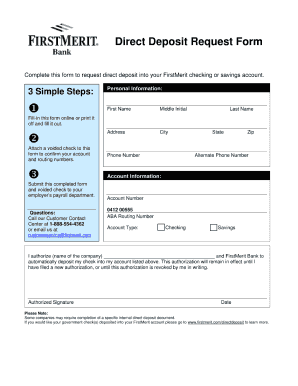
First merit direct deposit form

Dna to mrna worksheet

Timetable-Template-uOttawa Timetable-Template

TOUR OPERATOR BOOKING FORM

Slinky Wave Lab

Drc form pdf
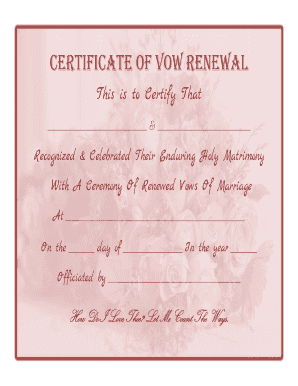
CERTIFICATE OF VOW RENEWAL
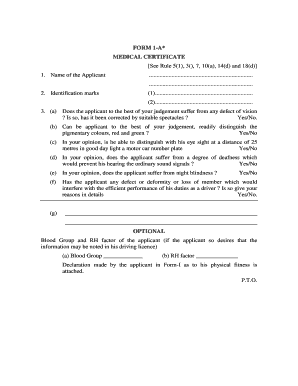
Filled medical certificate

Vicroads refund form

Iep withdrawal letter

Tamale order form

Note name speed test a grand staff 100 notes answer key

Excel create editable template

Gymnastics skills pdf

Abmeldeformular hamburg pdf

Nambawan savings and loan application form
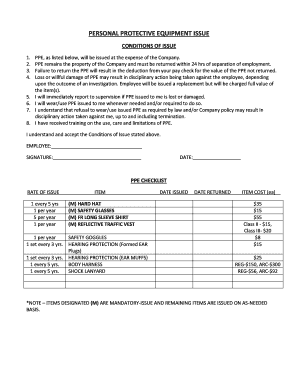
PERSONAL PROTECTIVE EQUIPMENT ISSUE

Ubank forms

MANHATTANVILLE COLLEGE SICKLE CELL ANEMIA TEST FORM

RAPID RE-HOUSING INTAKE APPLICATION

Ou childrens referral form

Affidavit Of Execution Form Ontario Affidavit Of Execution Form Ontario

Fastaff evaluation form

Free printable mezuzah scroll

YEL-vakuutushakemus Yrittjn elkelain mukaista - elo

Mieterselbstauskunft zur Bewerbung um eine Mietwohnung

Ar dealer form

Deed of ratification template

Boost mobile call log history

Preparing a schedule of loss for an unfair dismissal claim
City employment online biodata

Treatment protocol sample
Benefit from the DocHub online library of fillable PDF forms
Searching the PDF forms doesn't have to be a tedious and time-consuming process. With the DocHub online library, it has become easier to find the fillable PDF forms and modify them in your browser. The service allows you to adjust the document to your needs using powerful editing tools.
You can use online document editing features to modify almost any type of document with ease. You just need to find the template of your choice, open it in the editor, and use the toolbar to make the necessary corrections.
Follow this guide to get your document done with DocHub:
- Find the PDF template you need.
- Click the Get Form button to open the file in the editor.
- Use the toolbar to fill out and edit the document.
- Easily add and highlight text, insert images, checkmarks, and symbols.
- Drop new fillable fields, and rearrange or delete pages from your file.
- Save changes and download your record.
DocHub empowers everyone to streamline document editing, signing, and distribution, and form completion. Create an account and benefit from our well-organized PDF Forms library and comprehensive editor.