
Get any PDF form from the DocHub library of ready-made templates - Page 2088

Rental verification form
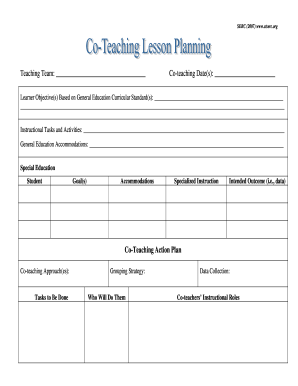
Co teaching lesson plan template

Form pipe trades
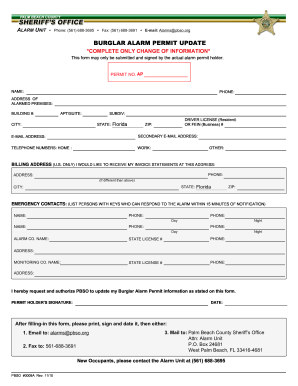
Burglar alarm permit
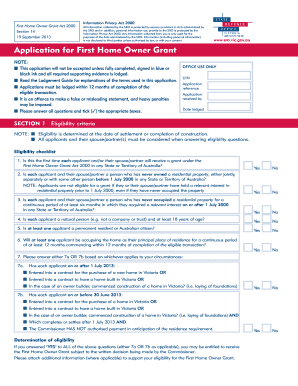
Fhog form vic

Nab rtgs form
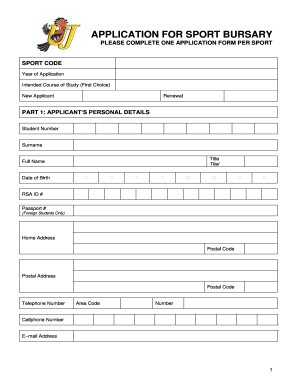
Sports bursary application form

Printable texas dps forms dl 43
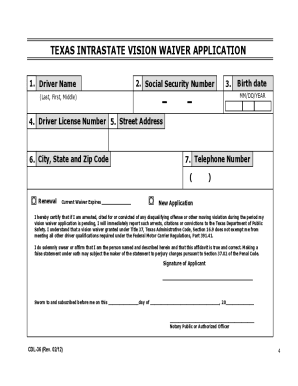
Texas vision waiver
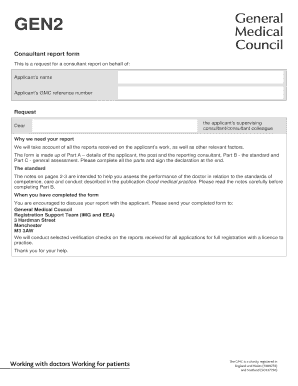
Gen 2 form
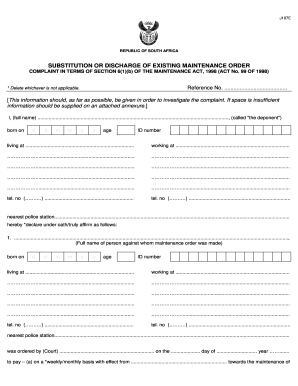
Maintenance court

Lic jeevan akshay form 440 pdf

California paramedic field internship daily
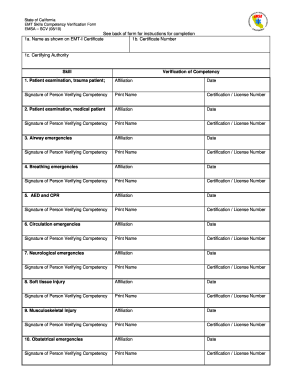
Emt skills verification
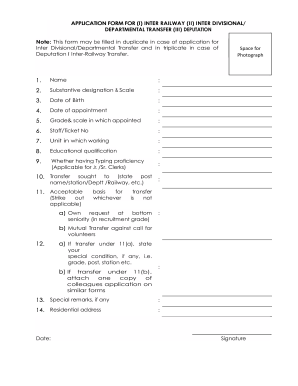
Railway reservation form in excel

Change health card

Emedny 436701 2014 form
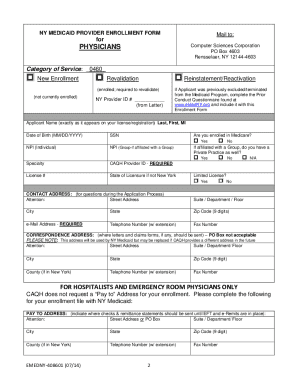
Ny state medicaid form

Pr 01 examples ohio

Cf1 form
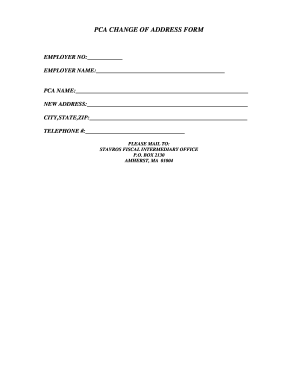
Stavros fi

Superintendent performance
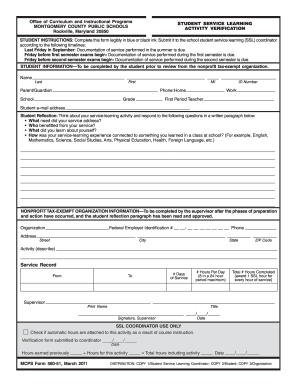
Ssl hours form
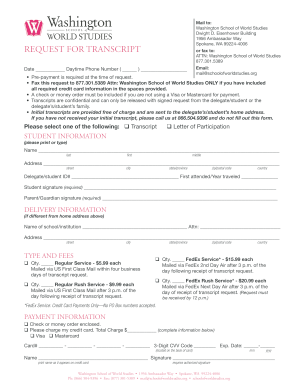
School world schoolofworldstudies
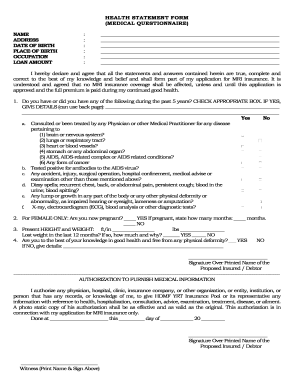
Hdmf daily health assessment

Video production request form template
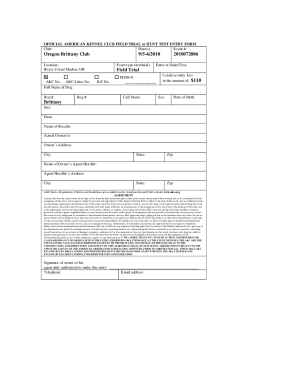
Akc field trial entry form
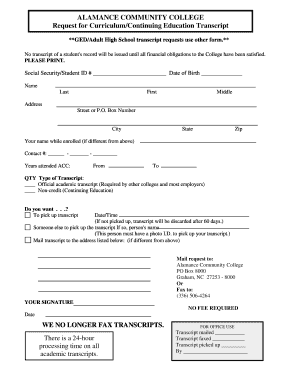
Google forms
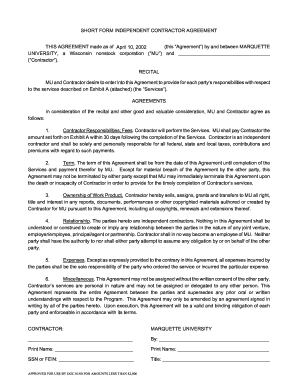
Consulting agreement template
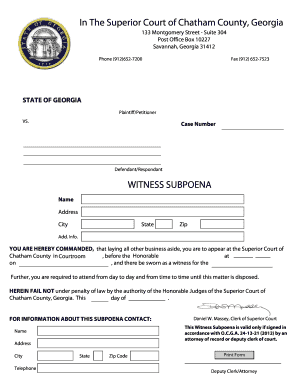
Witness subpoena chatham
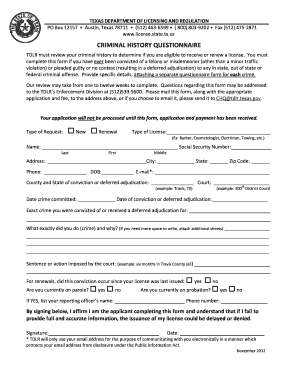
Tdlr criminal history questionnaire 2012 form
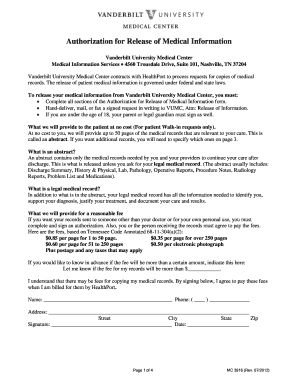
Vanderbilt hospital records 2012 form
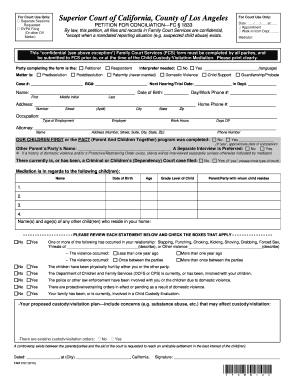
Fam012
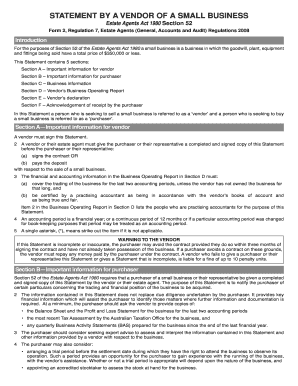
Statement vendor business
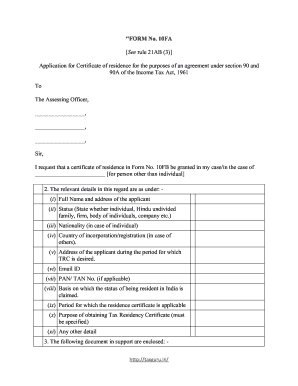
Form 10fa
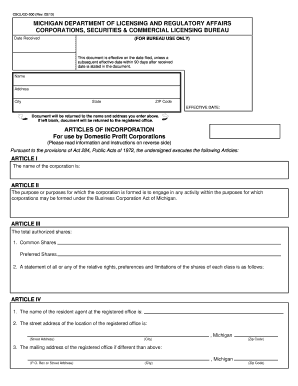
Michigan incorporation
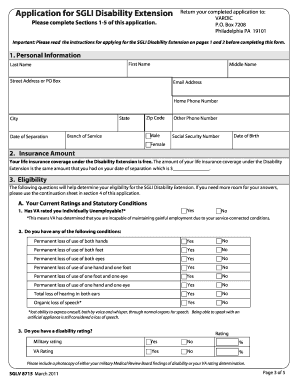
Disability extension
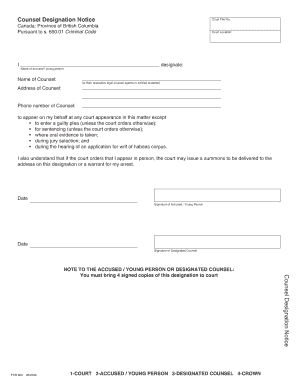
Counsel designation notice
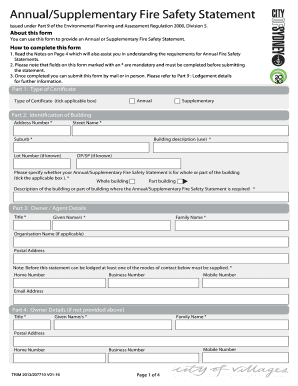
Annual fire safety statement form
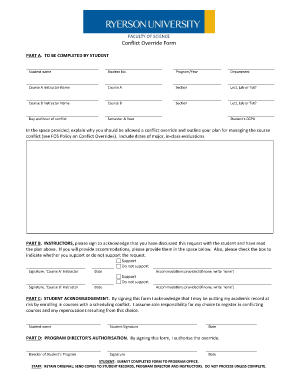
Ryerson prerequisite override
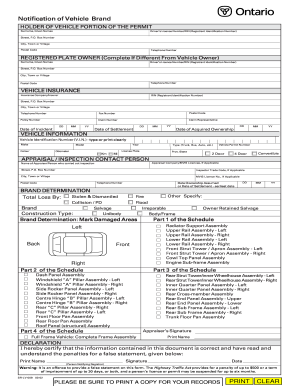
Mto forms online

Police report winnipeg

Aov background
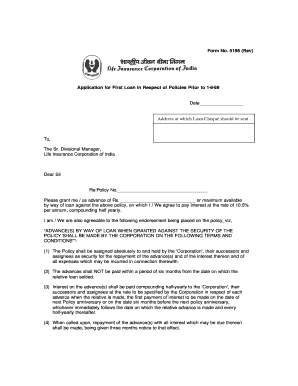
Lic loan form
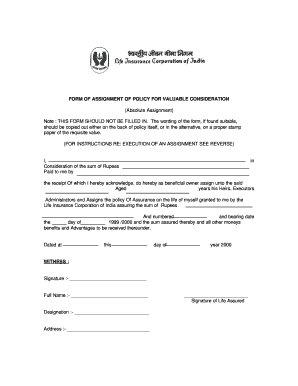
Lic reassignment form no 3857 download pdf
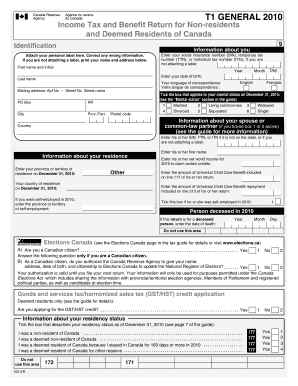
T1 general 2018
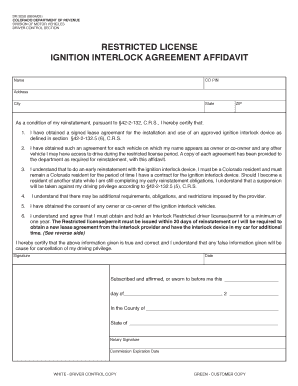
Interlock affidavit
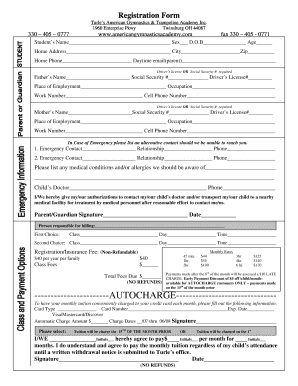
Turles gymnastics guest registration form
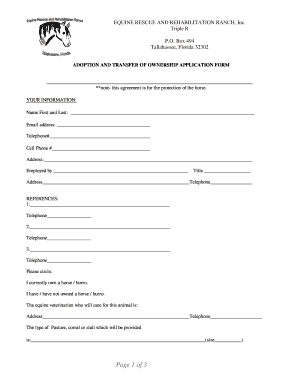
Horse adoption contract florida
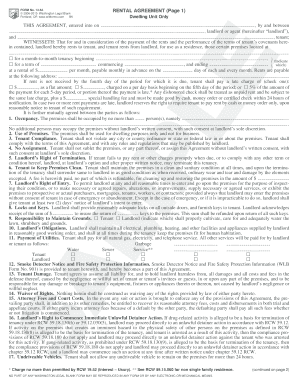
Form 13 5a pdf
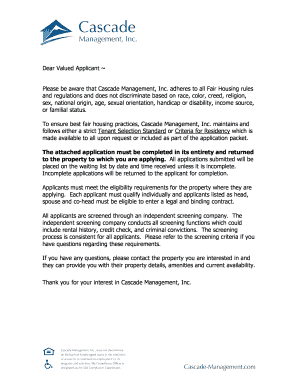
Cascade management low income housing

Form kitchen pass
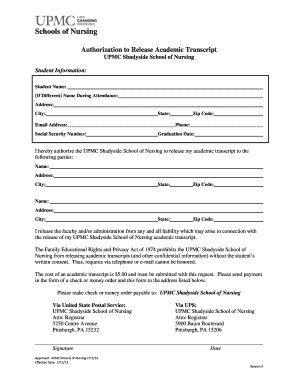
Upmc authorization school form
Sample submittal form
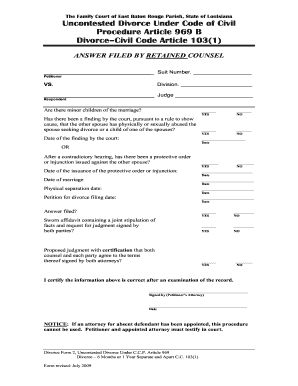
Louisiana uncontested divorce forms
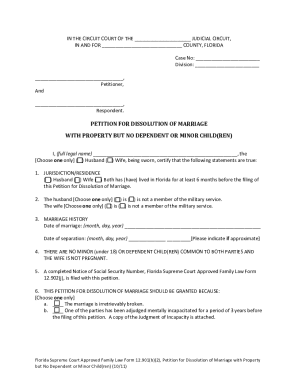
Florida Supreme Court Approved Family Law Form 12.901(b)(2), Petition for Dissolution of Marriage with Property but No Dependent or Minor Child(ren) (--/--). Florida Supreme Court Approved Family Law Form 12.901(b)(2),
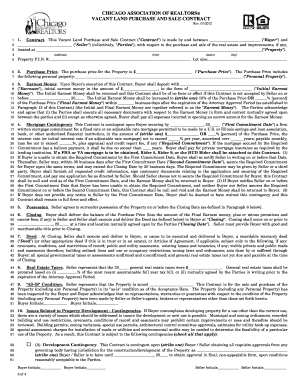
Contract chicago association realtors form
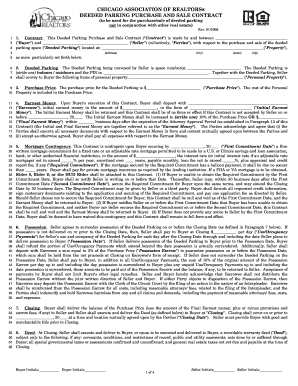
How to deeded parking
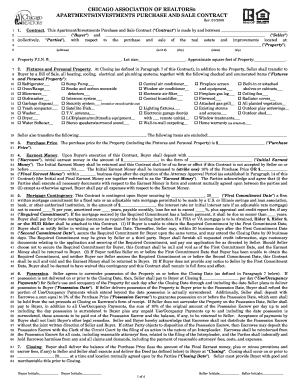
Investments purchase download
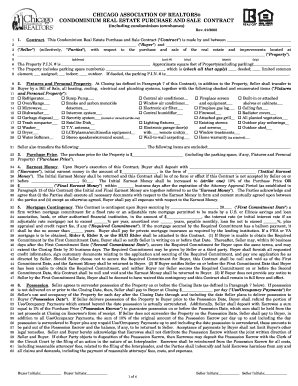
Chicago association of realtors condominium real estate purchase ...

Exclusive Right to Sell Listing Agreement - Chicago Association of ...
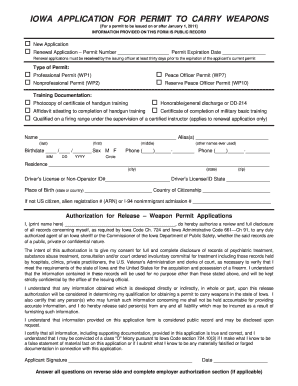
Ia permit carry
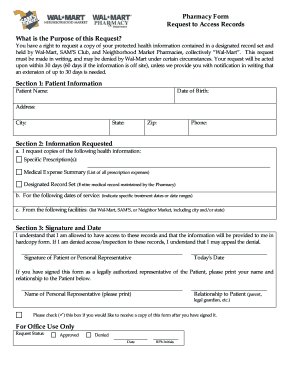
Walmart pharmacy subpoena compliance address

Statement of correction for equipment defect

Piercing release form

How to complete an answer and plan of care for court 2003 form
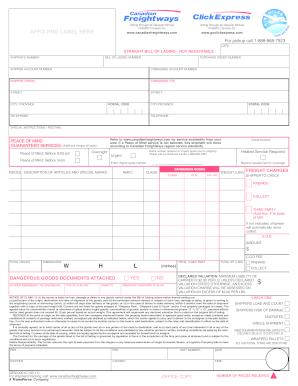
Canadian freightways bol
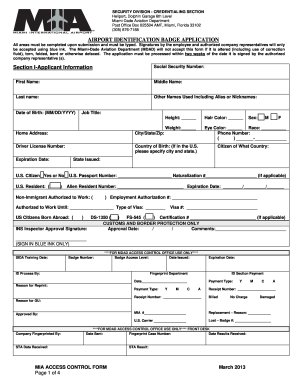
Miami international airport badge renewal form

Ordination questions and answers pdf

Penndot change of address

Second Grade Report Card - Virginia Beach City Public Schools

Idbi bank kyc form
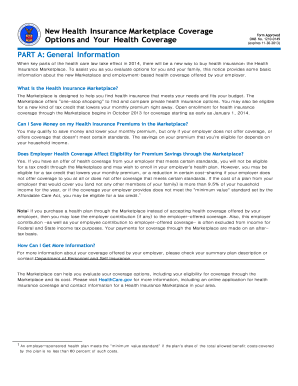
Omb 1210 0149 2013 form
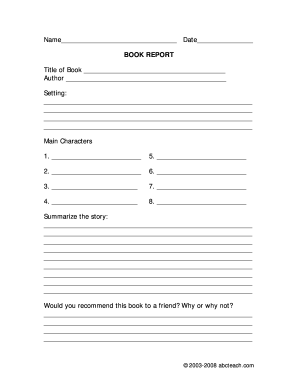
Recommend abcteach online

Hotel guest registration form pdf
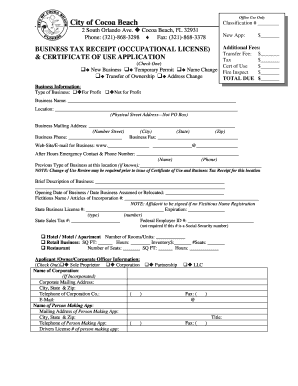
City of cocoa beach business tax receipt
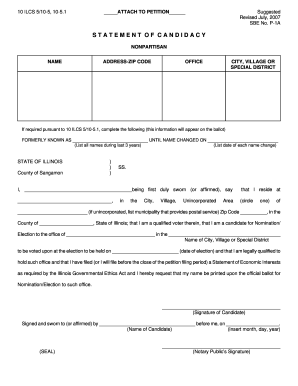
Illinois statement candidacy
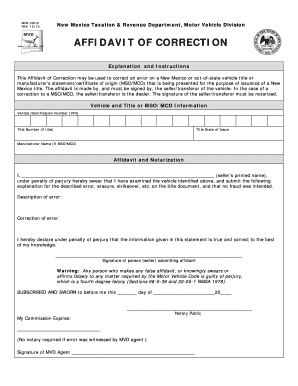
New mexico affidavit correction
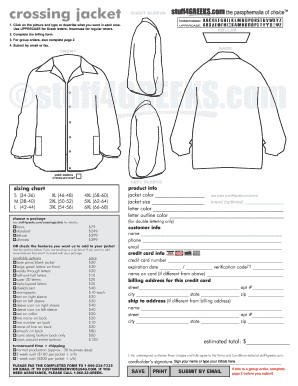
Line jacket template

New jersey form informed

Stromning gmail pdf
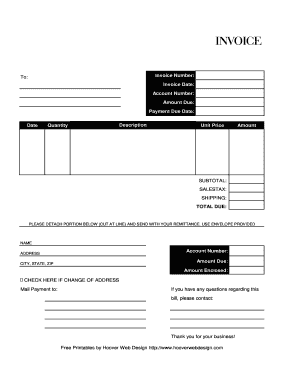
Estimate bill format
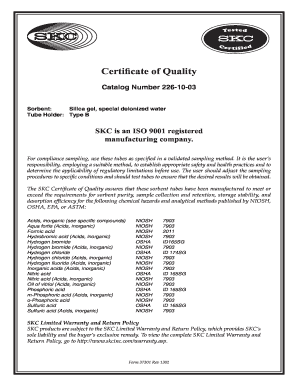
Certificate of quality template
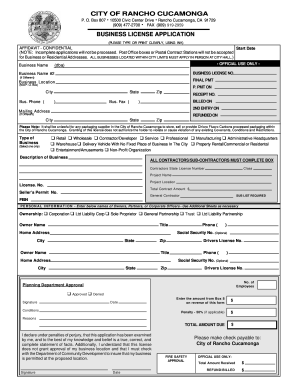
Rancho cucamonga business license
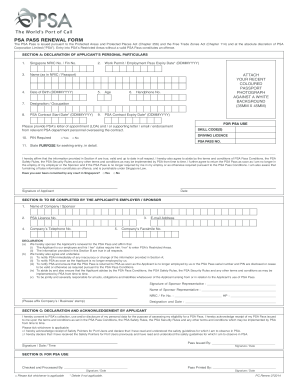
Psa pass renewal form
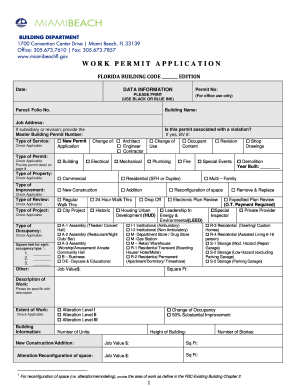
CITY OF MIAMI BEACH Application Forms - Building Permits Miami
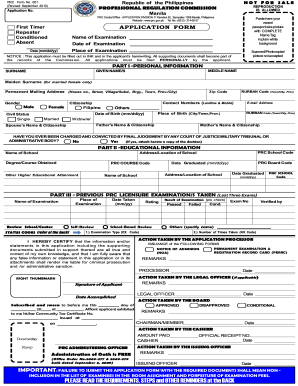
Prc renewal form
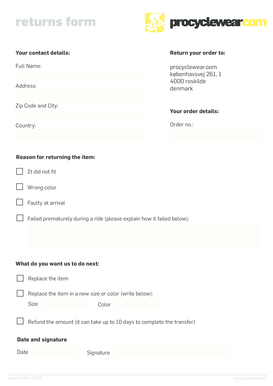
Johnny was returns
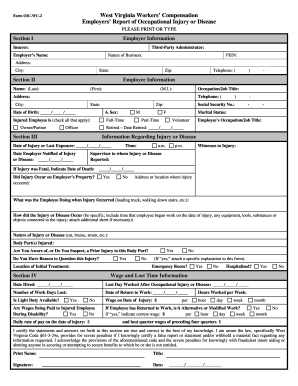
Wv workers compensation form employers

2257
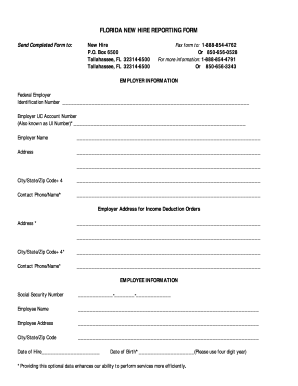
Florida new hire reporting form

Basketball roster template
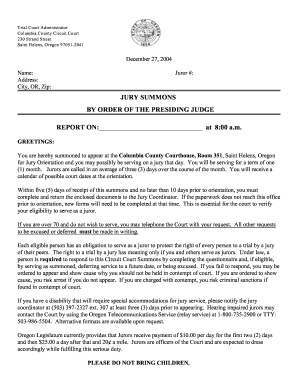
Jury Summons - Oregon Judicial Department - courts oregon
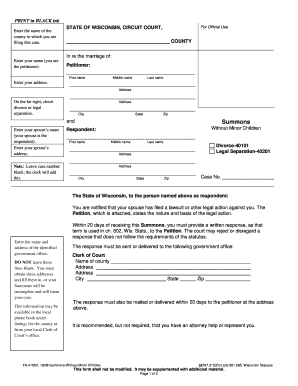
Fa 4105v
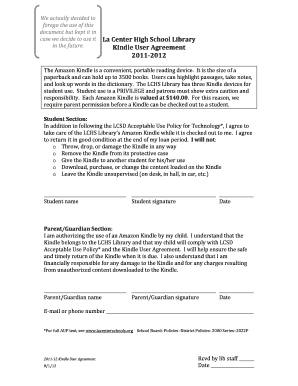
How to fill out downloaded forms online from amazon fire
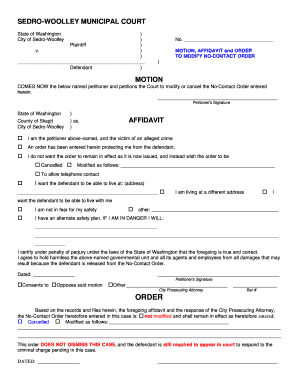
Motion no contact
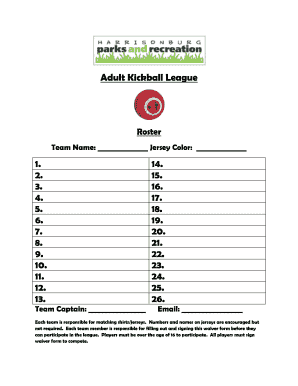
Kickball lineup sheet

Pda form
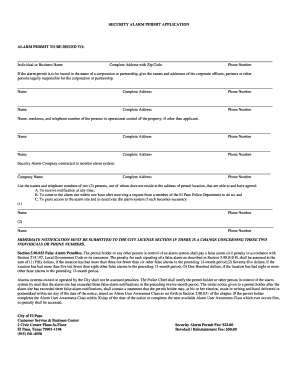
Texas alarm el paso
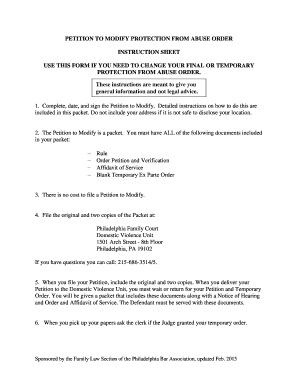
Philadelphia pfa
Benefit from the DocHub online library of fillable PDF forms
Searching the PDF forms doesn't have to be a tedious and time-consuming process. With the DocHub online library, it has become easier to find the fillable PDF forms and modify them in your browser. The service allows you to adjust the document to your needs using powerful editing tools.
You can use online document editing features to modify almost any type of document with ease. You just need to find the template of your choice, open it in the editor, and use the toolbar to make the necessary corrections.
Follow this guide to get your document done with DocHub:
- Find the PDF template you need.
- Click the Get Form button to open the file in the editor.
- Use the toolbar to fill out and edit the document.
- Easily add and highlight text, insert images, checkmarks, and symbols.
- Drop new fillable fields, and rearrange or delete pages from your file.
- Save changes and download your record.
DocHub empowers everyone to streamline document editing, signing, and distribution, and form completion. Create an account and benefit from our well-organized PDF Forms library and comprehensive editor.