
Get any PDF form from the DocHub library of ready-made templates - Page 1033
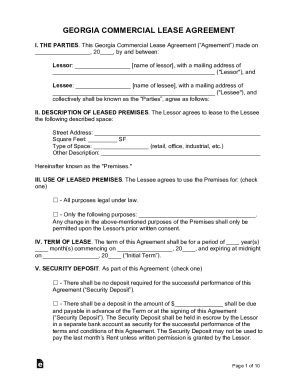
Commercial Lease Agreement Template Word Georgia
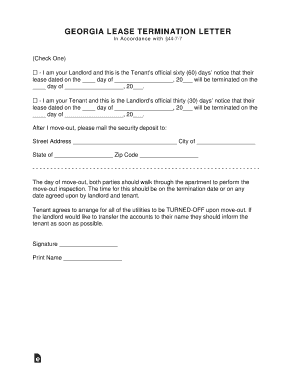
Georgia Notice Requirements to Terminate a Month-to-Month
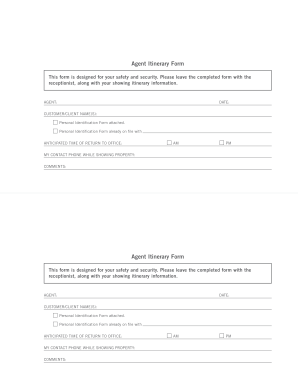
Agent Itinerary Form - garealtorcom
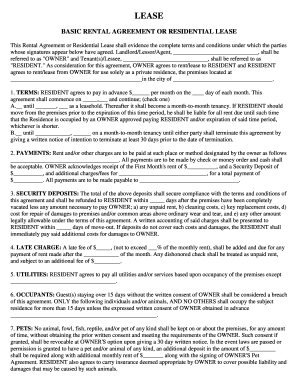
Home rental agreement template

Georgia sellers disclosure form 2023
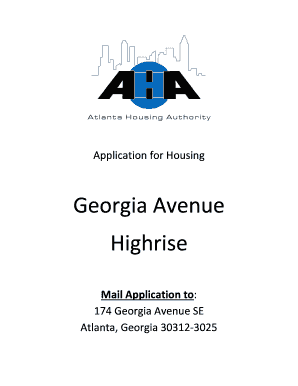
Georgia form aha housing application
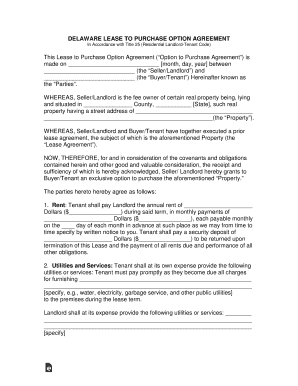
Delaware option

Delaware landlord tenant code
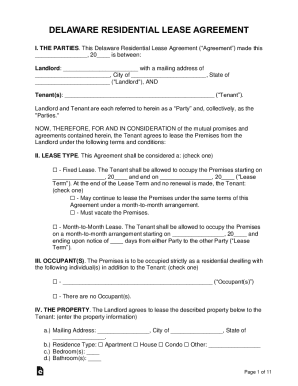
Delaware Standard Residential Lease Agreement

DELAWARE LEASE TERMINATION LETTER

De rental lease
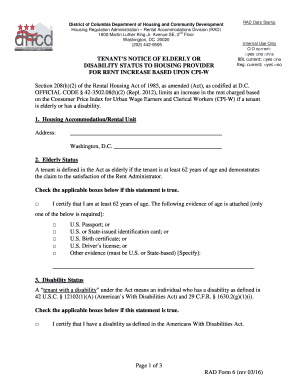
Rental accommodations division
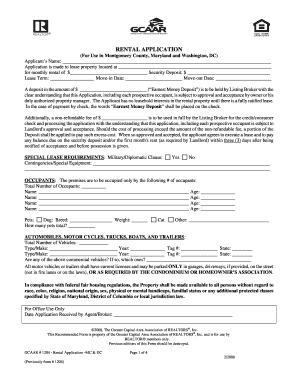
Gcaar application
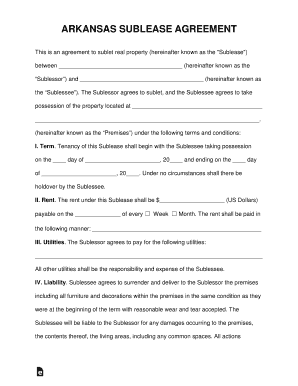
5520007FriedmanonLeasesP2 1 186 - Practising Law
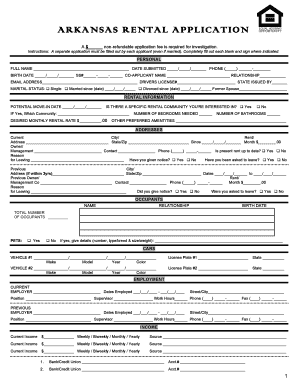
Application Information & FormsJohn C Formant Real
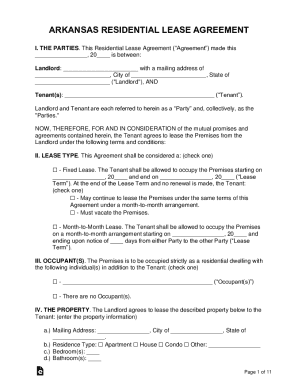
BASIC RENTAL AGREEMENT OR RESIDENTIAL LEASE8 important lease clauses for landlords - Cozy BlogFree R
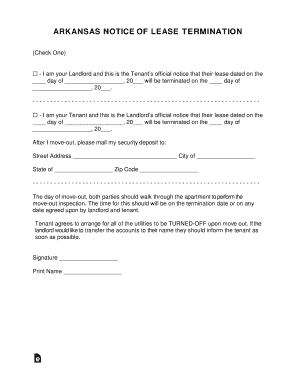
Arkansas Lease Termination Letter Form30-Day Notice
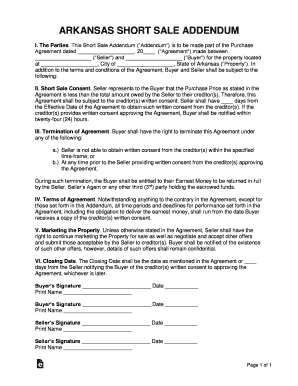
Arkansas Short Sale Addendum to Purchase Agreement
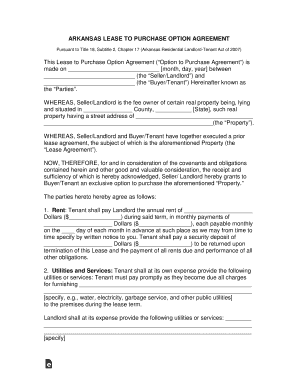
Agreement lease

Free Arkansas Rental Lease Agreement Forms And

Swimming Pool Rental Agreement - Fill and Sign Printable Template
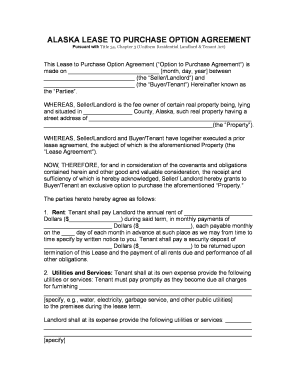
Free Alaska Lease to Own (Option to Purchase) Agreement

Alaska Termination Lease Letter Form30-Day Notice
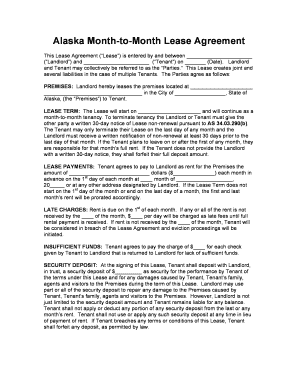
Tenant lease
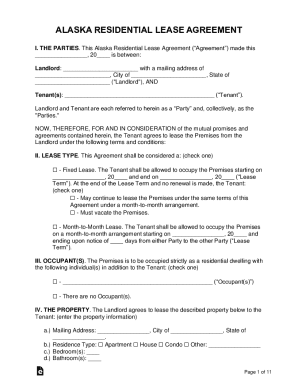
FREE Residential Lease Agreement Template PDF + PrintableAlaska Uniform Residential Landlord & Tenan
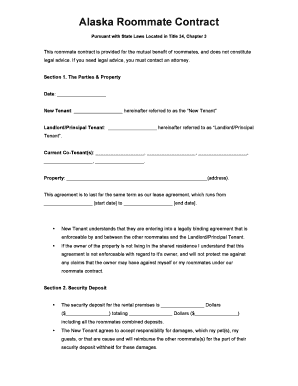
Alaska-roommate-agreement docx
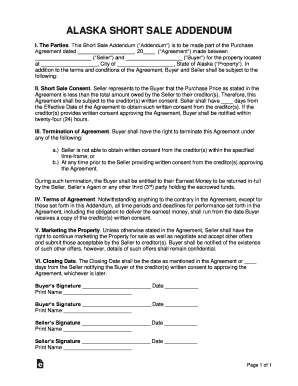
Alaska Short Sale Addendum to Purchase Agreement
Alaska landlord act

YORK-POQUOSON SHERIFF'S OFFICE
Sample Land Contract - Rural Law Center
Ra 42v form
Tenant participation fund

Standard form store lease template
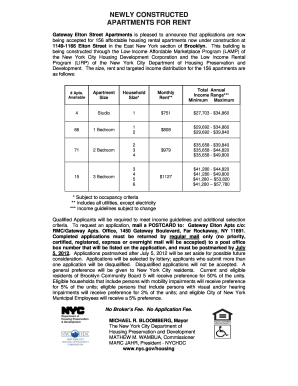
Gateway housing application

Bcba contract four units
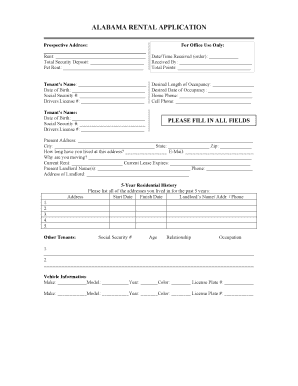
Alabama-rental-application docx
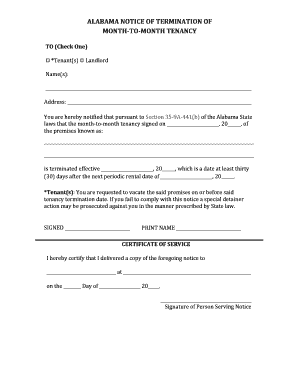
Alabama-notice-of-lease-termination doc
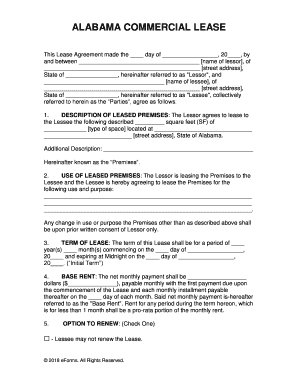
Alabama Commercial Lease Agreement
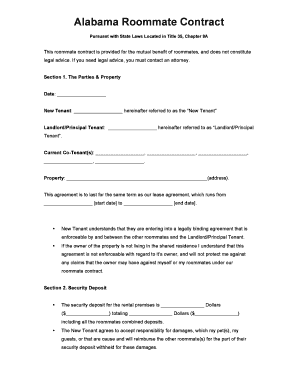
Alabama-roommate-agreement docx

ALABAMA SELLER S PROPERTY CONDITION DISCLOSURE STATEMENT
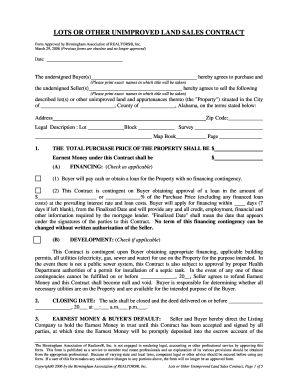
Alabama unimproved contract
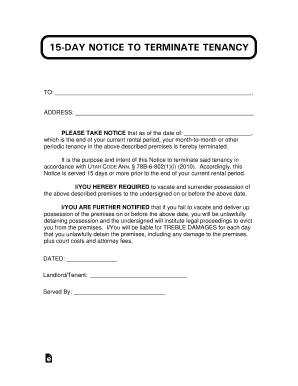
15-Day Notice to Terminate Tenancy Free Forms for Utah Landlords
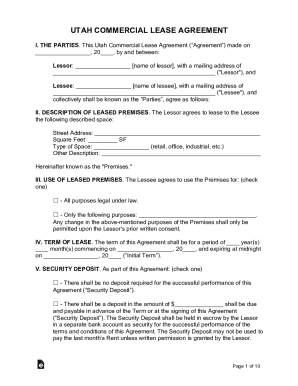
Freetempl utah-commercial-lease-agreementUtah Commercial Lease Agreement Form Sample Template

Fair Housing - Louisiana Attorney General

Louisiana moving out

How to louisiana property inspection
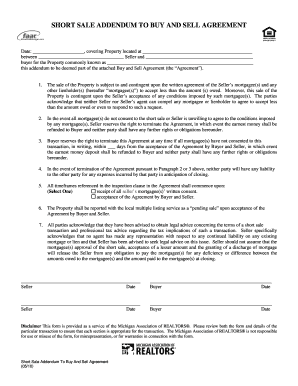
Michigan Short Sale Addendum

Hoa certification form
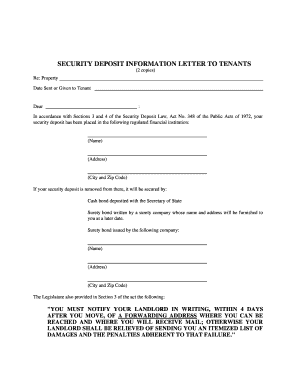
Code of Laws - Title 27 - Chapter 40 - Residential
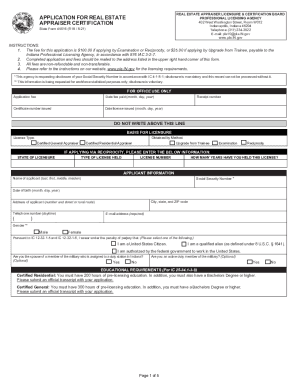
45016 form
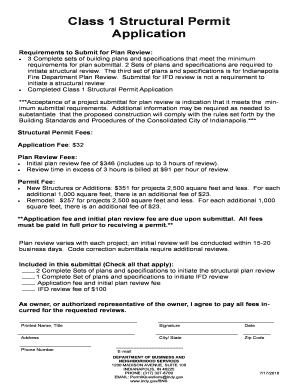
Class 1 structural
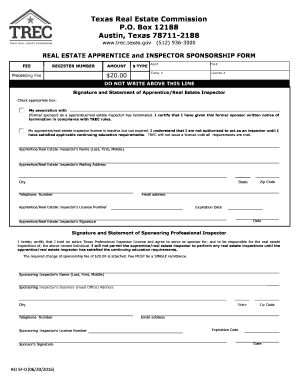
Trec rei sf form
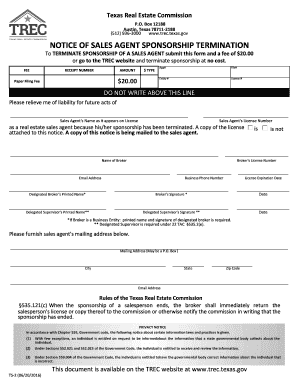
Texas ts 2
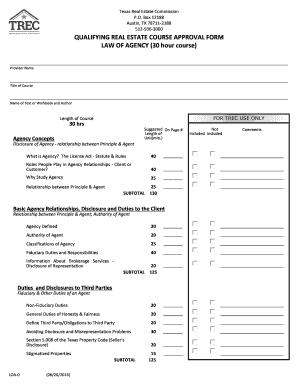
Texas loa agency
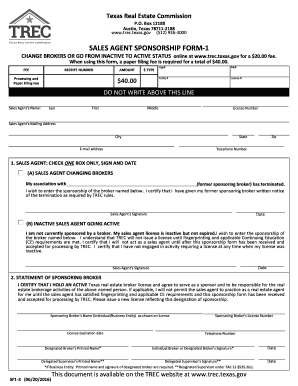
Trec sf1
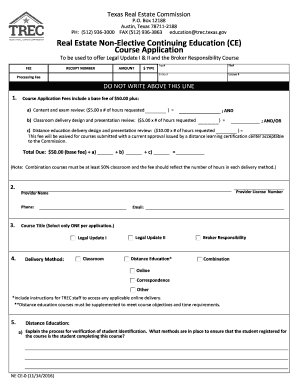
Ne ce non elective online

Texas application right of way
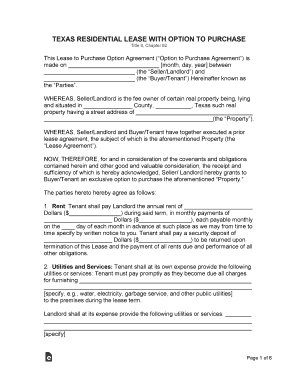
Free Texas Standard Residential Lease Agreement Template

Texas application inactive
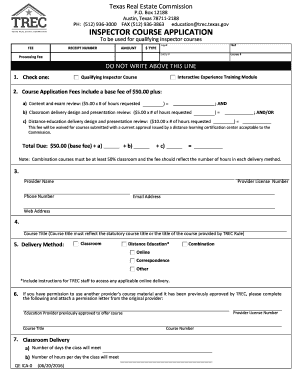
Qe ica application
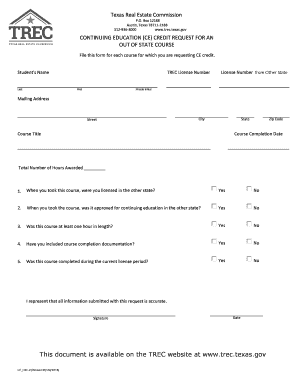
CONTINUING EDUCATION (CE) CREDIT REQUEST FOR AN

Continuing education
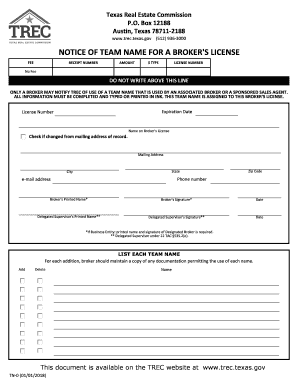
Tx trec tn
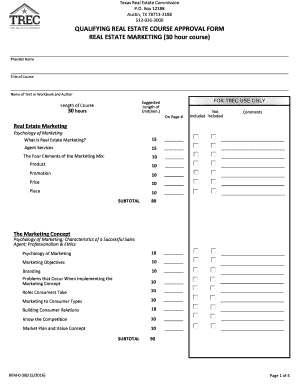
Texas real estate

Tx renewal business entity

Texas trec

Texas commitment letter
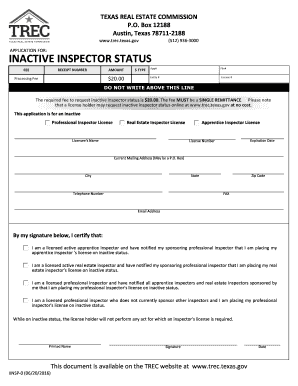
Inspector status my
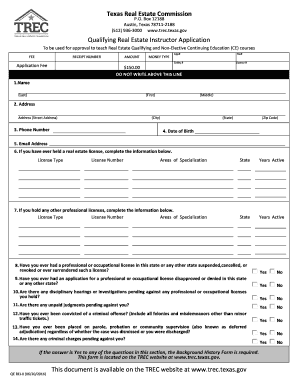
Texas trec
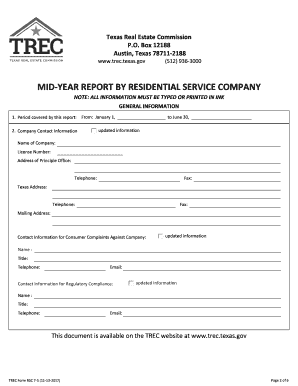
Mid year report company
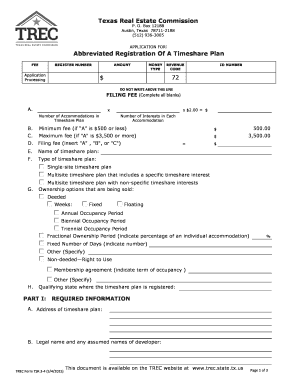
Texas trec tsr 3 form
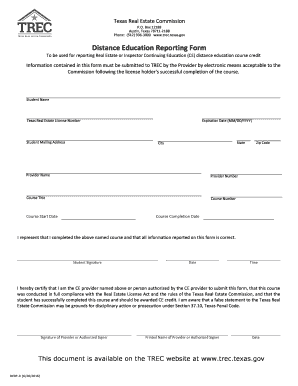
Texas trec
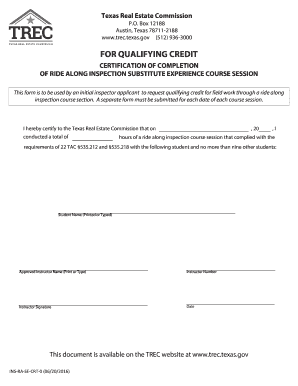
Tx certification
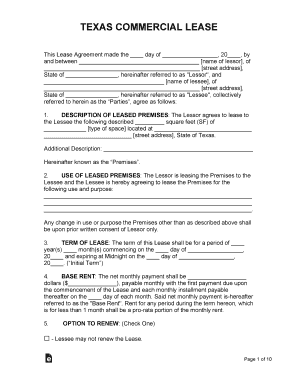
2015 texas
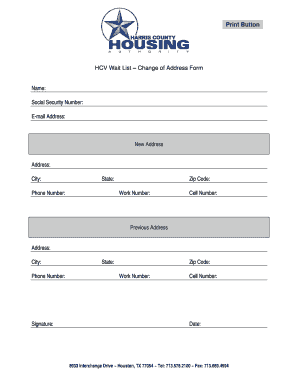
HCV Wait List Change of Address Form - HCHA - hchatexas
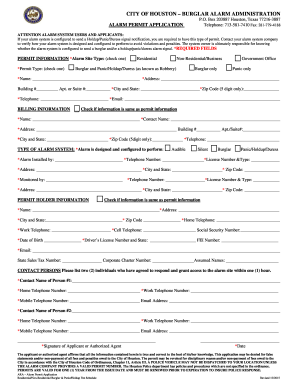
Houston alarm permit application online
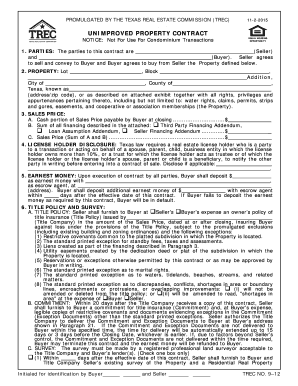
Trec no 9 12
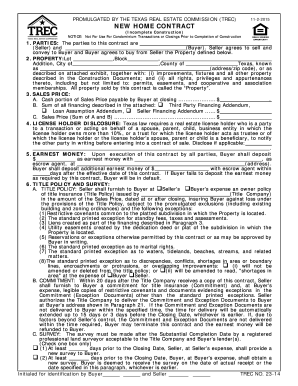
Tx trec form pdf
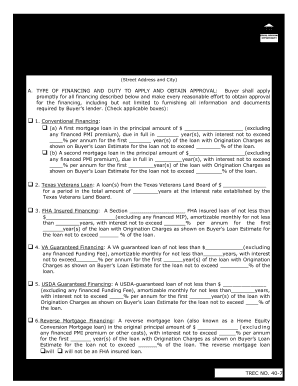
Tx third party financing form

Tx addendum sale

Purchase agreement instructions
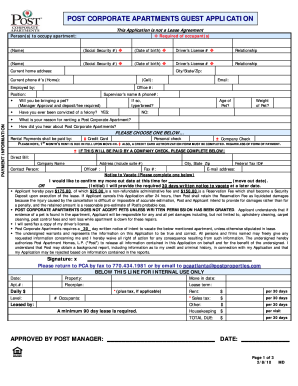
Pca guest application

Trec 9 11
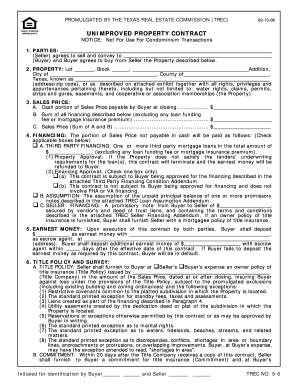
Texas property contract
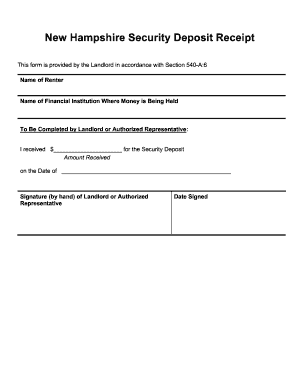
New-hampshire-security-deposit-receipt-form docx

Seller contract
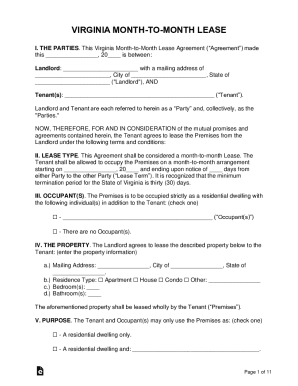
Free Virginia Lease AgreementsResidential & Commercial
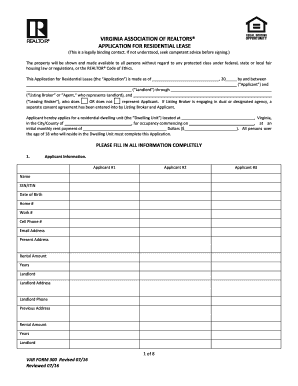
VAR Form 300 - Rental Application - Final
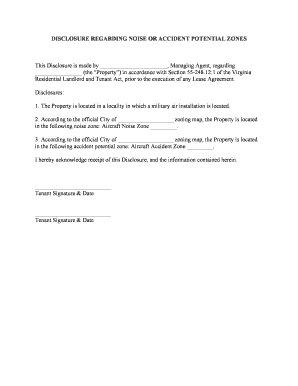
Virginia-air-base-disclosure-form docx
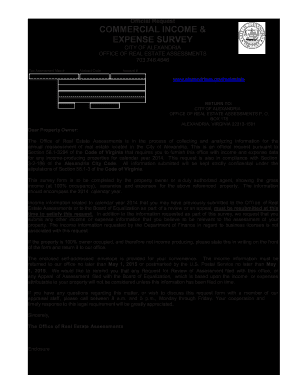
Income expense survey
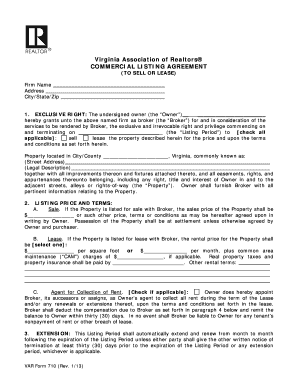
Commercial listing agreement
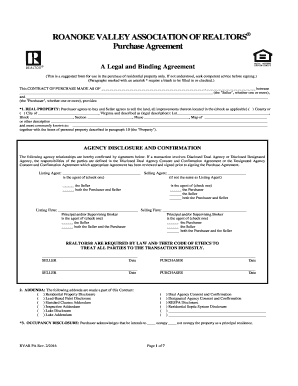
Roanoke valley association realtors purchase agreement
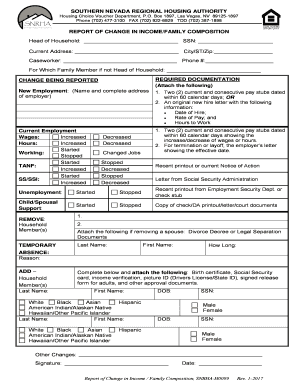
Snrha h0099 report change income
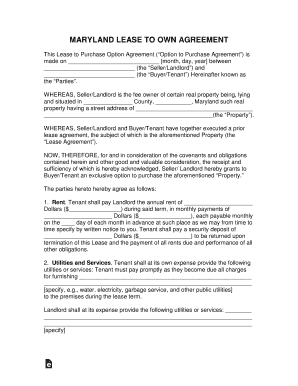
Office Lease Agreement, dated as of March 15, 2019, between
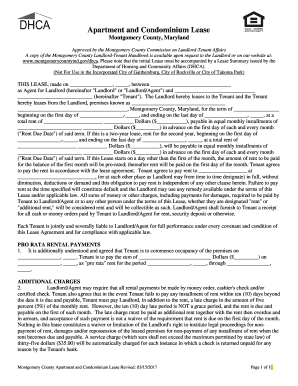
Who maryland apartment leases
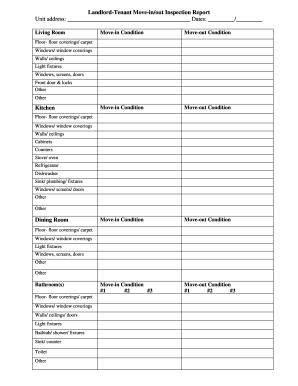
Landlord inspection report

MANNATECH INC - FORM 8-K - EX-10 2 - SUBLEASE BY AND
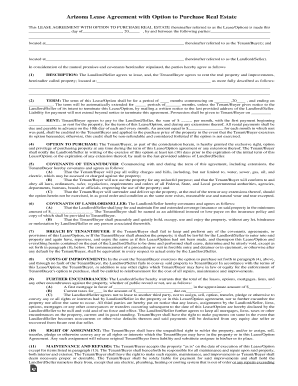
Free Arizona Lease with Option to Purchase (Lease to Own
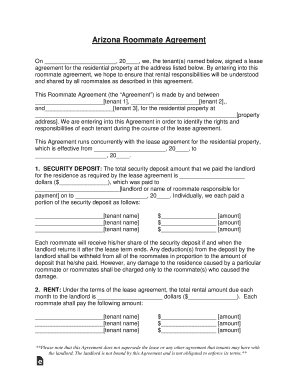
Roommate Rental Agreement Template - Get Free Sample
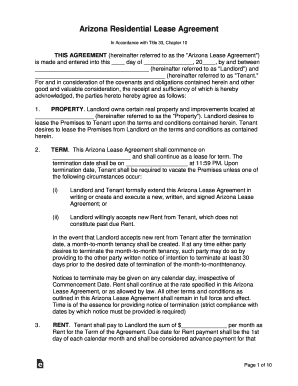
Free Arizona Standard Residential Lease Agreement Template
Benefit from the DocHub online library of fillable PDF forms
Searching the PDF forms doesn't have to be a tedious and time-consuming process. With the DocHub online library, it has become easier to find the fillable PDF forms and modify them in your browser. The service allows you to adjust the document to your needs using powerful editing tools.
You can use online document editing features to modify almost any type of document with ease. You just need to find the template of your choice, open it in the editor, and use the toolbar to make the necessary corrections.
Follow this guide to get your document done with DocHub:
- Find the PDF template you need.
- Click the Get Form button to open the file in the editor.
- Use the toolbar to fill out and edit the document.
- Easily add and highlight text, insert images, checkmarks, and symbols.
- Drop new fillable fields, and rearrange or delete pages from your file.
- Save changes and download your record.
DocHub empowers everyone to streamline document editing, signing, and distribution, and form completion. Create an account and benefit from our well-organized PDF Forms library and comprehensive editor.