
Get any PDF form from the DocHub library of ready-made templates - Page 10
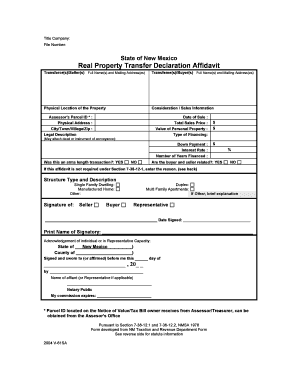
New Mexico Real Property Transfer Declaration Affidavit

Florida Home Education Annual Evaluation
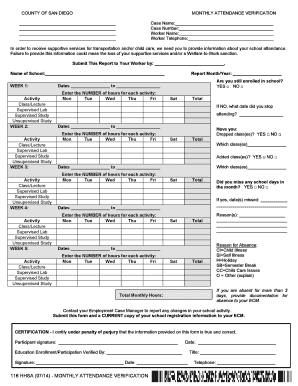
County of San Diego Monthly Attendance Verification

HUD-9887 Consent Form
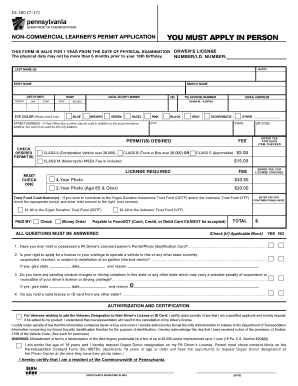
Pennsylvania Non-Commercial Learner's Permit Application

Antrag auf Wohngeld - Mietzuschuss Mietzuschuss - nur zum Ausdrucken

Oklahoma Teacher Certification Application
South Carolina Disability Placard and License Plate Application
Canada Pension Plan Death Benefit Application
Er Only or Title Only Statement
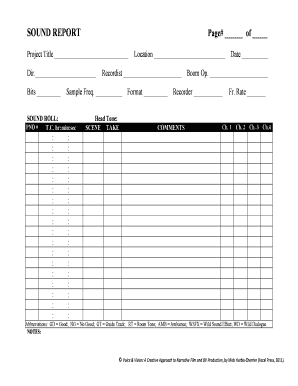
Sound Report Form

Illinois CRT-61 Certificate of Resale
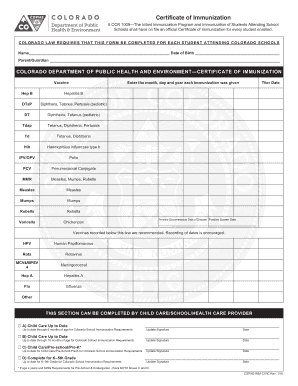
Colorado Certificate of Immunization

PIAA Comprehensive Initial Pre-Participation Physical Evaluation

Medicare Part B Employment Information Request

Highmark Authorized Representative Designation Form
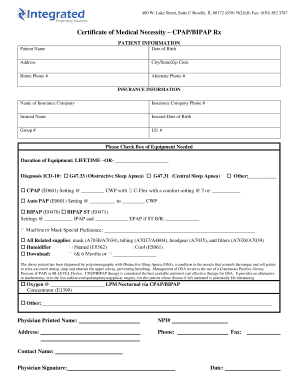
Certificate of Medical Necessity CPAP BIPAP Rx
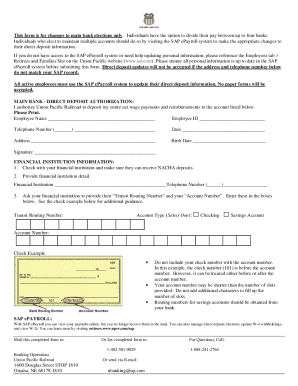
Union Pacific Direct Deposit Authorization

NFPA 13 Inspection Form
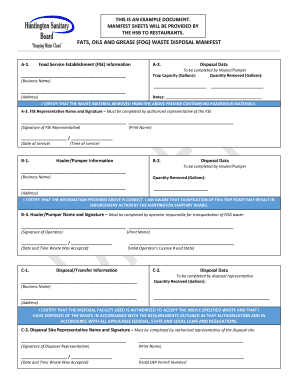
Fats, Oils and Grease Waste Disposal Manifest

New York Justice Center Notice to Mandated Reporters

South African VAT 262 Form

Pre-Surgical Medical Clearance Form
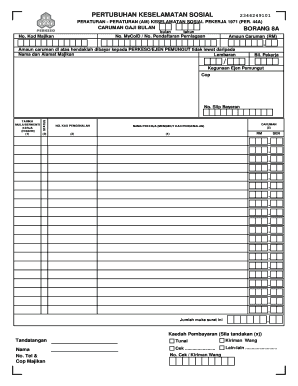
Malaysia Social Security Form 8A

US Federal Civil Cover Sheet

Aviso CP565
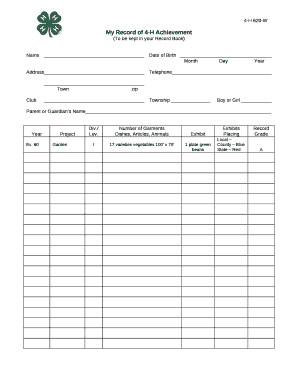
4-H Achievement Record Form
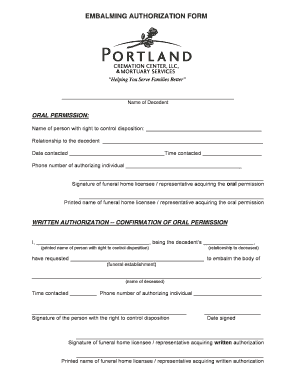
Embalming Authorization Form

Young Marines Physical Exam Form

USCIS Form G-845 Verification Request

Material Source Approval Request
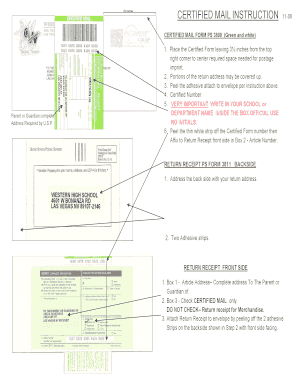
USPS Certified Mail Form PS 3800
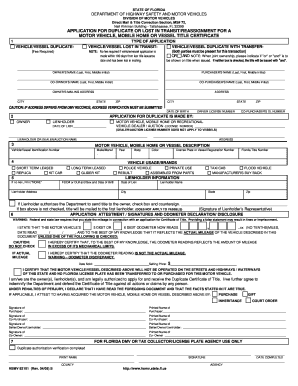
Florida Duplicate Motor Vehicle Title Application
Medicare Opt-Out Form

Certificate of Current Cost or Pricing Data
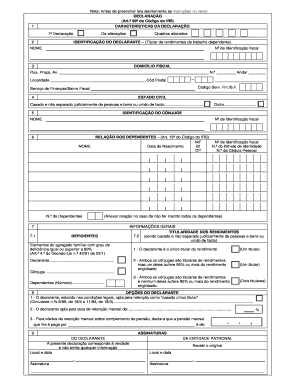
Declara o de IRS

Non-Resident Pakistani Biometric Verification Exemption Undertaking
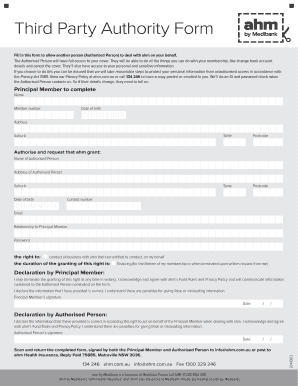
Third Party Authority Form
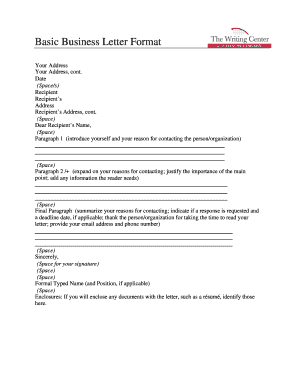
Business Letter Format
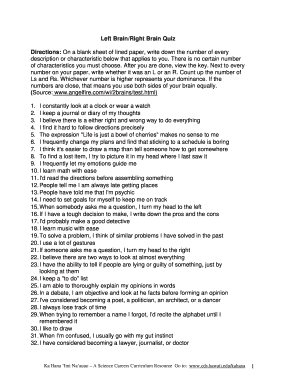
Left Brain Right Brain Quiz
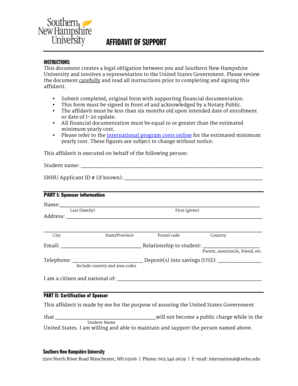
Affidavit of Support for SNHU
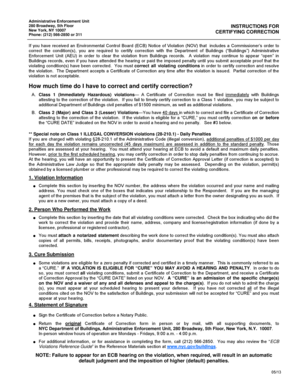
Certificate of Correction Form

The Hartford Mental Health Attending Physician s Statement

Aspira Drainage System Discharge Prescription Form

M C Dean Vendor and Subcontractor Survey

VA Form 40-1330M

ROYAL EMBASSY OF SAUDI ARABIA IN PARIS MEDICAL REPORT - dsachs
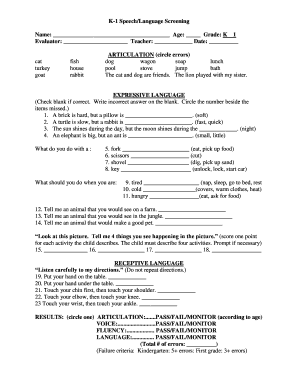
K-1 Speech Language Screening Form
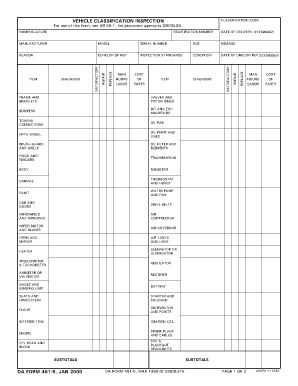
Vehicle Classification Inspection Form
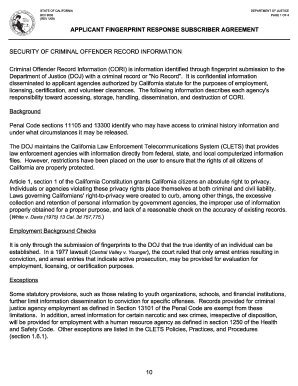
California Applicant Fingerprint Response Subscriber Agreement
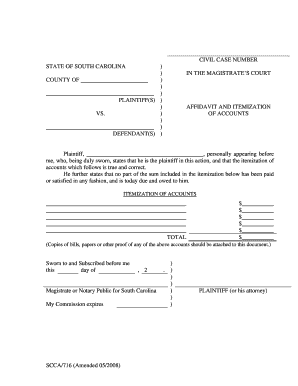
South Carolina Affidavit and Itemization of Accounts
Therapy Daily Log
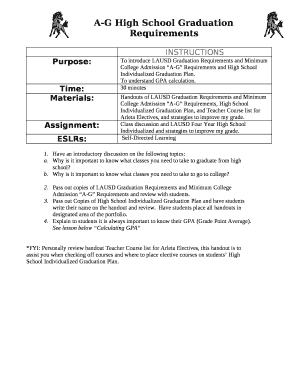
LAUSD A-G High School Graduation Requirements
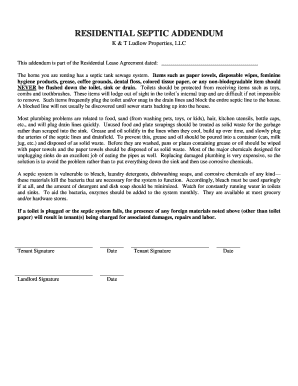
Residential Septic Addendum

New York Rifle Shotgun Permit Application

New York Notice to Quit for Non-Compliance
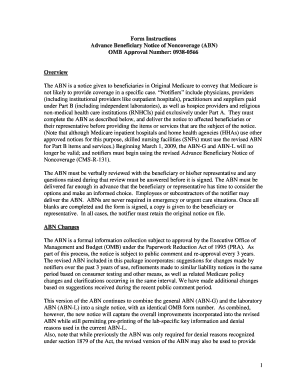
Advance Beneficiary Notice of Noncoverage
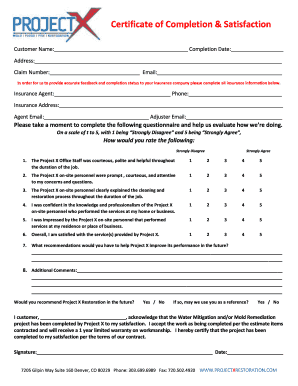
Certificate of Completion and Satisfaction

Roommate Agreement

Vanguard Restore Account Access Form
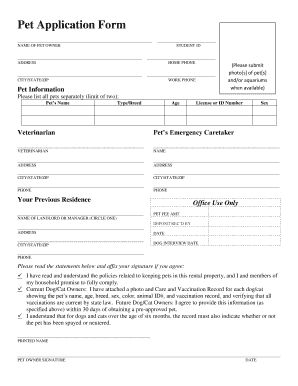
Pet Application Form

Power of the Pyramids Graph Paper
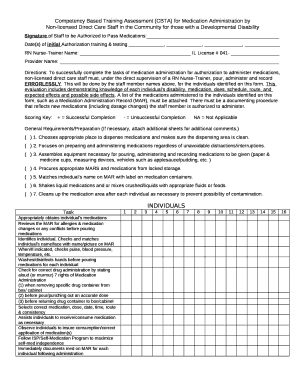
Competency Based Training Assessment for Medication Administration

Louisiana Informed Consent for Abortion Form

Consent Form for Case Reports

Adult Proxy Form
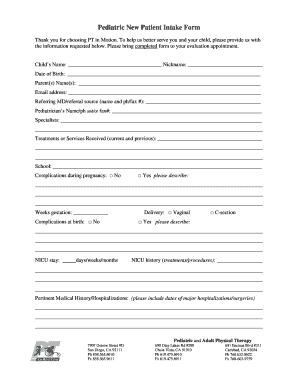
Pediatric New Patient Intake Form
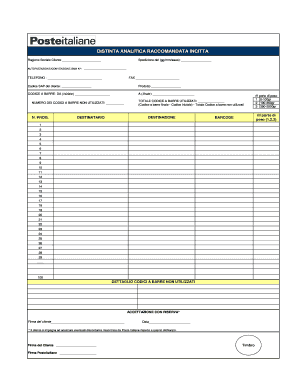
Distinta Analitica Posta Registrata
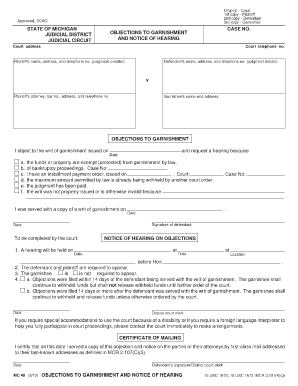
Michigan Objections to Garnishment Form
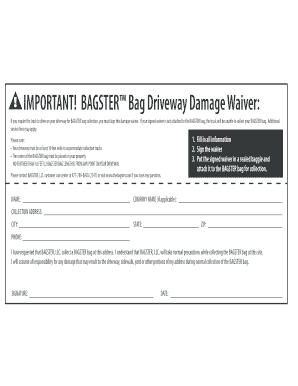
BAGSTER Driveway Damage Waiver
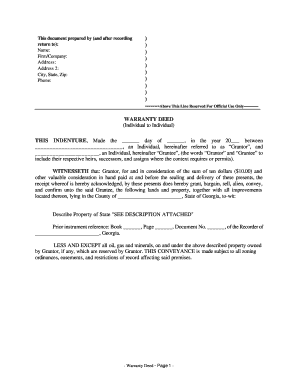
Georgia Warranty Deed

New York Servicemark Registration Form
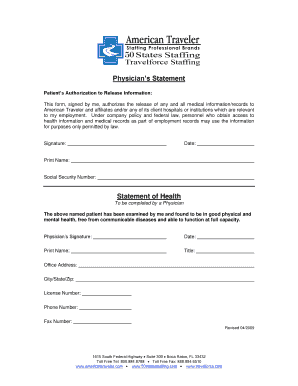
Physician s Statement Authorization

Medicare ASCA Waiver Request Form

Den Chief Service Award Form

Kentucky Certificate of Title Application
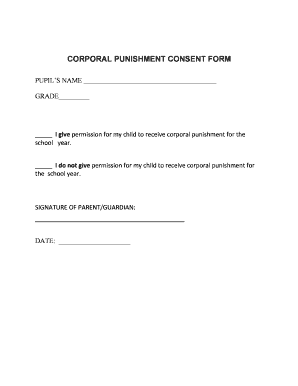
Corporal Punishment Consent Form
2025 Form M1X Amended Minnesota Income Tax

Increasing Decreasing Constant Worksheet
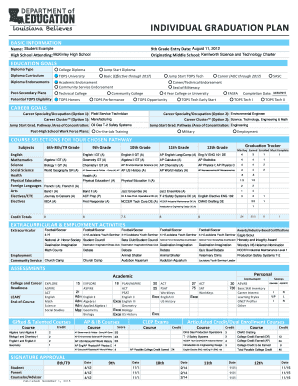
Louisiana Individual Graduation Plan
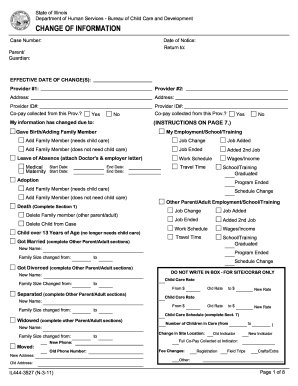
Illinois Child Care Change of Information Form
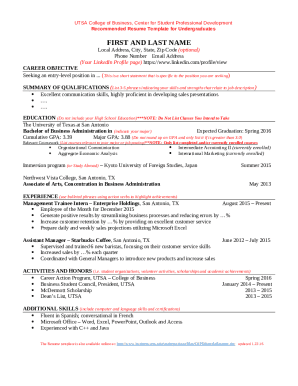
UTSA Resume Template for Undergraduates

DRA Observation Guide for The Wonderful Day
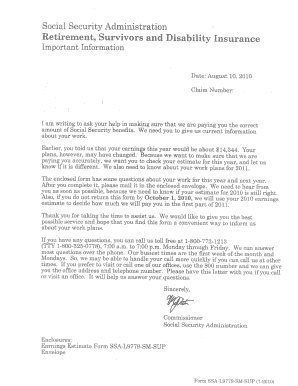
Ssa l9781 sm 7 2022
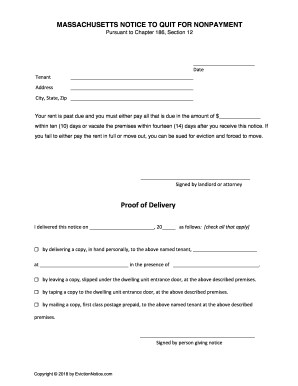
Massachusetts Notice to Quit for Nonpayment
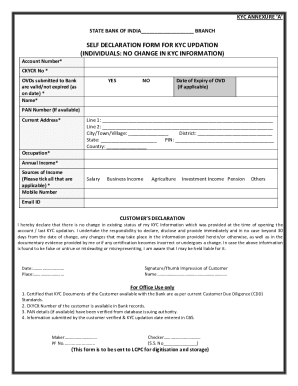
KYC Self Declaration Form
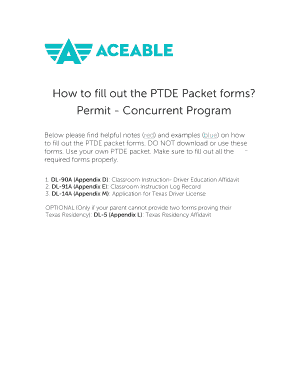
Texas Driver Education Affidavit

BMI Calculator Form

De La Salle University Manila Admission Consent Form

Peanut Butter and Jelly Sandwich How-To
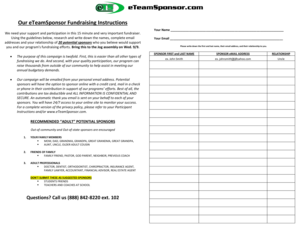
ETeamSponsor Fundraising Instructions

Construction Performance Bond
European Breakdown Cover Claim Form
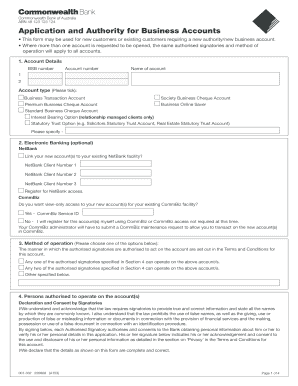
Business Account Application Form
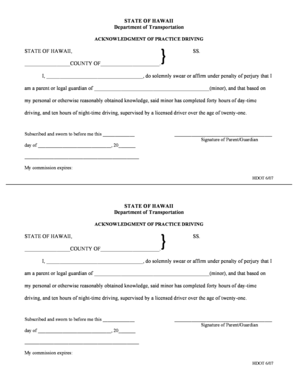
Hawaii Practice Driving Acknowledgment
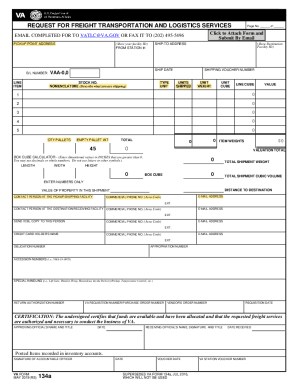
VA Form 134a Freight Transportation Request

Pag-IBIG Member's Contribution Remittance Form
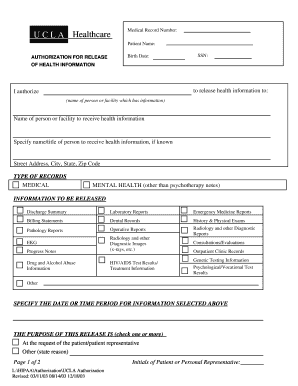
UCLA Healthcare Authorization for Release of Health Information

Washington State Collateral Information Form
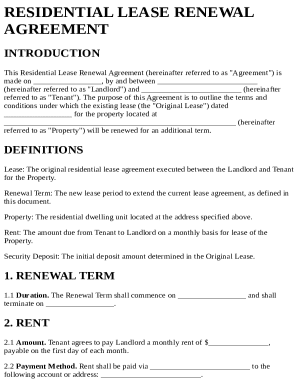
Residential lease renewal agreement
Benefit from the DocHub online library of fillable PDF forms
Searching the PDF forms doesn't have to be a tedious and time-consuming process. With the DocHub online library, it has become easier to find the fillable PDF forms and modify them in your browser. The service allows you to adjust the document to your needs using powerful editing tools.
You can use online document editing features to modify almost any type of document with ease. You just need to find the template of your choice, open it in the editor, and use the toolbar to make the necessary corrections.
Follow this guide to get your document done with DocHub:
- Find the PDF template you need.
- Click the Get Form button to open the file in the editor.
- Use the toolbar to fill out and edit the document.
- Easily add and highlight text, insert images, checkmarks, and symbols.
- Drop new fillable fields, and rearrange or delete pages from your file.
- Save changes and download your record.
DocHub empowers everyone to streamline document editing, signing, and distribution, and form completion. Create an account and benefit from our well-organized PDF Forms library and comprehensive editor.