
Get any PDF form from the DocHub library of ready-made templates - Page 12
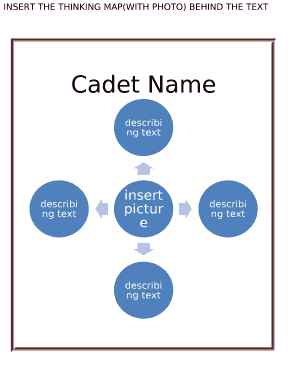
JROTC Cadet Portfolio Template
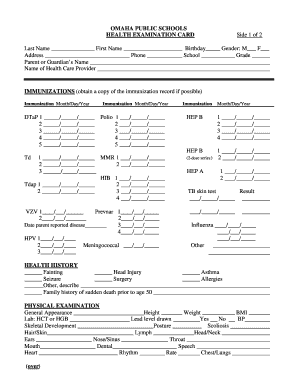
OMAHA PUBLIC SCHOOLS Health Examination Card

Medicare Annual Wellness Health Questionnaire

Overseas Citizenship of India (OCI) Checklist
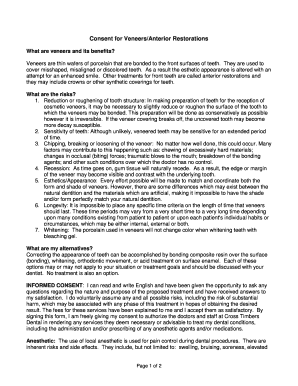
Consent for Veneers Anterior Restorations

Drug Screen Authorization Form

Maryland Client Services Annual Recertification Form
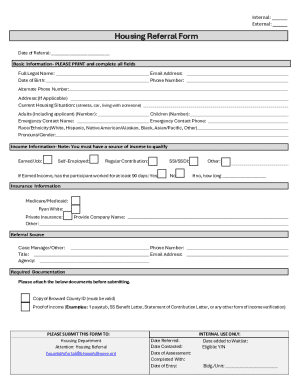
Housing Referral Form

UK Customs Declaration CN 23

UK Statutory Maternity Pay Form SMP1
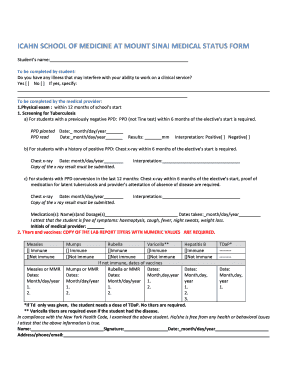
Medical Status Form
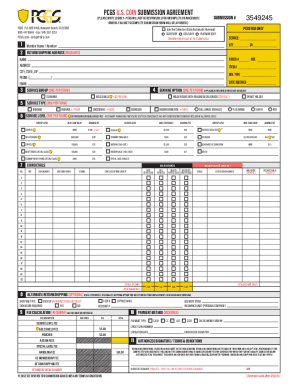
PCGS US Coin Submission Agreement
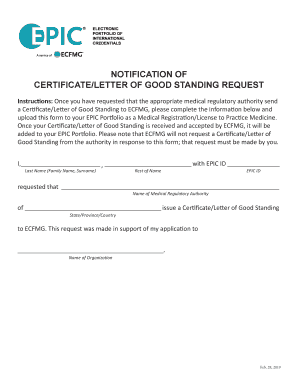
Certificate of Good Standing Request Form
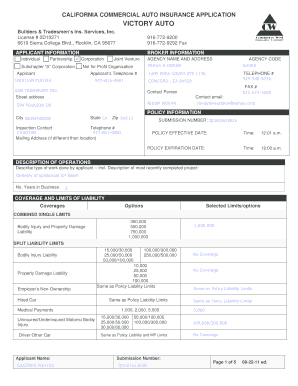
California Commercial Auto Insurance Application
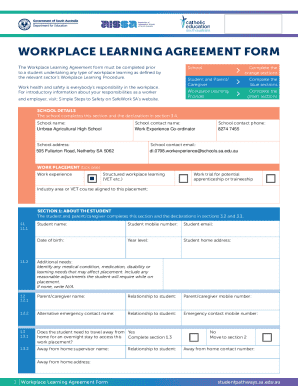
Workplace Learning Agreement Form
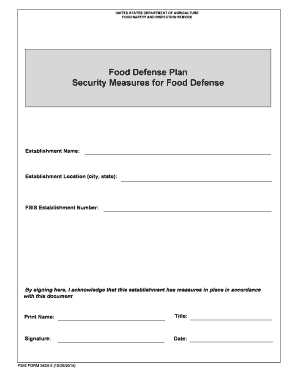
USDA Food Defense Plan Form 5420-5

Canada T1 Adjustment Request Form
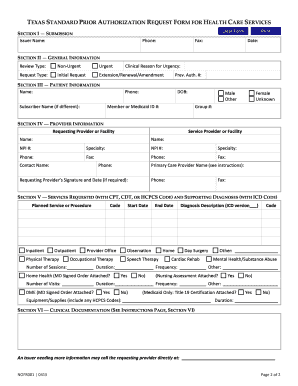
Texas Pre-Authorization Request Form
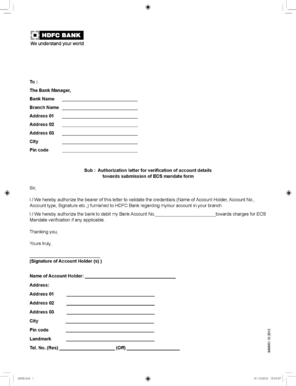
(ECS) Mandate - HDFC Bank
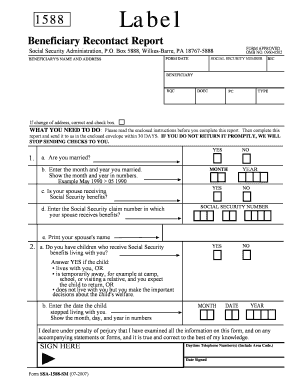
Beneficiary Recontact Report
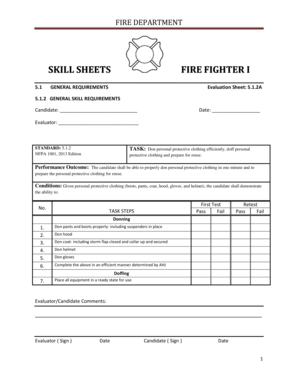
Firefighter I Skill Sheets

Adult Tuberculosis Risk Assessment Questionnaire
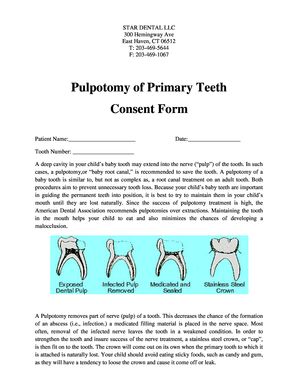
Pulpotomy Consent Form

Bradford White Warranty Return Form

Form 91 pdf

OCDD Waiver Daily Service Log Progress Note

Arizona Form 450

Power of Attorney for Energy Supply Contracts

City of Houston Occupancy Inspection Application
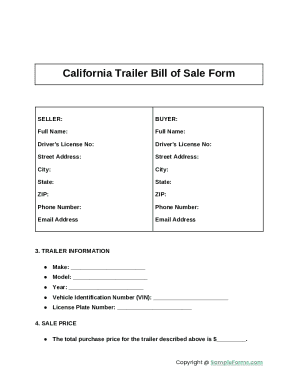
California Trailer Bill of Sale Form

Toothpick Puzzles Activity Sheet

Building Permit Application Form BA1

Telehandler Forklift Pre-use Inspection Checklist
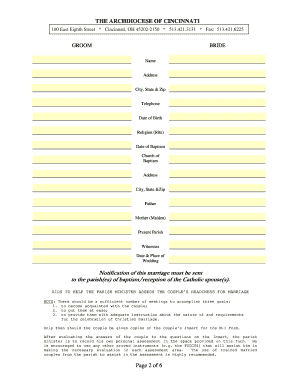
Archdiocese of Cincinnati Prenuptial Investigation M-1 Form
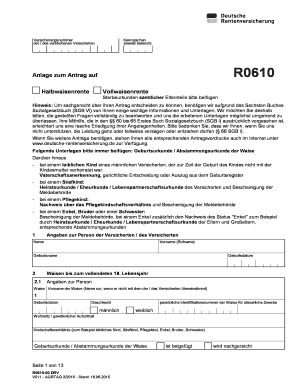
Anlage zum Antrag auf R0610

Nomination of Beneficiaries Form
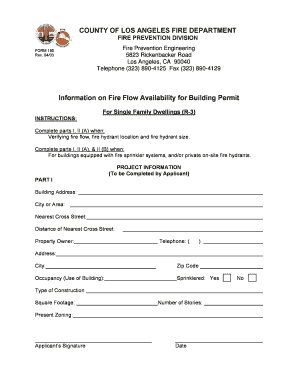
Los Angeles Fire Flow Availability Form
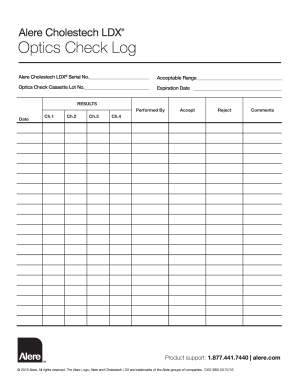
Alere Cholestech LDX Optics Check Log
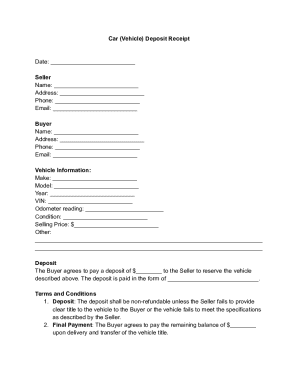
Car Deposit Receipt

Unfallbericht Schadenanzeige
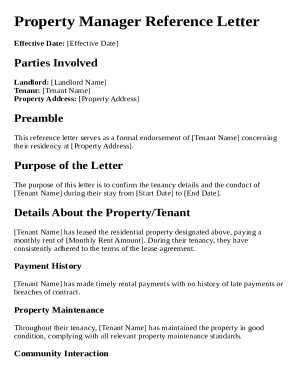
Property Manager Reference Letter Template
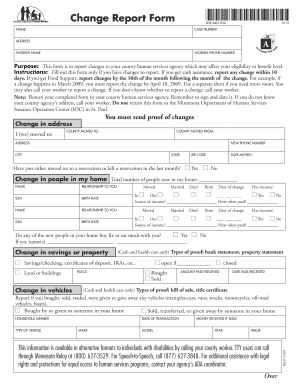
Change Report Form DHS-2402-ENG
Montana Medicaid Expansion Community Engagement Exclusions Form
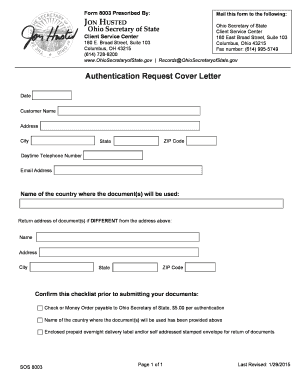
Ohio Authentication Request Cover Letter

VA Form 21-0781a Statement for PTSD Service Connection
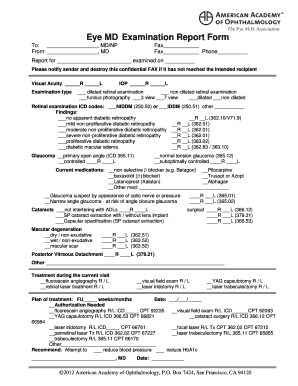
Eye MD Examination Report Form

Roommate Application

Federal Reserve Consumer Complaint Form
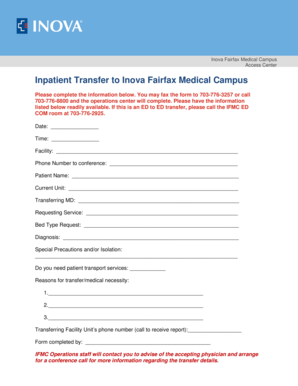
Inpatient Transfer Form
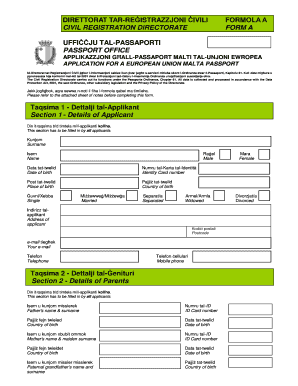
Malta EU Passport Application Form A
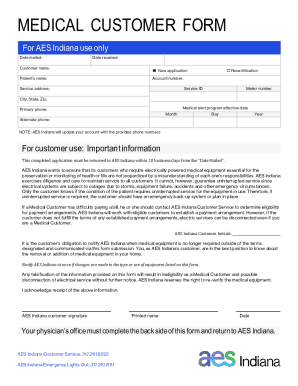
AES Indiana Medical Customer Form
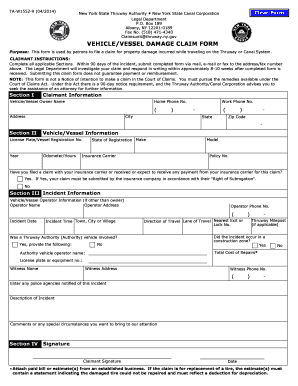
New York Vehicle Vessel Damage Claim Form
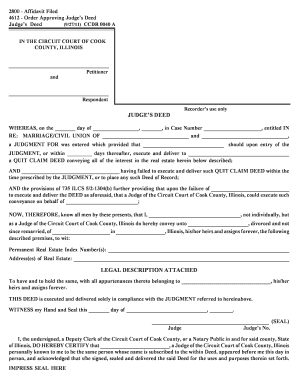
Judge s Deed Affidavit

Canadian Veterinary Urolith Centre Submission Form

Interim Footwear Invoice
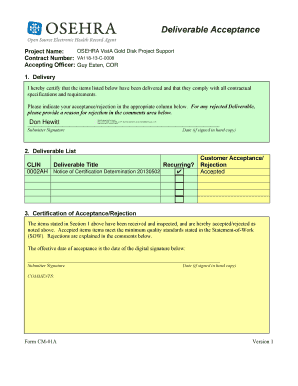
Deliverable Acceptance Form

Ontario Application for Funding Mobility Devices

California Energy Service Agreement for Occupant

GIZ-Afghanistan Job Application Form

Direct Deposit Authorization Agreement

Property Management Authorization Agreement

HRV Balance Certificate
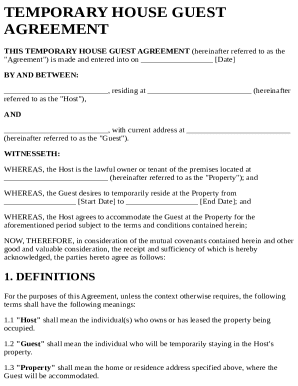
Temporary house guest agreement

California Affidavit of Non-Use
IRS Form 990 2024

Litter Registration Application

Gambling Symptom Assessment Scale (G-SAS)
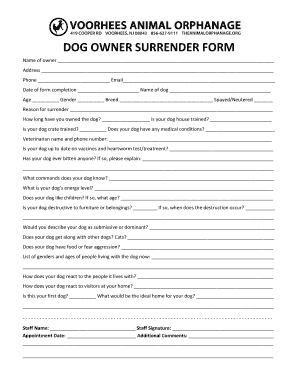
Dog Owner Surrender Form

IRP6 Provisional Tax Return 2005
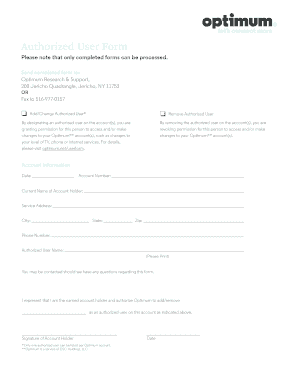
Optimum Authorized User Form

Order of Operations Error Analysis Worksheet

Vodafone DSL Umzugsformular

Certified Nursing Assistant Skills Checklist

Residential Property Disclosure Form

Michigan Camp Registration Card

Family Investment Administration Medical Report Form 500

Commercial Electric Service Request Form

One-Page Simple Business Plan
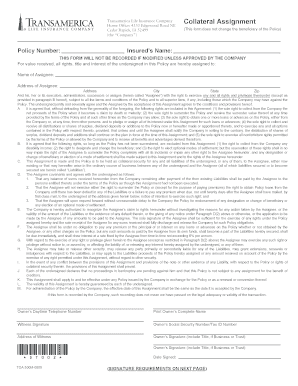
Transamerica Life Insurance Company Collateral Assignment
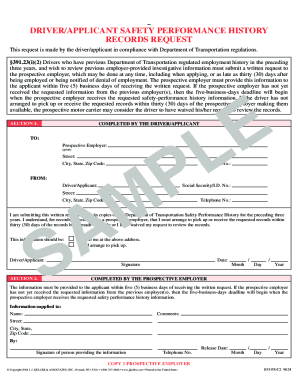
DOT Driver Safety Performance History Request

1099 Employee Agreement Template
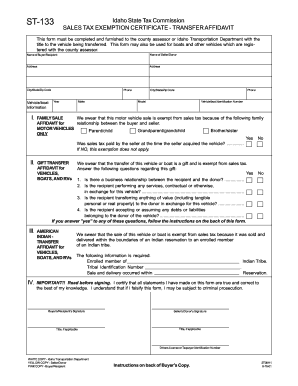
Idaho Sales Tax Exemption Certificate

Employer Authorization Form
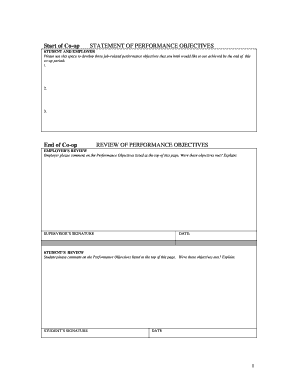
Northeastern University Co-op Performance Evaluation Form

Student Refund Request Form

Australian Taxable Payments Annual Report

California Request for Hearing to Challenge Disqualified Person Determination

Public Storage Lease Rental Agreement
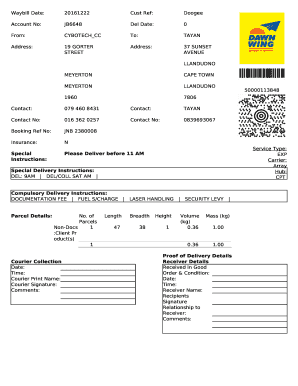
Waybill Form

Medicaid Transportation Request Form
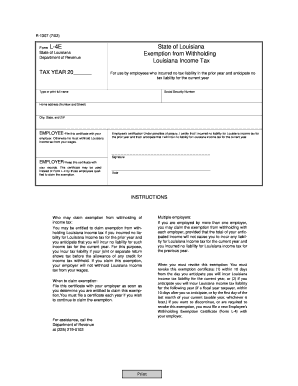
Louisiana Exemption from Withholding Form L-4E

Karnataka Groundwater Authority Borewell Application
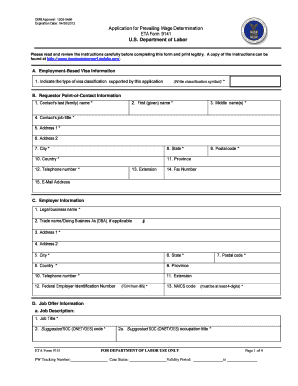
Application for Prevailing Wage Determination

Authorization Letter To Sell Car

PHFA Form 63 Counseling Referral Form
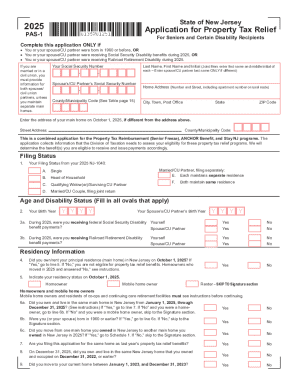
New Jersey PAS-1 Property Tax Relief Application
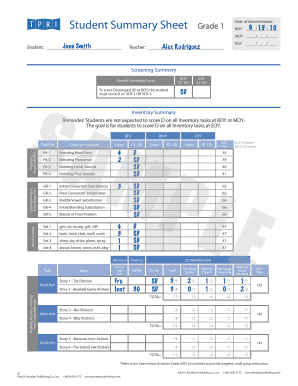
Student Reading Assessment Form
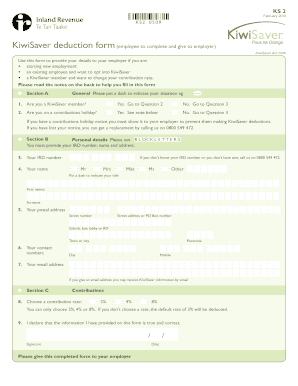
KiwiSaver Deduction Form
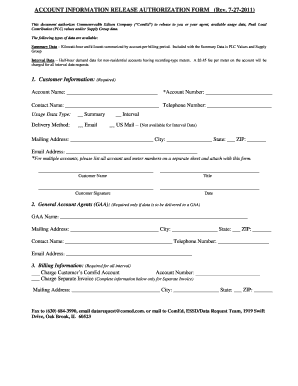
ComEd Account Information Release Authorization Form

Employees' Provident Fund Composite Claim Form
Benefit from the DocHub online library of fillable PDF forms
Searching the PDF forms doesn't have to be a tedious and time-consuming process. With the DocHub online library, it has become easier to find the fillable PDF forms and modify them in your browser. The service allows you to adjust the document to your needs using powerful editing tools.
You can use online document editing features to modify almost any type of document with ease. You just need to find the template of your choice, open it in the editor, and use the toolbar to make the necessary corrections.
Follow this guide to get your document done with DocHub:
- Find the PDF template you need.
- Click the Get Form button to open the file in the editor.
- Use the toolbar to fill out and edit the document.
- Easily add and highlight text, insert images, checkmarks, and symbols.
- Drop new fillable fields, and rearrange or delete pages from your file.
- Save changes and download your record.
DocHub empowers everyone to streamline document editing, signing, and distribution, and form completion. Create an account and benefit from our well-organized PDF Forms library and comprehensive editor.